How to Run a Multi-Campus Academy (or Client Portals) on One LMS
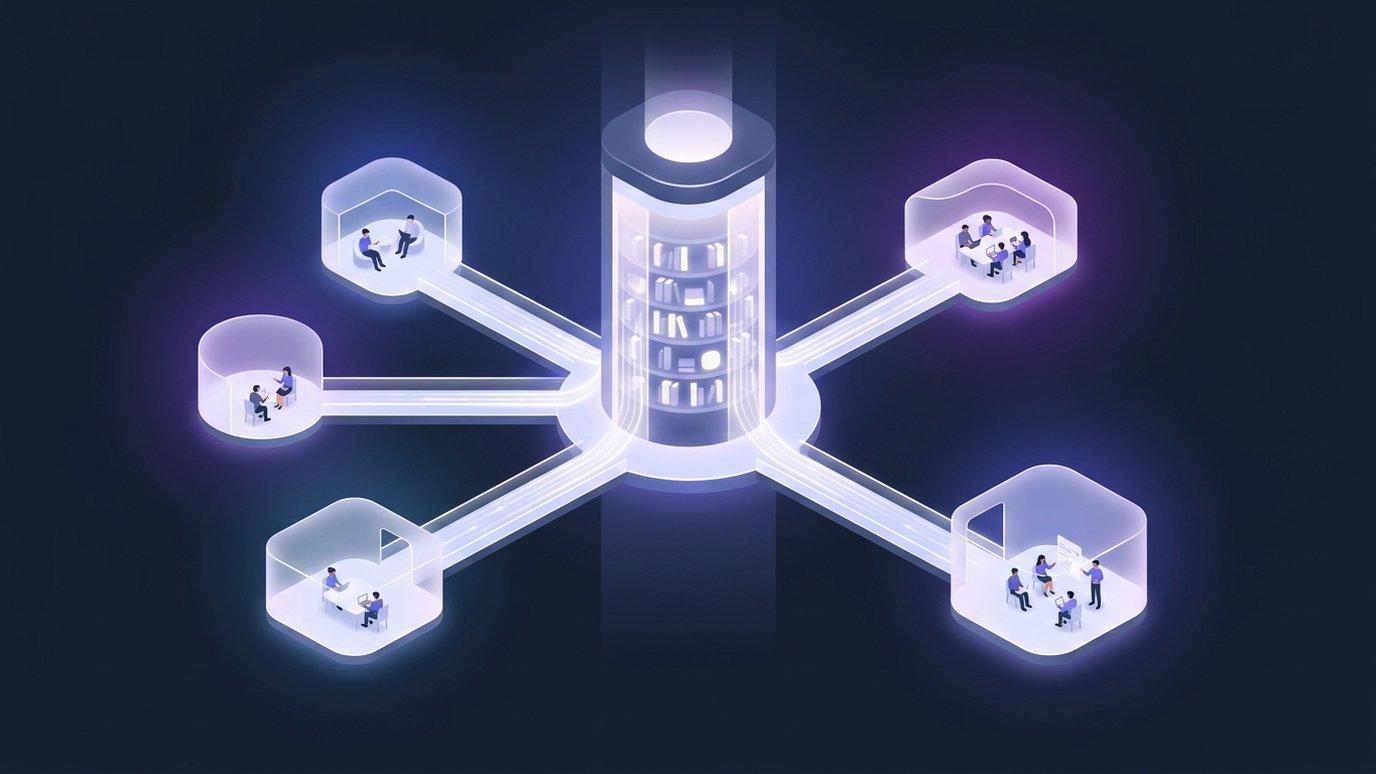
An academy's first year is simple: one catalog, one set of instructors, one list of students. The complexity arrives with the second location — or the second corporate client, or the second region a government programme runs in. Suddenly the same courses need to be taught by different people to different learners, under rules that say the two groups must never see each other.
The second-location problem
Look closely and there are really two questions hiding inside “we're opening another campus.” The first is about content: who owns the curriculum, and how many copies of it exist? The second is about people: whose learners are these, who may see their grades, and where does the accountability sit? Most platforms force you to answer both the same way, and that's where the pain starts.
Two answers that don't work
Faced with the fork, organizations usually pick one of two bad options.
- One shared space for everyone. Cheap to set up, and it collapses on contact with reality: the Lagos campus can browse the Nairobi campus's students, a corporate client's portal shows another client's learners, and every report is a filtering exercise nobody trusts. In regulated or commercially sensitive settings this isn't a nuisance — it's disqualifying.
- A separate platform per campus. Isolation by brute force. Now the same course exists in four places and drifts in four directions, a curriculum fix has to be applied four times, and answering “how many people completed onboarding across the group?” means four exports and a spreadsheet.
The right split isn't “share everything” or “share nothing.” It's share the catalog, isolate the roster.
What to share and what to isolate
EduGears AI LMS draws that line explicitly. An organization sits above its campuses and owns the things that should be maintained once. Each campus owns the things that belong to its own learners.
| Lives at the organization | Lives in each campus |
|---|---|
| Course catalog | Students and their enrollments |
| Programs and departments | Classes, rosters, and schedules |
| Question bank | Grades and gradebooks |
| Branding and identity | Certificates issued to its learners |
Practically: your instructional designers maintain one version of a course, and every campus teaches from it the day it changes. Meanwhile a campus administrator opens a class, enrolls their own students, grades their own submissions, and issues their own certificates — without ever encountering another campus's people.
Isolation that isn't a promise
Plenty of platforms will tell you campuses are separated. The question worth asking is where the separation is enforced. If it's a filter in application code, then it holds exactly as long as every query, every report, and every future feature remembers to apply it — and the failure mode is a campus admin seeing rows they should never have seen.
On EduGears AI the separation lives in the database. Every campus-scoped table carries row-level security, so a query issued in the wrong campus context doesn't return the wrong rows — it returns nothing. The rule is enforced underneath the application rather than inside it, which means it also covers the code nobody has written yet.
Rollups without surveillance
Isolation is only half the requirement. The people running the organization still need one number for enrollment, one number for completion, and one view of how campuses compare — otherwise the group is flying blind and someone rebuilds the spreadsheet you were trying to eliminate.
So organization dashboards and reports aggregate across every campus, while each campus's own dashboards stay scoped to its own learners. Head office sees the shape of the whole network; a campus sees its own classroom. Nobody has to choose between oversight and confidentiality.
Who actually runs this way
- Multi-location academies — one curriculum, taught in five cities, with local instructors and local cohorts.
- Franchise and partner networks — the brand owner maintains the courses and the standard; each partner runs its own students under it.
- Corporate training providers — a campus per client, so each customer gets what feels like a private portal while you maintain one catalog behind all of them.
- Government and sector programmes — a national curriculum delivered by regional bodies, each accountable for its own learners, with programme-wide reporting at the centre.
The corporate case is worth dwelling on, because it changes the economics of selling training. Onboarding a new client stops being a platform project and becomes an afternoon: create the campus, invite their administrator, point them at the shared catalog.
Standing one up
Creating campuses is self-service from the organization console — you add a campus and invite the person who will run it, and they take it from there. There's no support ticket in the loop and no separate contract per location, which matters when the whole point is that adding the next campus should be cheap.
Running more than one location, region, or client? We'll map your structure onto organizations and campuses on a call.
Book a demoFAQ
Do campuses share the course catalog automatically?
Yes. Courses, programs, departments, and the question bank are maintained at the organization level and are available to every campus, so a curriculum update lands everywhere at once instead of being copied around.
Can one campus see another campus's students or grades?
No. Students, classes, grades, and certificates belong to a single campus, and the separation is enforced by row-level security in the database rather than by a filter in application code.
Who administers each campus?
You invite a campus admin per campus from the organization console. They manage their own people and classes; the organization keeps the catalog, the branding, and the group-wide reporting.
Can the organization still see the whole picture?
Yes. Organization dashboards and reports roll up across every campus, while each campus's own views stay scoped to its own learners.
Перегляньте свою академію на EduGears AI LMS
Забронюйте демо, і ми покажемо вам живий орендатор, оформлений як ваша академія — ваше ім'я, ваші кольори, ваш домен.
Забронювати демо →