AI Grading in a Full LMS vs. Standalone Grading Tools
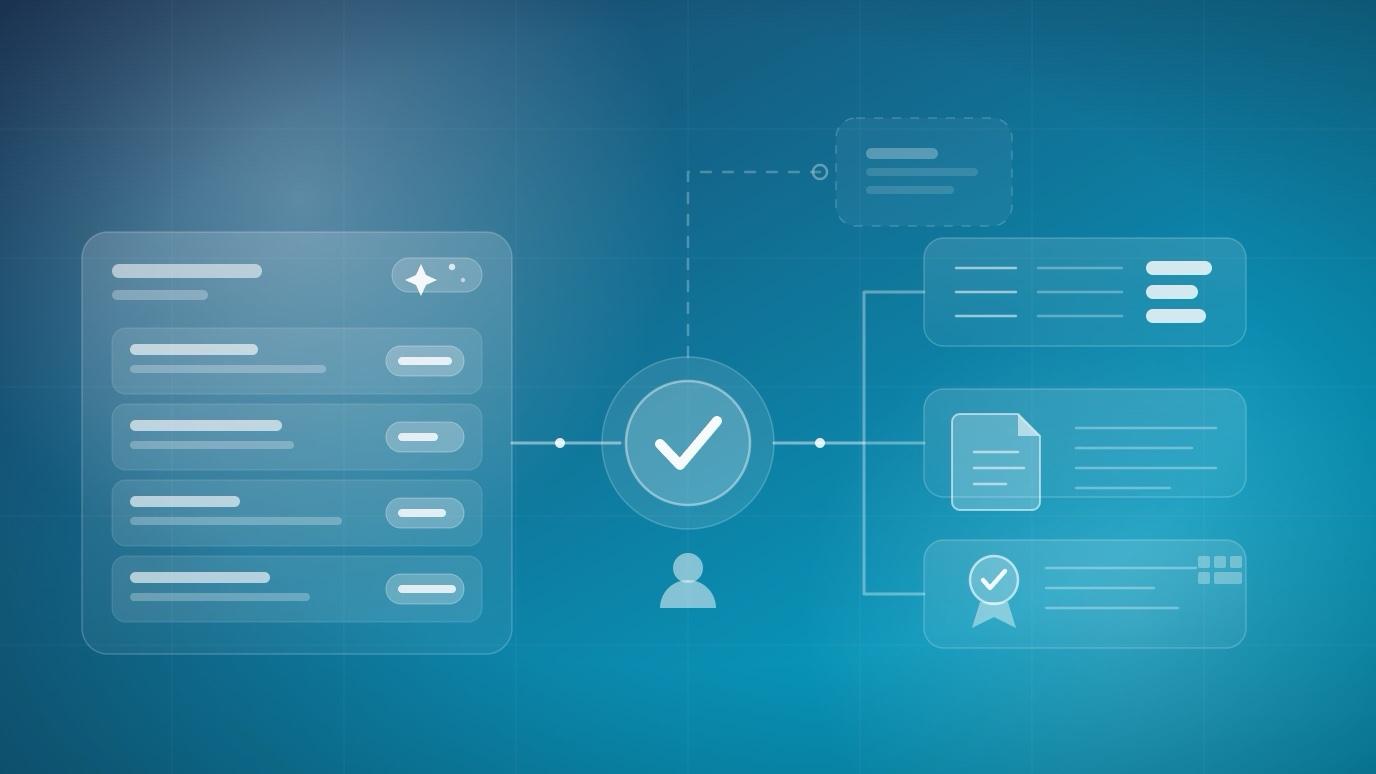
Two products can both advertise “AI grading” and mean genuinely different things. One is a specialist: it takes assessment artifacts — scanned exam booklets, bubble sheets, source code, PDFs — and turns a marking marathon into a fast, structured queue. The other is grading built into the system that already holds your courses, rosters, gradebook, and transcripts. Both are legitimate. They fail in different places, and the decision is usually settled by things that have nothing to do with the grading screen itself.
The short answer
If your grading bottleneck is input — handwriting on paper, multiple-choice sheets, code that has to be executed against a test suite, or fifteen teaching assistants marking one exam in parallel — a standalone grader is very likely still the better tool. If your bottleneck is everything after the score — the gradebook, the transcript, the certificate, the report someone asks for in November — grading belongs inside the system of record, and a second platform mostly adds work.
That's the whole argument. The rest of this post is the reasoning behind it, including the parts that don't flatter us.
What is assistive rubric-based grading?
Assistive rubric-based grading means the AI drafts a score and a written justification for each rubric criterion, and a human decides whether that draft becomes a grade. It is not auto-marking, and it is not a black box emitting one number: the instructor sees per-criterion reasoning tied to the work the learner actually submitted, edits or overrides anything, and approves before the grade posts.
In EduGears AI LMS, that loop is assembled from three pieces that already live in the course:
- The rubric. Reusable rubrics with your own criteria and performance levels, attached to quizzes or essays — the same rubric an instructor would apply by hand, written once and reused.
- The submission. For project assignments and end-of-course capstones, learners submit files plus a written write-up against your brief and deliverable checklist. The AI grades every criterion from the work submitted, in one pass, with a per-criterion breakdown.
- The approval gate. Nothing reaches a learner until an instructor releases it. On project assignments an instructor can opt into automatic posting where volume demands it — but review-then-release is the default posture, and the instructor controls what is released.
The useful test for any AI grading feature: when a student asks “why did I lose that point?”, can the answer cite the rubric criterion and their own work? Per-criterion justification is what makes an AI-assisted score defensible in a grade appeal. A single overall number is not.
Two neighbouring design choices matter as much as the grading itself. Diagnostics — the “start here” checks at the top of a course or unit — never gate progress and never touch the gradebook, so measuring what learners know going in can't quietly become a grade. And reflections are ungraded by construction: the AI writes each learner a short, supportive response and summarises the whole class for the instructor, with no score attached. Not everything a student submits should become a number, and a platform should make that distinction structural rather than a policy someone has to remember.
Why does it matter where the grade lives?
Because a grade isn't the end of a workflow — it's the beginning of five others. A score has to land in the gradebook, agree with every report, appear on the learner's transcript, count toward course completion, and trigger the certificate. When grading happens in a second platform, the score is born outside the system that owes all those answers, and each of those hops turns into an integration you own.
Inside EduGears AI LMS, one score does all of it without leaving home:
- The gradebook. Quiz scores post themselves; AI-assisted rubric grades post on approval. The per-course gradebook agrees with every report by construction, because there is only one set of numbers.
- The transcript. Every learner has a branded PDF transcript covering enrollments, results, credits, programs, and certificates — and it is a permanent record. Enrollments a learner dropped still appear with the grades they earned.
- The certificate. Completion issues the certificate automatically, in your academy's design, with a QR code to a public branded verification page and an Open Badges 3.0 credential the learner keeps.
- Reports and dashboards. Progress, performance, certificate, and AI-usage reports with filters, charts, CSV export, and print-to-PDF in your brand colors — plus owner KPIs, instructor class views, and student due-soon and recent-grades panels.
- Downstream systems. A grade.posted webhook fires the moment a grade lands, and scoped API keys cover grades explicitly — so your CRM, HR system, or analytics warehouse hears about it without anyone exporting a spreadsheet.
- Multi-campus rollups. Grades belong to a single campus and are isolated in the database by row-level security, while organization dashboards aggregate across every campus.
None of that is glamorous, and none of it appears in a grading demo. It's also where the actual hours go.
The integration tax nobody quotes
The integration tax is the recurring cost of running a second system: another contract, another login, another admin surface to provision and audit, and a grade-sync ritual that has to be performed correctly every single term. It rarely shows up in a comparison spreadsheet, because none of it is a feature.
To be fair to the category: as of 2026, standalone graders in higher education typically integrate with mainstream LMSs — Canvas, Moodle, Blackboard, Brightspace and others — over LTI 1.3, including Assignment & Grade Services for grade passback and Names & Roles for roster sync, often with single sign-on. That's genuinely good, standards-based plumbing, and it is far better than CSV exports.
But standards-based is not the same as invisible. In common deployments the instructor still syncs the course roster, links each tool assignment to the matching LMS assignment, and explicitly posts grades once marking is finished — and repeats the posting step after regrades. Skip the linking step and the scores simply never appear in the LMS gradebook. Multiply that by every course, every instructor, every term.
Then add the procurement layer. Institutional deployments of standalone graders are generally a separately negotiated institutional licence, quoted per institution rather than published, with its own renewal date, its own SSO configuration, and its own security and data-protection review. None of this is a criticism of the tools — it is simply the true shape of a second system, and it deserves to be priced honestly next to a platform where rubric grading is already part of the thing you bought.
A useful question for any grading procurement: if this tool disappeared tomorrow, where would last year's grades be? If the answer is “in the tool,” you have two systems of record, and one of them is on a renewal date.
When is a standalone grader the right call?
When the hard part of grading is getting the work into a gradeable form, or when the marking itself needs a specialised engine. Those are real problems, and a general-purpose LMS — including ours — is the wrong tool for them. Here is where we would tell you to buy the point solution:
- Paper exams at scale. If students write on paper and someone scans hundreds of booklets, you need OCR, page-to-student matching, and per-question grading queues. That's a specialist discipline. EduGears AI LMS has no scanned-paper pipeline — submissions arrive as files a learner uploads.
- Bubble sheets and Scantron replacement. High-volume multiple-choice sheets scanned and scored optically are a hardware-and-imaging problem, not an LMS problem.
- Executable code. Autograding that compiles and runs student code against an instructor's test suite in a sandbox is a different technology from rubric grading. EduGears AI grades a submitted project — the files and the write-up — against your rubric; it does not execute the code.
- A large distributed grading team. Big lecture courses with a dozen teaching assistants marking one exam in parallel need question-level work assignment, grader calibration, and dynamic rubric edits that re-apply retroactively to already-marked submissions. Standalone graders have spent years refining that workflow.
- You are staying on your current LMS, full stop. If the incumbent platform is the system of record and will remain so, adding grading beside it is a smaller change than migrating. (Though read the next section — there's a third option.)
There's also an honest middle path. EduGears AI LMS is itself an LTI 1.3 platform: it hosts external tools with OAuth2 security, accepts grades back through Assignment & Grade Services, and syncs rosters through Names & Roles. If a specialist grader really is the right instrument for one course — the programming course, the paper-based final — it can live inside EduGears AI rather than beside it. You keep one system of record and still get the specialist.
Rubric grading is one of 26 AI tools built into the platform — see the whole suite, from course generation to the 24/7 tutor.
Browse the 26 AI toolsA decision table
Read this as the start of a conversation rather than a verdict — most institutions land on a blend, and the blend is fine.
| If this is your situation | Grading inside the LMS | Standalone grader |
|---|---|---|
| Essays, projects, and capstones marked against a rubric | Best fit — AI drafts every criterion, instructor approves, grade posts straight to the gradebook | Workable, but the grade starts outside your records |
| Scanned handwritten exam booklets | Not supported — no paper ingestion | Best fit — OCR, page matching, and per-question queues are the core competence |
| Bubble sheets / optical multiple choice | Not supported — run the quiz online instead | Best fit |
| Programming assignments graded by running tests | Rubric grading of submitted files and write-ups only | Best fit — sandboxed autograders against your test suite |
| One exam, a dozen TAs, grading in parallel | Possible, but there is no grader-calibration workflow | Best fit — question-level assignment and retroactive rubric edits |
| Grades must reach transcripts, certificates, and reports | Best fit — one score feeds the gradebook, transcript, certificate, reports, and webhooks | Needs assignment linking and an explicit post-grades step each term |
| Multi-campus or multi-client rollups | Best fit — campus-isolated grades with organization-wide aggregation | Usually per-course, with rollups rebuilt elsewhere |
| IT wants fewer vendors, contracts, and security reviews | Best fit — grading is part of the platform | A separate institutional licence, SSO setup, and review cycle |
| You are committed to Moodle or Canvas and not moving | Only if you migrate — or use the EduGears AI LTI tool inside your LMS | Reasonable, and integrates over LTI 1.3 |
Already on Moodle or Canvas?
Then you don't have to choose between your LMS and AI grading at all. EduGears AI ships the same AI capability as an LTI 1.3 tool for institutions staying on their existing platform — the EduGears AI LTI tool for Moodle and Canvas — so rubric-based grading, quizzes, and the AI tutor appear inside the courses your instructors already teach in, with grades passed back to the gradebook you already run.
It's worth being plain about what that is and isn't. It is still an integration, and your system of record is still the LMS you already operate. What it isn't is a second grading destination for instructors to learn, a second roster to maintain, or a second place grades come to rest. Institutions that intend to keep Moodle or Canvas usually want exactly this; institutions consolidating onto one platform usually want grading native to the LMS. Same trade-off, read from the other end.
What integrated grading won't do
Three honest limits of AI grading in EduGears AI LMS, as of 2026:
- No scanned-paper or bubble-sheet pipeline. Work reaches the platform as a learner-uploaded file or an online quiz attempt. If your assessment is fundamentally paper, this is not your tool for that assessment.
- No code execution. A programming project is graded against your rubric from the submitted files and write-up. There is no sandbox running your test suite.
- AI grading draws AI credits. Generating a grade with AI meters against your plan's monthly credit allowance. Everyday teaching — enrollment, delivery, grading manually, reports — never costs credits, and you can connect your own API key so AI generation doesn't draw on the allowance at all.
And a fourth limit, which is shared across the whole category rather than ours alone: AI produces drafts for your review. The institution remains responsible for the grades it releases to learners. We build the approval gate because we think that responsibility belongs to a person — and no vendor's accuracy claim moves it somewhere else.
Tell us what you grade — essays, capstones, paper finals, code — and we'll tell you honestly whether the LMS, the LTI tool, or a specialist is the right answer.
Talk to usFAQ
Does AI grading in an LMS replace the instructor?
No. In EduGears AI LMS, AI-assisted grading drafts a score and a justification for each rubric criterion, and an instructor reviews, edits, or overrides it before the grade posts. Instructors control what is released to learners; on project assignments they can opt into automatic posting when volume demands it.
Can students see why the AI gave them a particular score?
Yes. Rubric grading in EduGears AI LMS produces a per-criterion breakdown with written feedback drawn from the submitted work, rather than a single unexplained number — which is what makes an AI-assisted grade defensible if a learner appeals it. The instructor approves that feedback before it is released.
Can we use a standalone grader and EduGears AI LMS together?
Yes. EduGears AI LMS is an LTI 1.3 platform: it hosts external tools with OAuth2 security, accepts grades back through Assignment & Grade Services, and syncs rosters through Names & Roles. A specialist grader can run inside a course while the LMS stays the system of record for grades, transcripts, and certificates.
How does an AI-assisted grade reach the transcript and certificate?
Automatically, because it never leaves the platform. Once an instructor approves a grade it posts to the course gradebook, feeds progress and performance reports, appears on the learner's branded PDF transcript alongside enrollments, credits, and programs, and counts toward course completion — which issues the certificate with its QR verification page and Open Badges 3.0 credential.
What happens to grades if a student drops the course?
They are preserved. In EduGears AI LMS, removing a student from a classroom or archiving a classroom keeps grades and certificates rather than deleting them, and dropped enrollments still appear on the learner's transcript with the grades they earned. Academic records are never silently destroyed.
Can AI grade handwritten or paper exams?
Not in EduGears AI LMS. Submissions arrive as files a learner uploads or as online quiz attempts; there is no scanning, OCR, or page-to-student matching. Institutions with high volumes of scanned paper exams or optical bubble sheets are better served by a standalone grading platform built for that workflow — which can be launched from inside EduGears AI as an LTI 1.3 tool.
Does AI grading cost extra?
AI grading draws on your plan's monthly AI credit allowance, the same meter used by course generation and tutor conversations. Manual grading, delivery, enrollment, and reporting never consume credits, and connecting your own API key lets AI generation run on your provider account instead of the allowance.
See your academy on EduGears AI LMS
Book a demo and we'll show you a live tenant branded as your academy — your name, your colors, your domain.
Book a demo →