The EduGears AI LMS Blog
Running a learning platform under your own brand — AI course building, verifiable credentials, and content portability, without the lock-in.
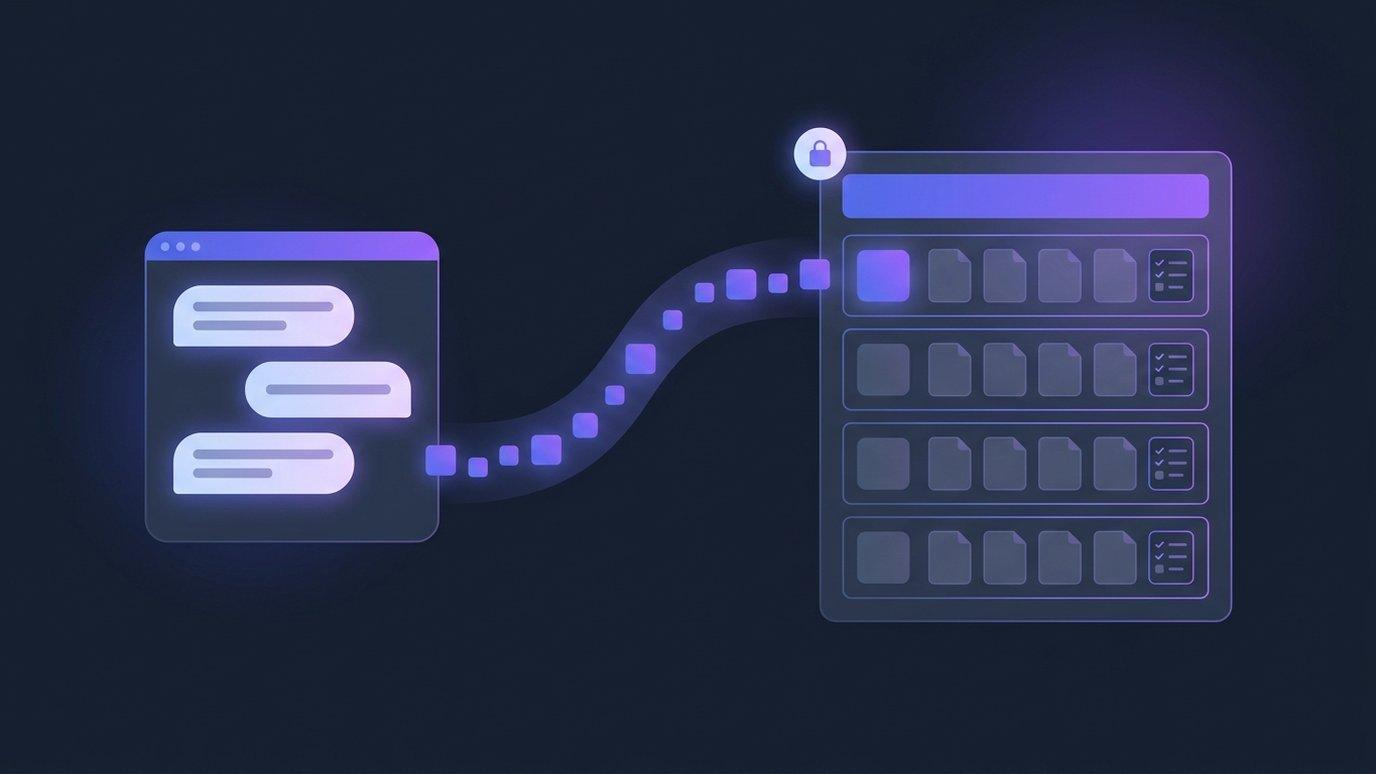
Your AI Assistant Can Build the Entire Course: Connect Claude, ChatGPT or Copilot to EduGears AI LMS
Teachers already plan units with a chat assistant — and then rebuild every page of it in the LMS by hand. EduGears AI LMS lets that assistant do the building: ask for a course in Claude, ChatGPT or Copilot and it arrives in your platform with modules, lesson pages and quizzes, as a draft only you can publish.
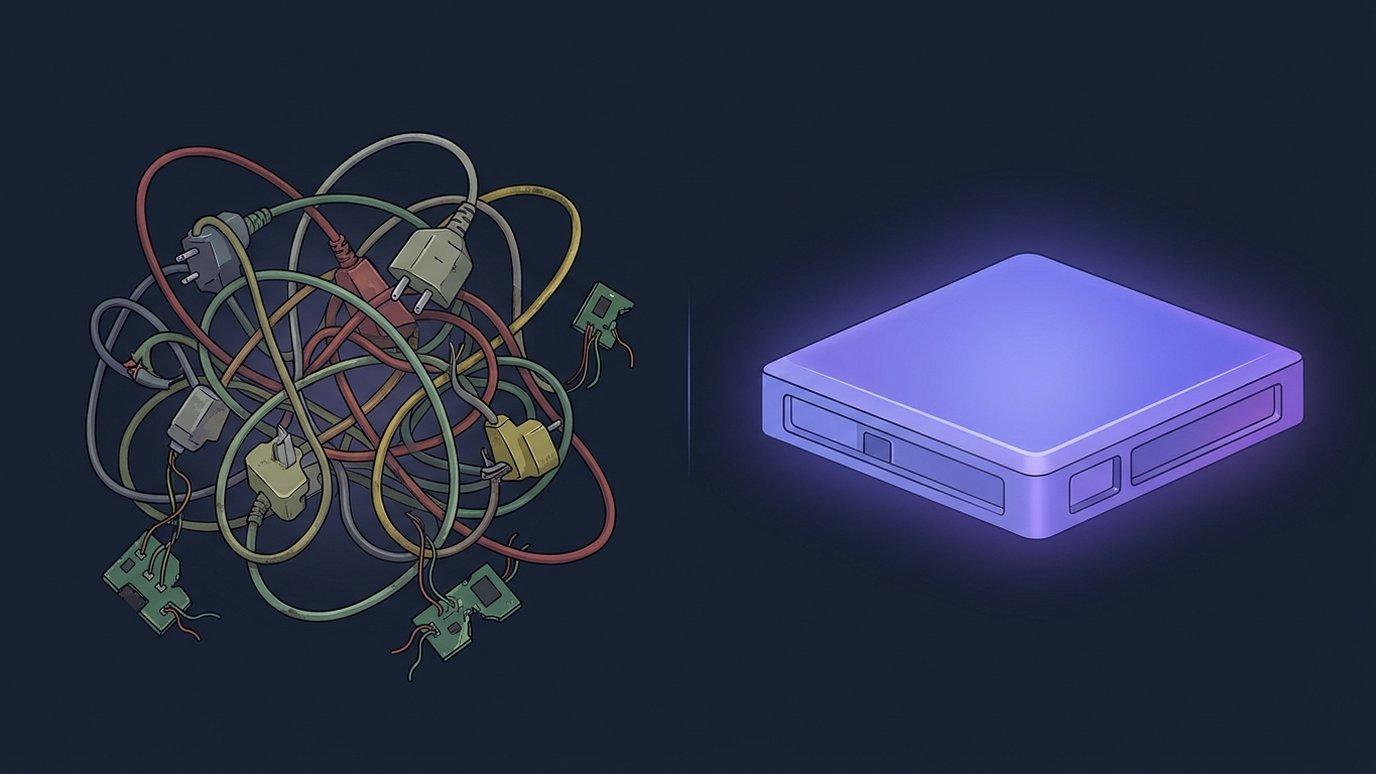
The Plugin Tax: What Assembling Your LMS from Add-Ons Really Costs
An LMS assembled from add-ons charges a tax that never shows up as one line on one invoice. Here are its five line items, the sixth one AI quietly added, and the questions to ask any LMS vendor before you sign up to pay it again.
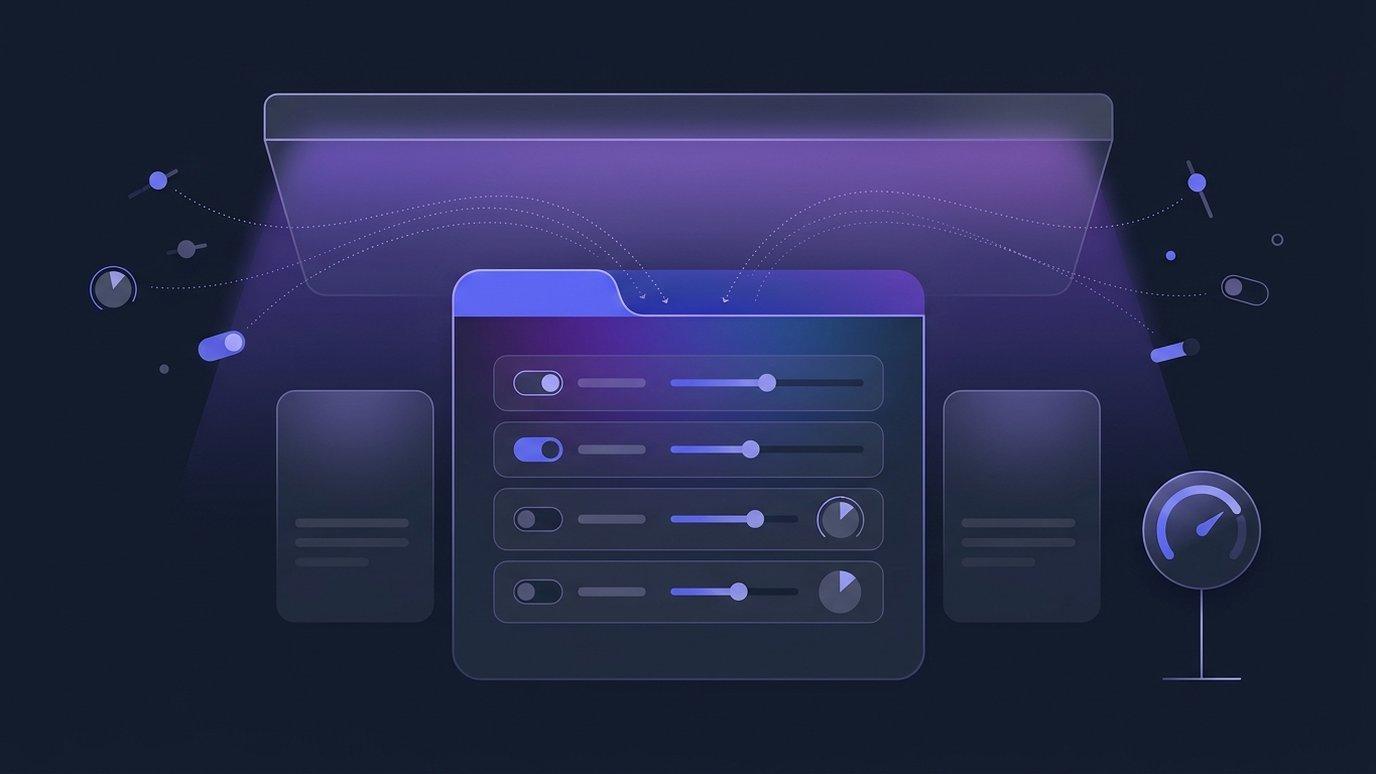
Every AI Decision, on the Course Itself: One Tab per Course, One Context for Your Organization
An administrator asked “what is the AI allowed to do in this course?” should not need an afternoon and four screens to answer. An instructor should not have to guess. EduGears AI LMS now puts every AI decision for a course on that course's own AI & Tutor tab, lets the whole organization share one AI context, and keeps AI on terms the owner sets.
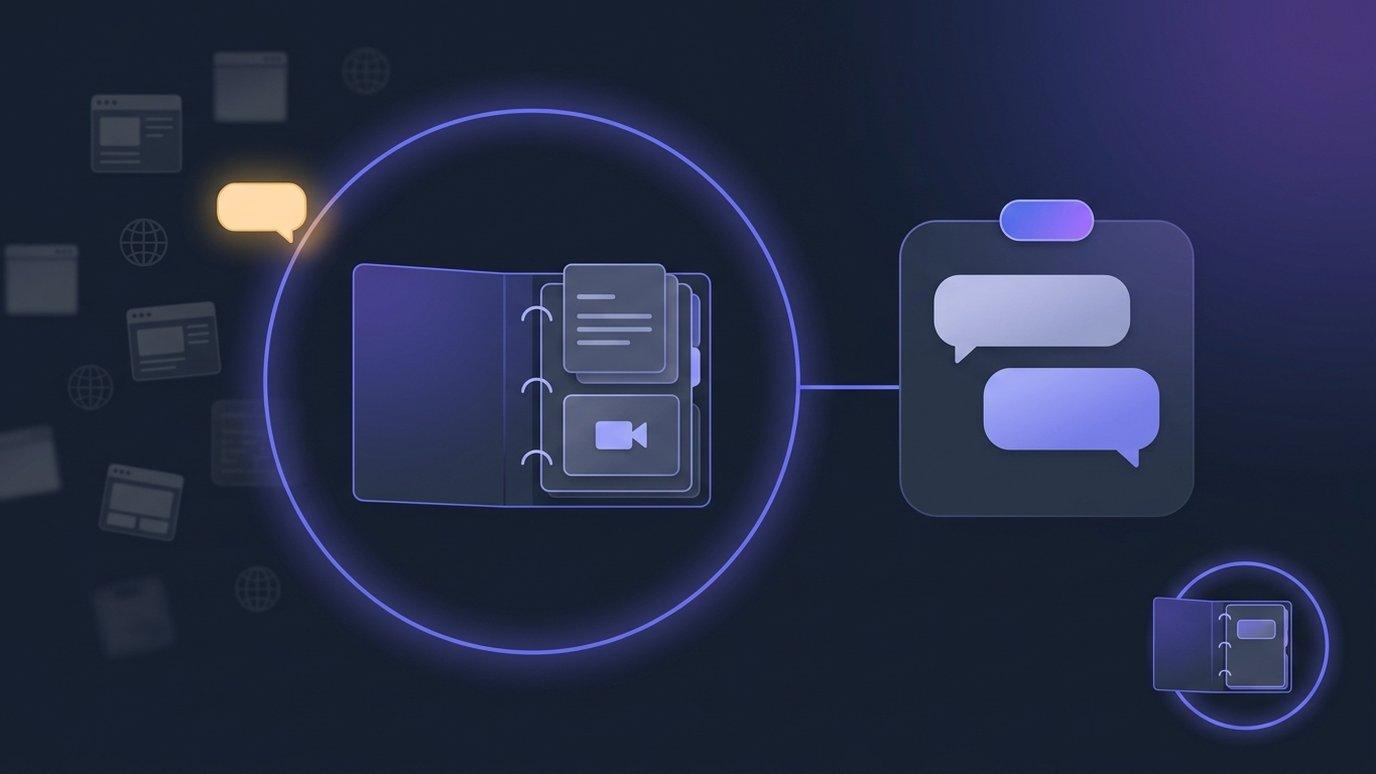
An AI Tutor That Sticks to the Course: Grounded by Default, Set Per Course
When a learner gets stuck at eleven at night, the nearest answer is the open internet — in the wrong notation, with the wrong method, from a course they are not taking. The AI tutor inside EduGears AI LMS courses now answers from each course's own materials by default, says so plainly when a question falls outside them, and lets every instructor decide how strict that should be.
Learning Outcomes and At-Risk Alerts: Evidence Per Outcome, and No Surprises at Finals
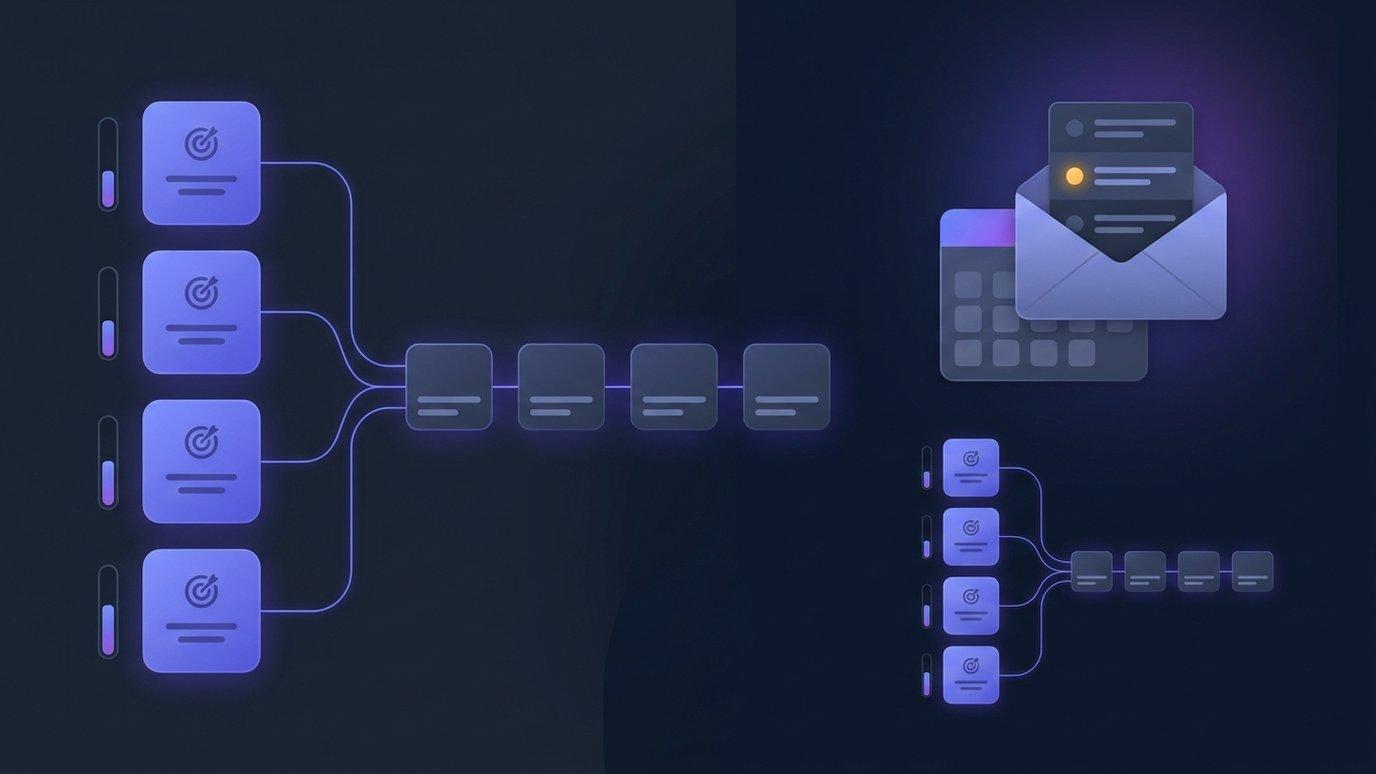
Most courses have learning outcomes. They live in a course description nobody opens after week one, and nothing connects them to what learners actually do. Meanwhile the student who stopped logging in three weeks ago stays invisible until the final. The AI tools inside EduGears AI LMS courses now close both gaps: outcomes you define (or have AI draft from your own materials), mapped to modules with the evidence beside them, and opt-in email digests of the students who look at risk.
Ask Your LMS Anything: How Cog Answers Questions About Your School
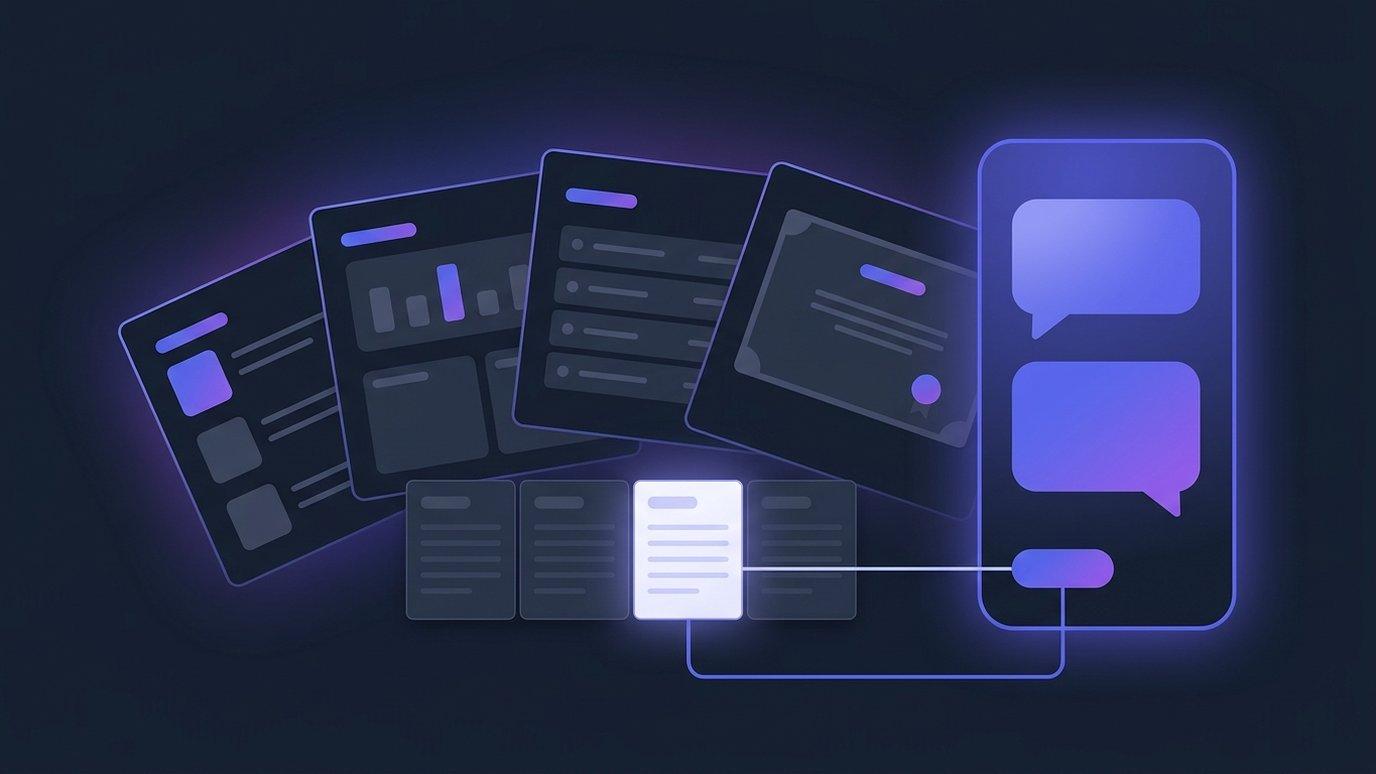
Every school and academy has a set of questions nobody gets round to asking, because the answer is three clicks and a filter away and the week is already full. Cog, the assistant on every page of EduGears AI LMS, now answers those questions in plain words — by opening the same reports your staff can open, reading the rows, and naming the report it used.
Buying an AI LMS with Federal Funds: A Compliance Checklist
In July 2025 the U.S. Department of Education confirmed that federal grant funds — the same formula and discretionary dollars districts already receive — can be spent on AI tools for instruction, tutoring, and college and career advising. A year of state rules has since turned the soft principles in that letter into hard procurement requirements. This is the checklist for buying an AI LMS that satisfies both.

Marking Week, Solved: One List of Everything Waiting on You
The hard part of marking week is not the marking — it's finding the work. It hides across courses, activities and attempts, and nothing tells you when you're actually done. EduGears AI LMS now answers that with one report, one count, and a rule that stops students seeing a grade before a human has looked at it.
Your Platform, Your Words: Rename Everything, and the Assistant Too
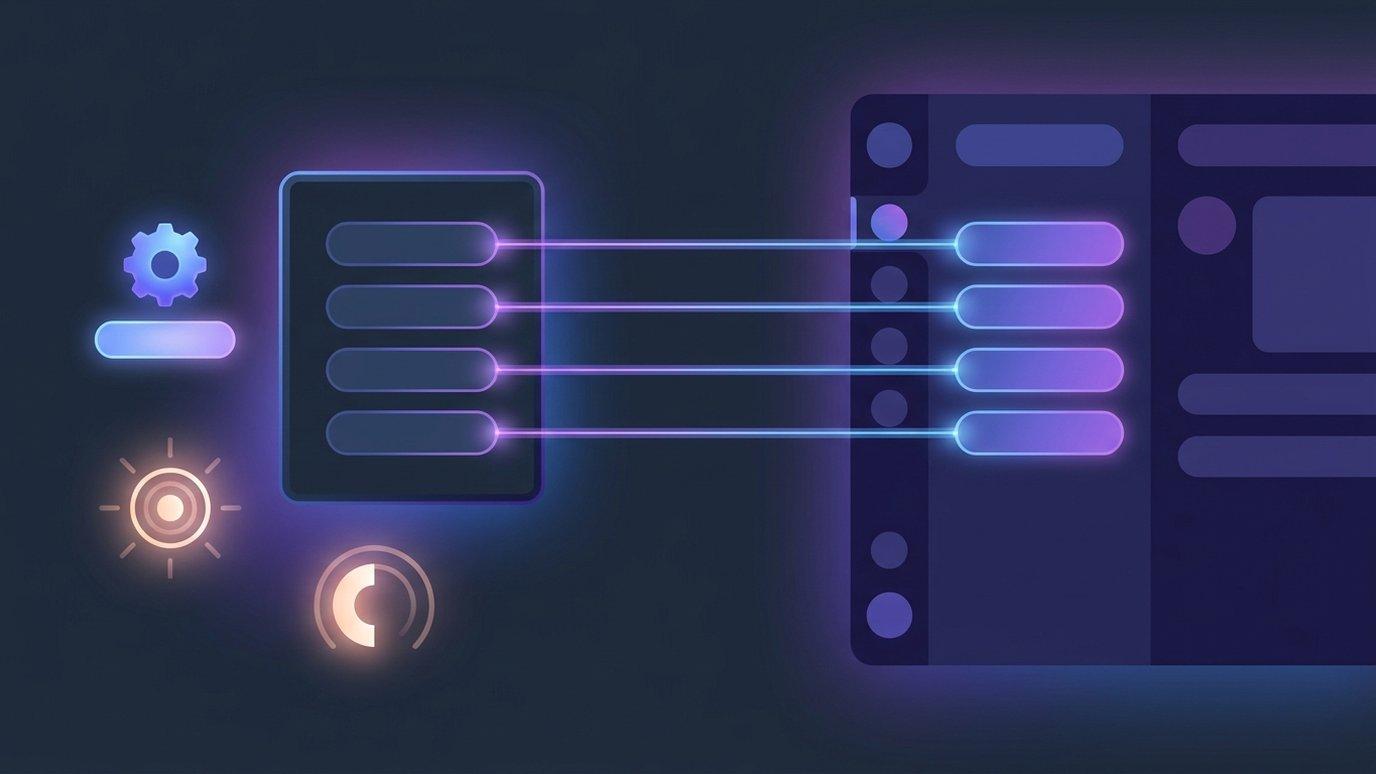
A logo in the corner is the shallow end of white-label. The deep end is language: the platform using your words for the things your academy is built around, and an AI assistant that answers to a name you chose and follows rules you set. Both are now owner settings in EduGears AI LMS.

See It Done: A Guided Video on Almost Every Page
Written help tells you what a screen contains. A short film shows you someone doing the thing you're stuck on. EduGears AI LMS now opens most help pages with a filmed walkthrough — in context, captioned in every language the app speaks, and available to learners, not just staff.

EduGears AI SIS: Your Student Records Now Live Beside Your Courses
Most schools run a student information system and a learning platform side by side, joined by an overnight sync that somebody has to trust. EduGears AI SIS removes the join: the student record and the classroom are now rows in the same database, in the same platform, behind the same login.

Meet Cog: One AI Assistant on Every Page of Your Academy
Most platforms answer "where is the AI?" with a list of places. We got tired of that answer. Cog is one assistant, in one place, on every page of the platform — and it already knows what you are looking at before you type a word.
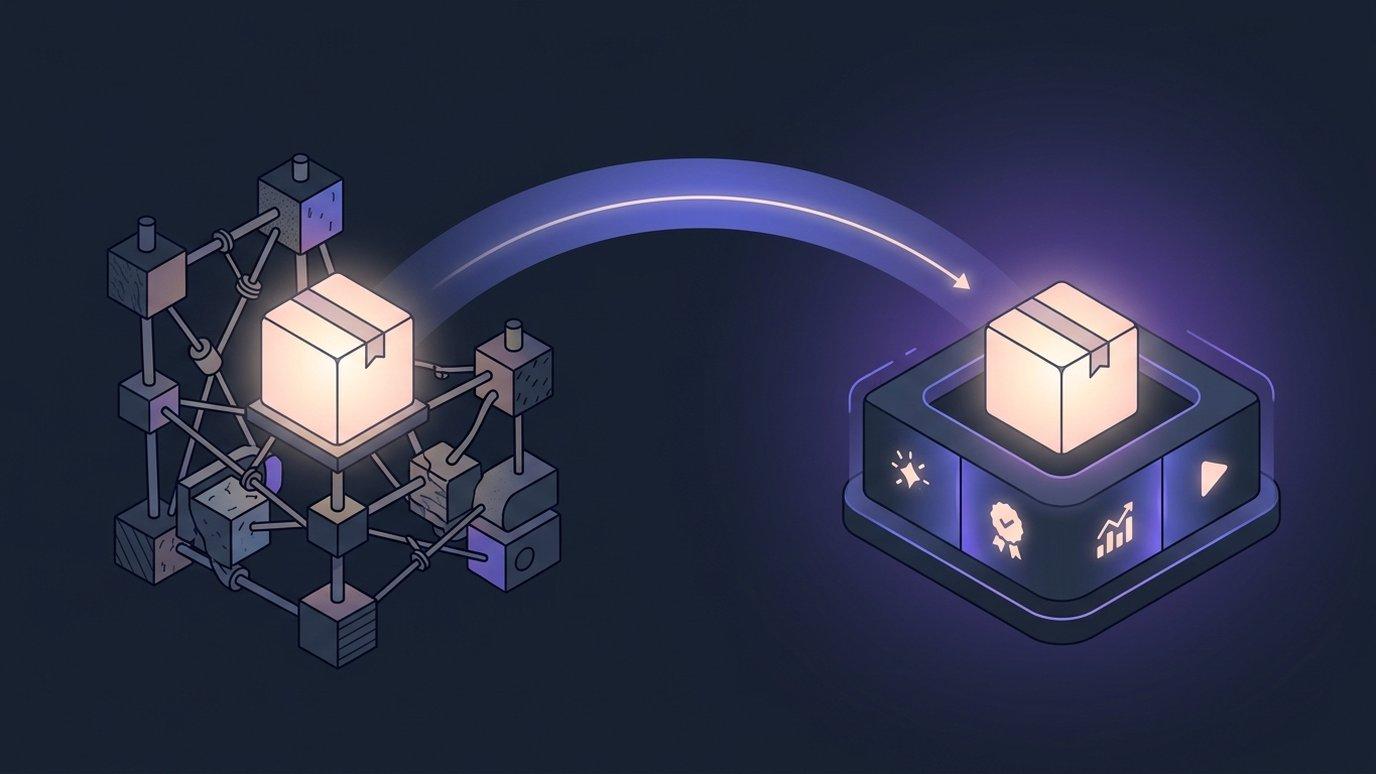
Migrating Courses to a New LMS: The Move, and What You Stop Maintaining
The hard part of changing learning platforms was never the courses — it's the year of operations wrapped around them. Here is what the move itself looks like, and what quietly disappears from your to-do list afterwards.

Expanding Your Course Catalog With a Lean Team
Most academies do not stall because they run out of subjects to teach. They stall because the people who could build the next course are the same people teaching this one. Here is what changes when drafting stops being the bottleneck — and what does not.
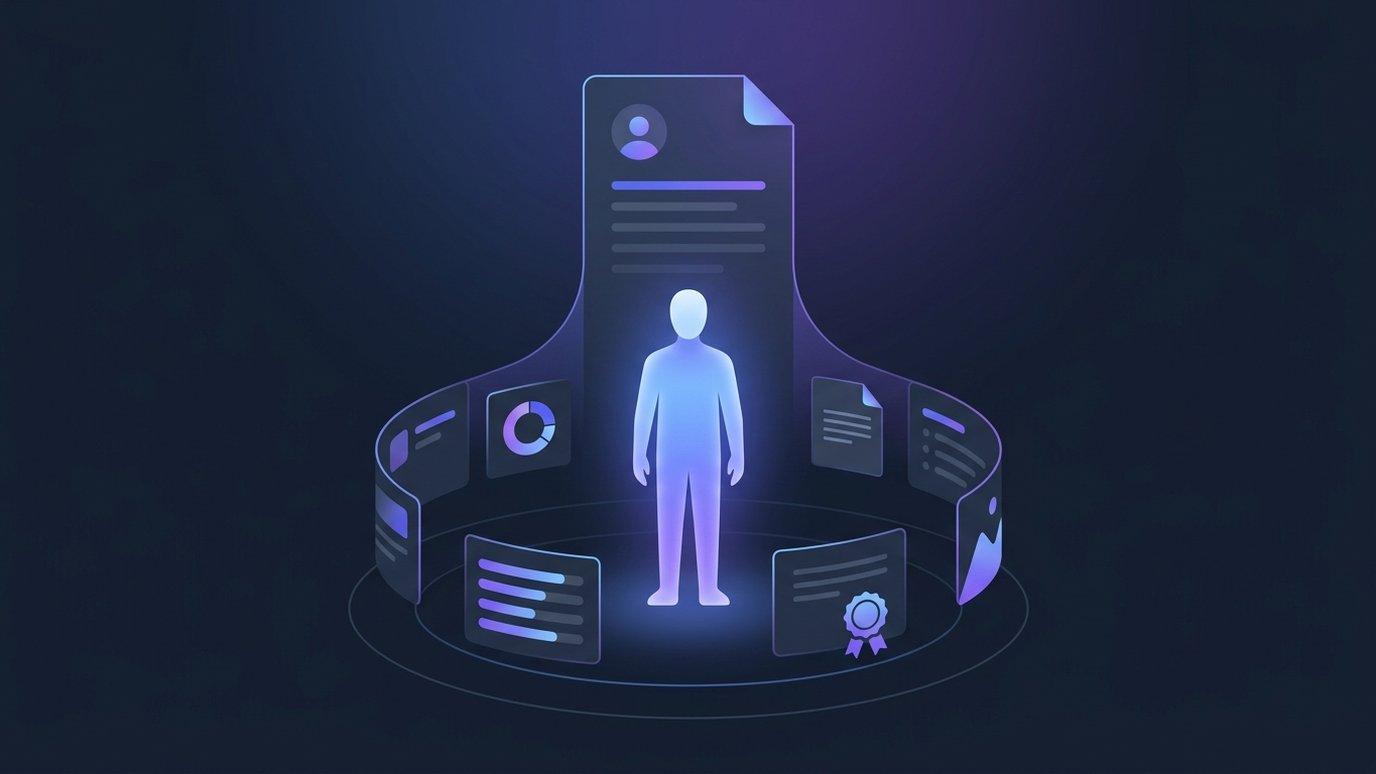
Student Progress Tracking: The Whole Learner on One Page
"What has this person actually done?" is the most common question an academy asks about a learner — and the hardest one to answer in a normal LMS, because every grade screen is organized by course or by quiz. Student 360 turns the lens around and organizes by person.
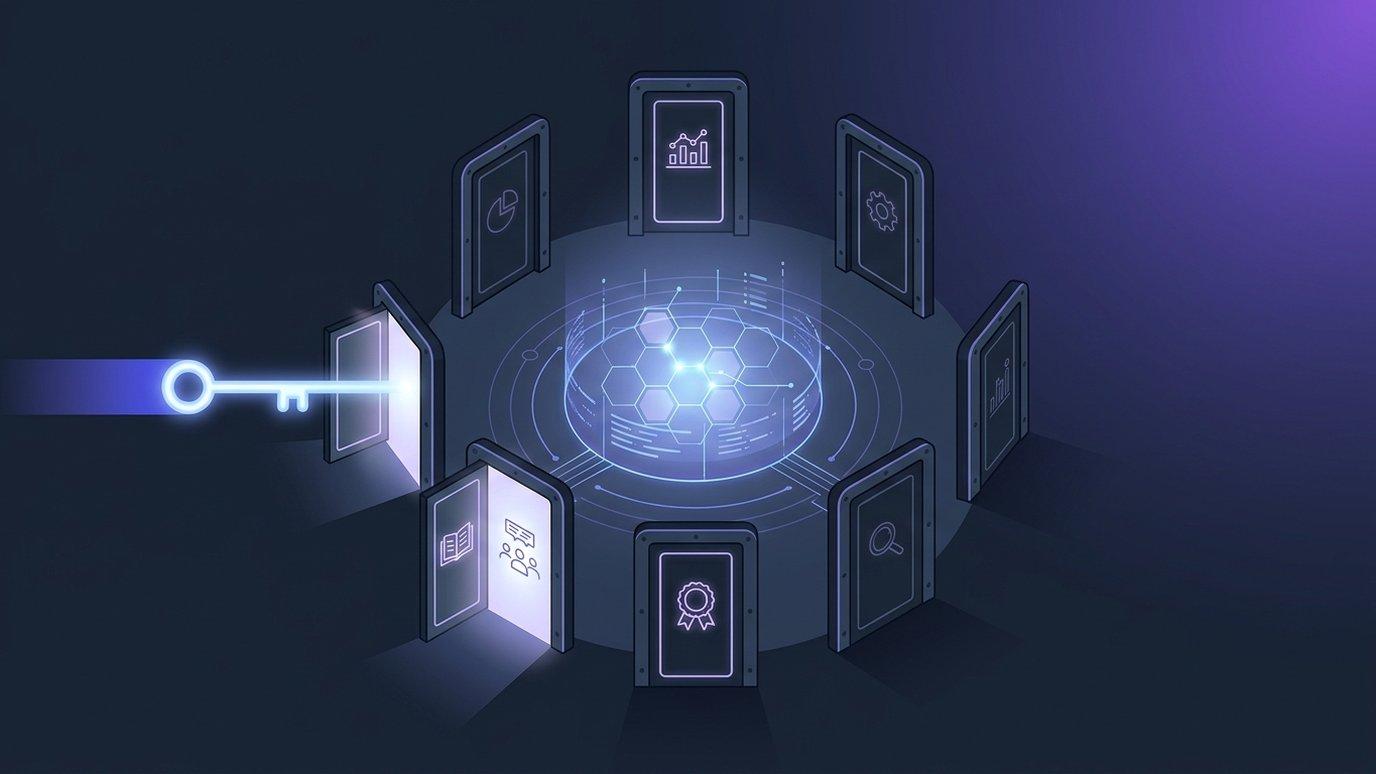
The LMS API: Scoped Keys, Least Privilege & Integrations You Can Audit
Webhooks push events out the moment they happen. The API is the other direction: your systems asking the LMS a question, or telling it to do something. The interesting part isn't the endpoints — it's that every key carries exactly the permissions its job needs, and nothing else.
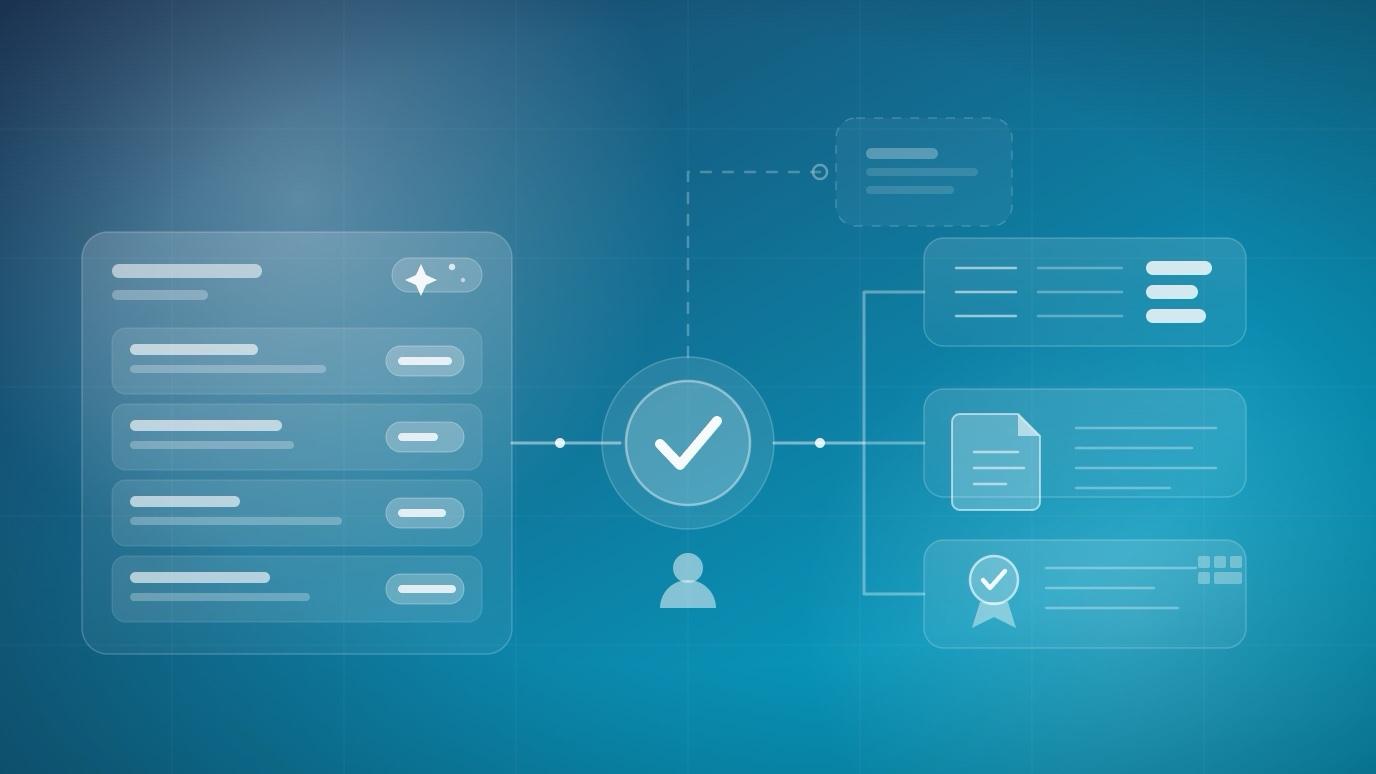
AI Grading in a Full LMS vs. Standalone Grading Tools
Standalone graders and LMS-native grading both say "AI grading" and mean different things. One is a specialist that turns a marking marathon into a queue; the other puts the score where the gradebook, transcript, and certificate already live. Here's how to tell which problem you actually have.

Learner Transcripts: Why Your LMS Should Never Forget a Grade
Most platforms are excellent at showing a learner where they are and terrible at telling them where they've been. A transcript is the difference — and the test of whether your LMS keeps records or merely displays them.

Certificate Expiry and Recertification: Compliance Training Without Spreadsheets
In regulated work, a certificate is only meaningful for as long as it's current. Yet most learning platforms issue credentials that never age — and leave the tracking of who is still qualified to a spreadsheet nobody owns.
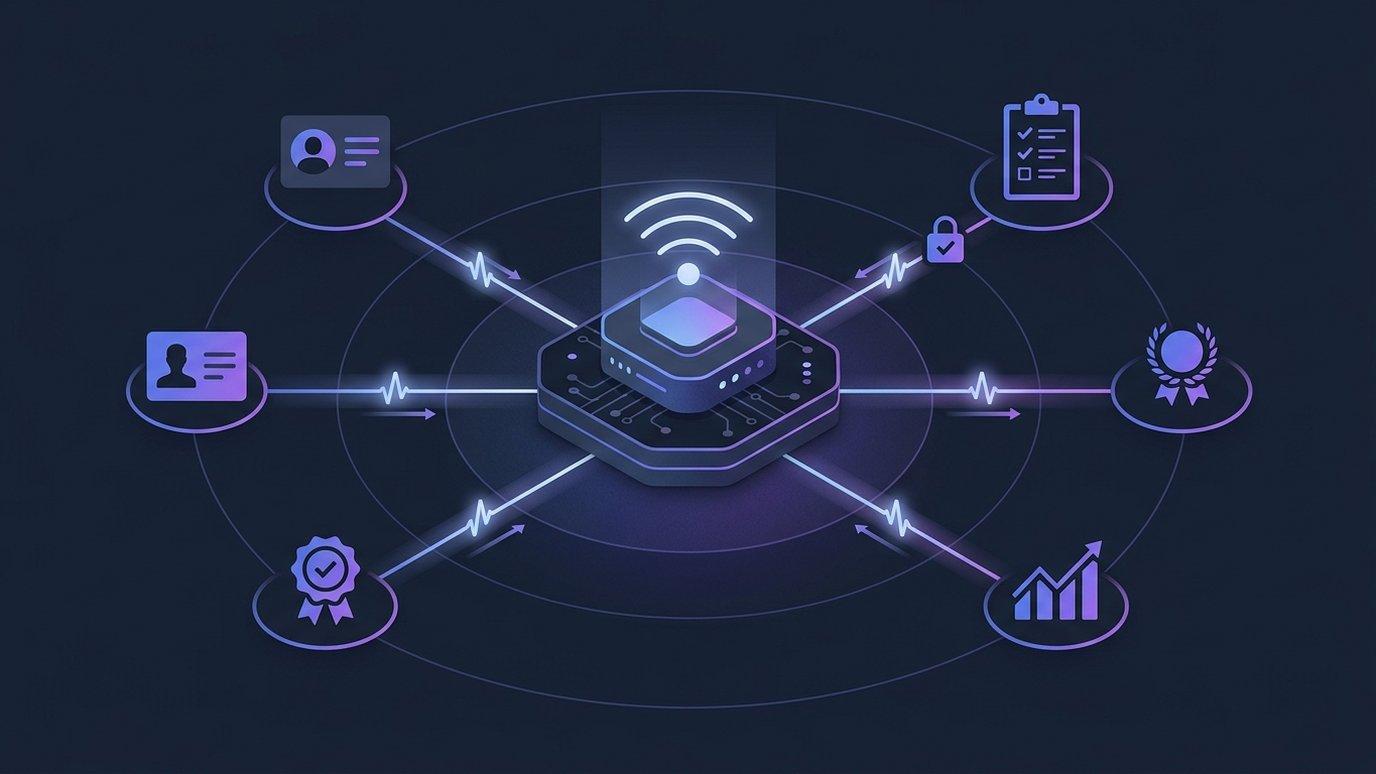
Your LMS Shouldn't Be an Island: Webhooks, API Keys & Real-Time Automation
Teaching never happens in just one system. Enrollments belong in your CRM, completions in your HR records, certificates in your compliance trail. Webhooks make that flow happen by itself — in real time, with deliveries you can trust.
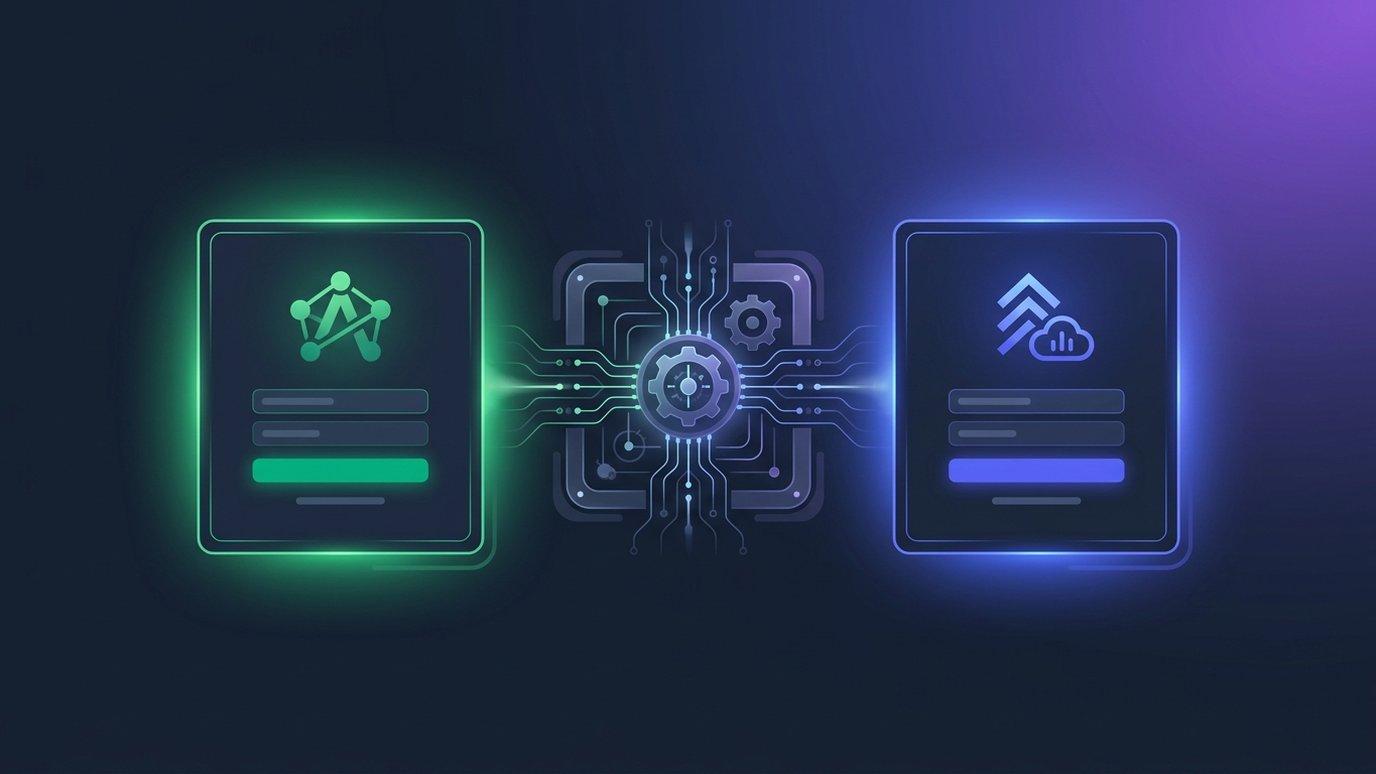
White-Label LMS: Why the Learning Experience Should Wear Your Brand
A logo in the header is not a white label. When learners visit your academy, everything — the sign-in page, the emails, the certificates, even the URL — should say you. Here's what full white-labeling looks like, and why it matters commercially.

How to Run a Multi-Campus Academy (or Client Portals) on One LMS
The moment an academy opens a second location — or signs its second corporate client — it faces the same fork: one platform everybody shares, or a separate platform each. Both answers are wrong. Here's the third one.
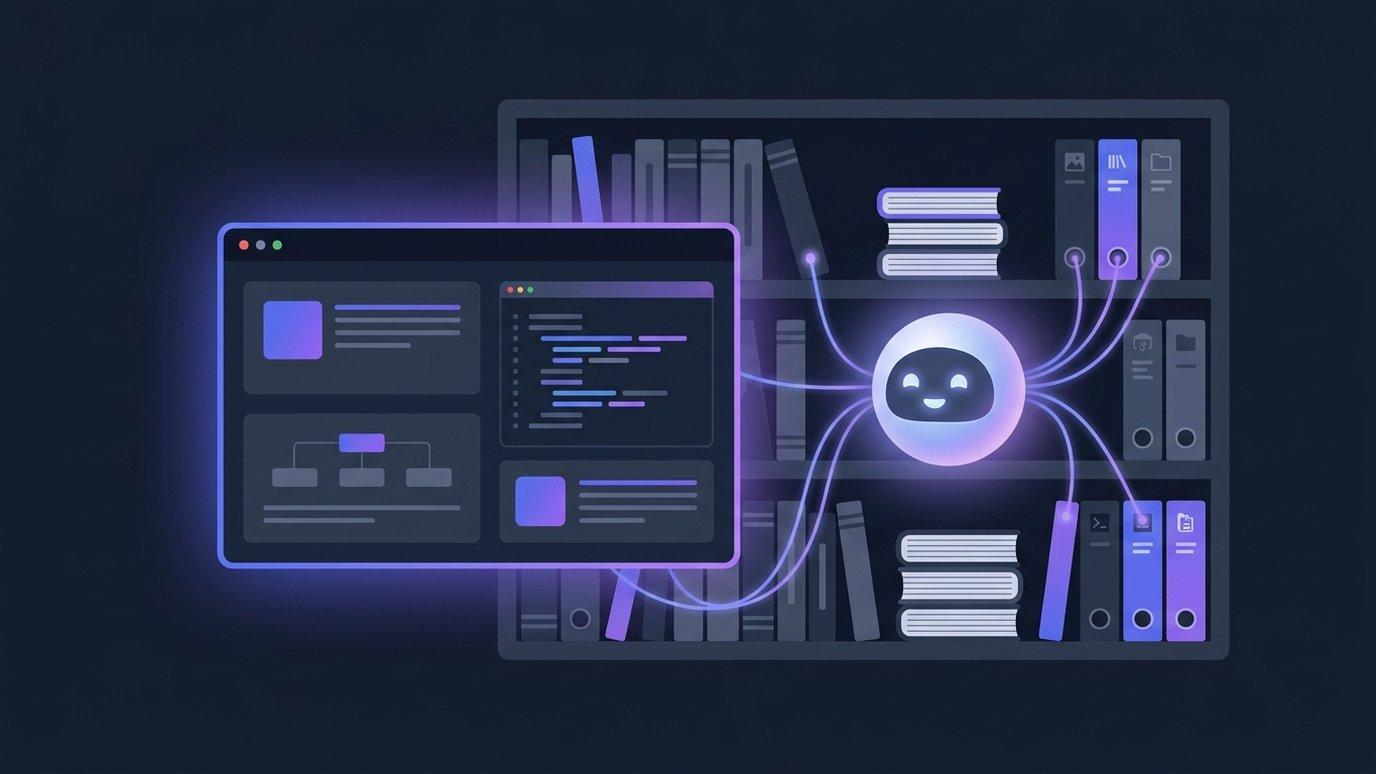
AI Tutors That Know Your Course: Why Context Beats a Generic Chatbot
Any platform can embed a chat window. The question that separates a gimmick from a teaching tool is: what does the AI know when a student asks for help? Here's the case for grounding — and how it changes tutoring, teaching support, and content generation.

From Syllabus to Full Course: How AI Course Generation Works in an LMS
The blank page is the most expensive part of course production. Here's what actually happens when you hand EduGears AI LMS a syllabus — and why grounding generation in your own materials changes the quality of what comes out.
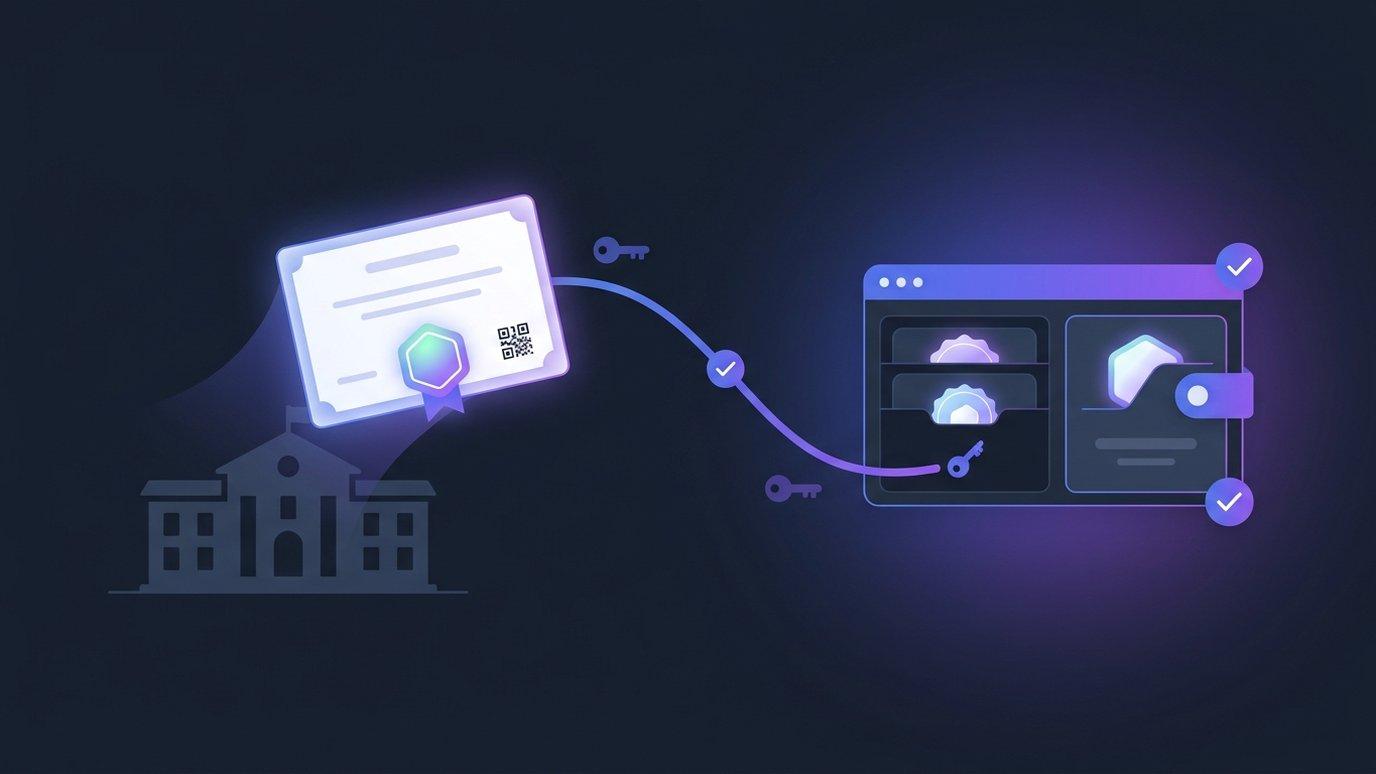
Digital Certificates Learners Keep: Open Badges 3.0 & Verifiable Credentials
A certificate that only exists inside your LMS isn't really the learner's. Here's how modern verifiable credentials work — decentralized identifiers, cryptographic signatures, wallet-portable badges — and how EduGears AI LMS issues them under your academy's own name.
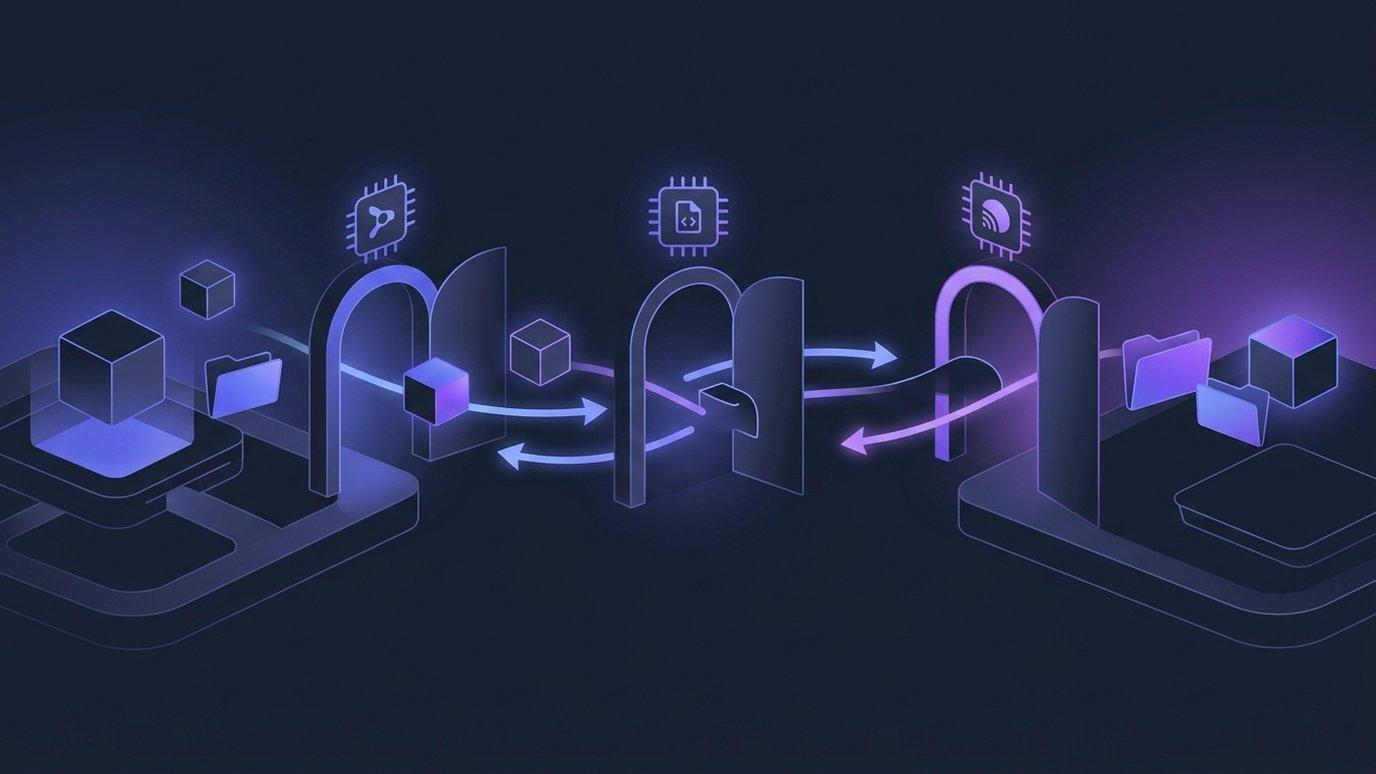
Switching LMS Without Losing Your Courses: SCORM, Common Cartridge & Moodle
Your courseware probably represents years of work trapped in another platform's export menu. Here's what each interchange format actually carries, and how a standards-native LMS turns those files back into living, editable courses.