The AI learning platform that wears your brand
EduGears AI LMS gives every school, academy and training provider its own branded learning platform — on your domain, with 32 AI tools built in.
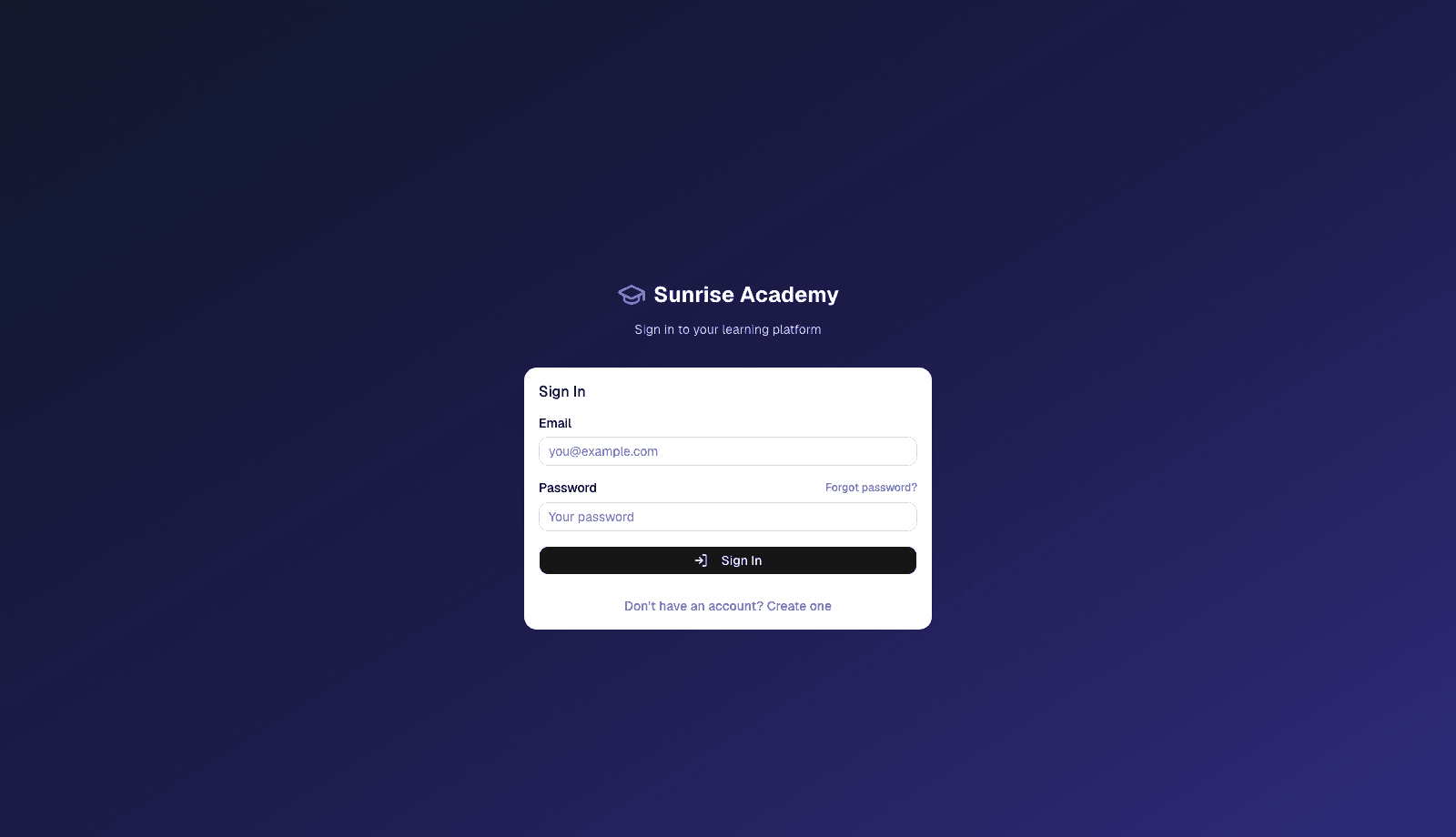
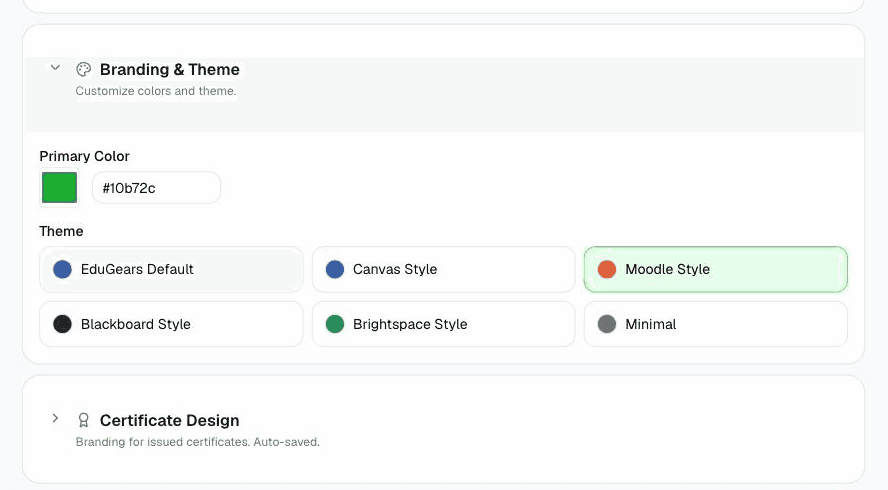
Pick a color and theme once — every page, email, and certificate follows.
- Shaped by instructors and LMS administrators around the world
- Built by engineers in Silicon Valley
- Used by teachers and learners in 32 countries
Your own learning platform in three steps
- 1
Brand it
Your name, colors and domain on every page, email and certificate.
- 2
Build it
Turn a syllabus into a full course with AI — or let your own AI assistant build it.
- 3
Run it
Classrooms, grading, certificates and reports — with Cog on every page.
White-label
Your LMS, your brand, your domain
Your branding loads from your domain before anyone signs in — to your learners, the platform is simply yours.
Branded from login to certificate
Your name, logo and colors on sign-in, emails, the player and certificates.
Your subdomain or custom domain
Launch on a subdomain instantly, or connect your own domain.
Your words, everywhere
Rename Course, Program and Classroom to fit your academy.
Name the assistant, set the guardrails
Rename the AI assistant and decide how much AI each student gets.
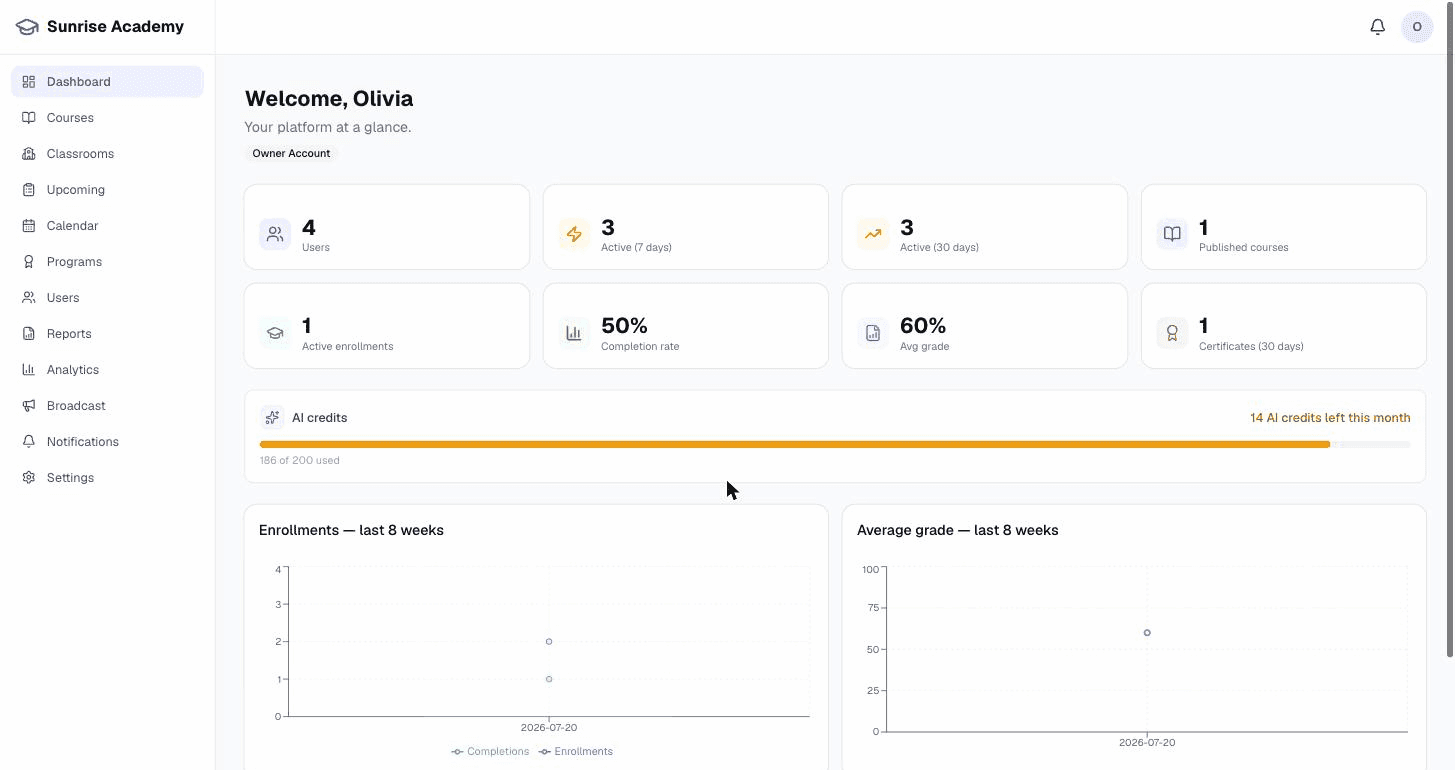
A complete learning platform
Everything you need to build, teach, measure, and connect — in one tenant of your own.
Build
Courses from a syllabus, not a blank page
Turn a syllabus into a full course, grounded in your own materials.
- AI course wizard — A syllabus or document becomes a full course in one pass.
- Curriculum Intelligence — Every AI tool works from your textbooks and notes.
- Import what you have — Bring in SCORM, Moodle and Canvas courses as editable activities.
- Copy a course, tutor included — Start a new term with modules, quizzes and tutor settings in place.
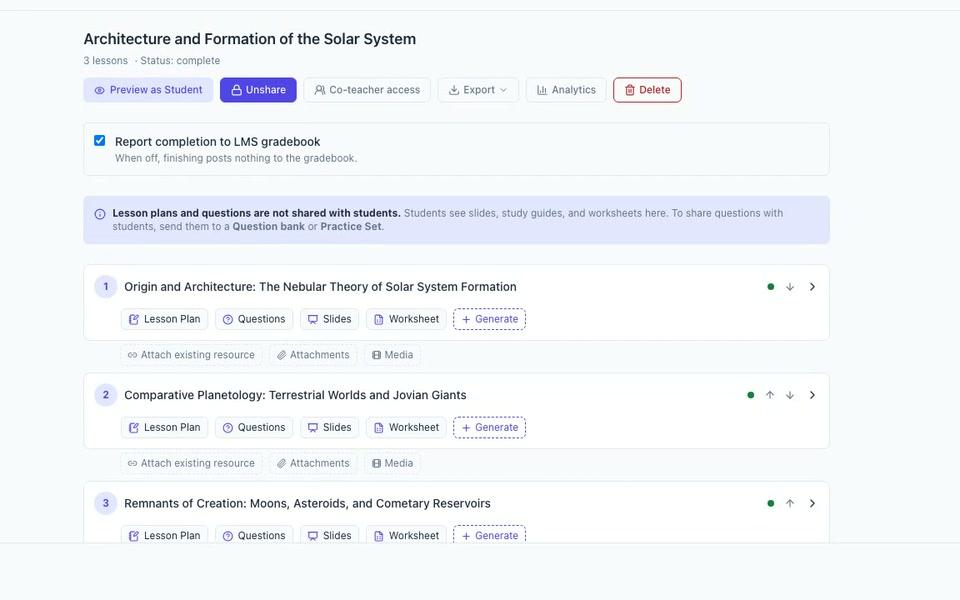
Teach
Classrooms, programs, and a guided player
Classrooms, programs and a guided learner player — with Cog one click away.
- 10+ activity types — Quizzes, projects, reflections, practice sets and more.
- Grading & gradebook — AI-assisted rubric grading, with you in control of every mark.
- Certificates that verify — Verifiable certificates per course and per program.
- A course view built for learners — A clear map of every lesson and its progress, on any device.
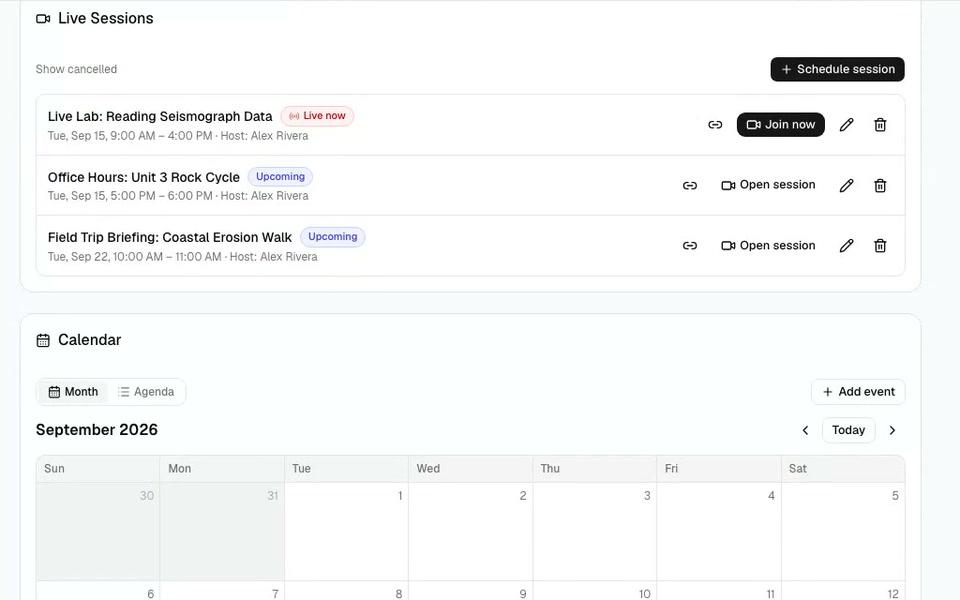
Measure
Dashboards and reports for every role
Dashboards and reports for owners, instructors and students.
- Role-based dashboards — The right numbers for each role.
- Built-in report registry — Progress, grades, certificates and marking queues — filter and export.
- AI-usage meter — See and limit how much AI each learner uses.
- One search box for everyone — Find courses, people and content from one search box.
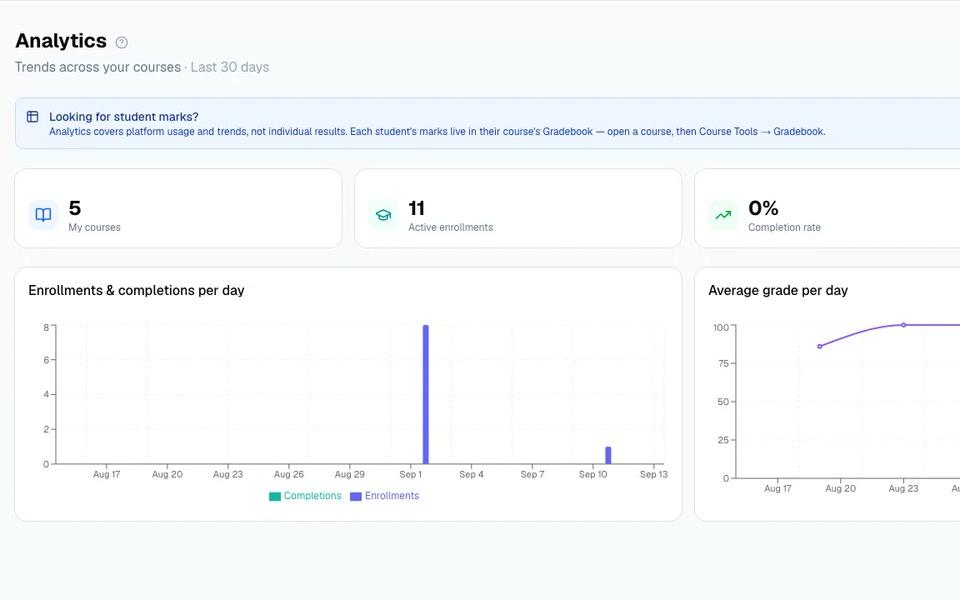
Connect
Standards-native, not walled in
An LTI 1.3 platform that speaks the formats your world already uses.
- LTI 1.3 platform — Host external tools with grade passback and rosters.
- SCORM & Common Cartridge — Import and export SCORM, Common Cartridge and Moodle.
- Webhooks & API keys — Connect your own systems.
AI-native
32 AI Tools built in
Course building on EduGears AI LMS starts with AI, not a blank page: generate a whole course from a syllabus or document, then refine every lesson, quiz, and worksheet with tools grounded in your own materials.
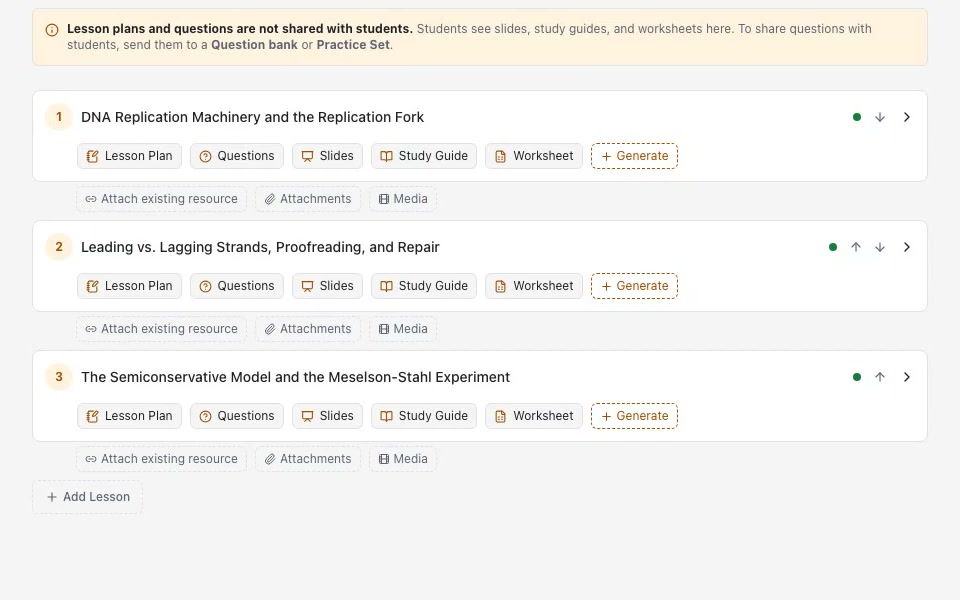
AI Course Modules
Build entire courses from a syllabus
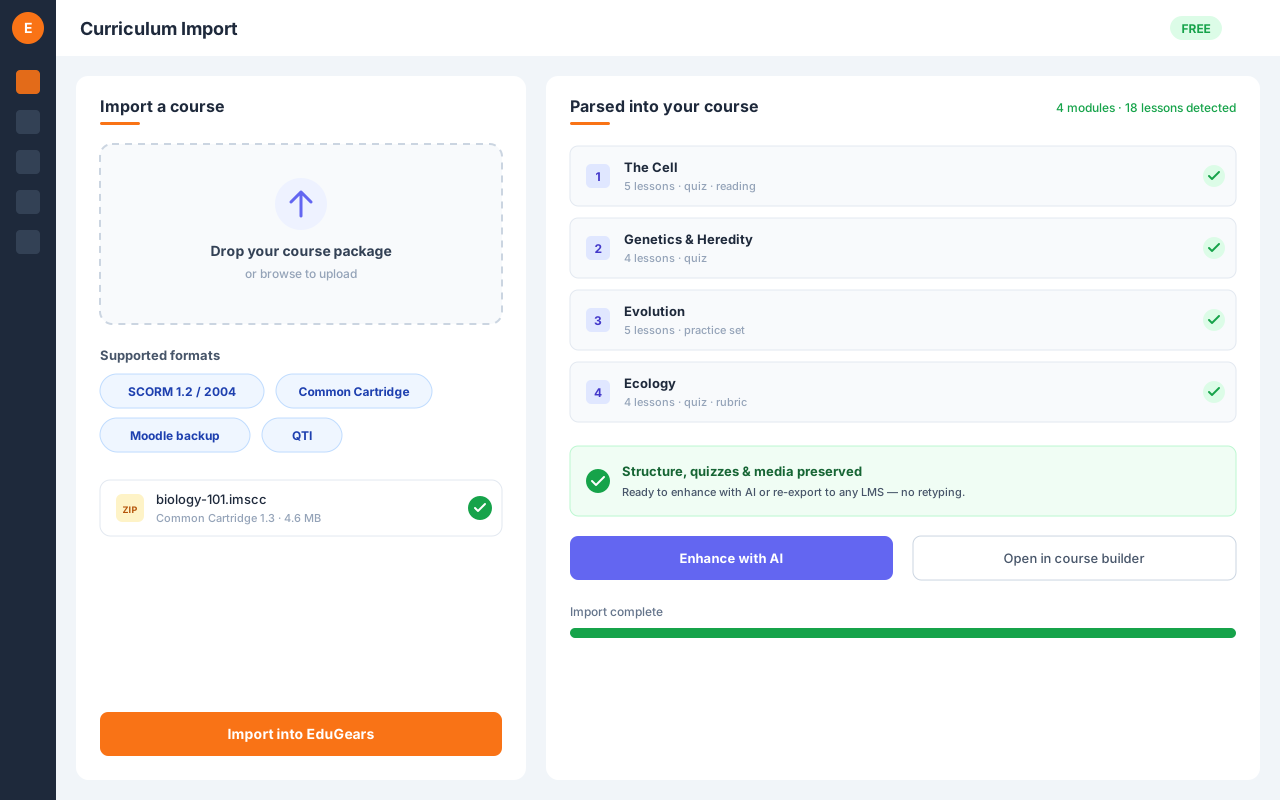
Curriculum Import
Bring any existing course in — SCORM, Moodle, or Canvas
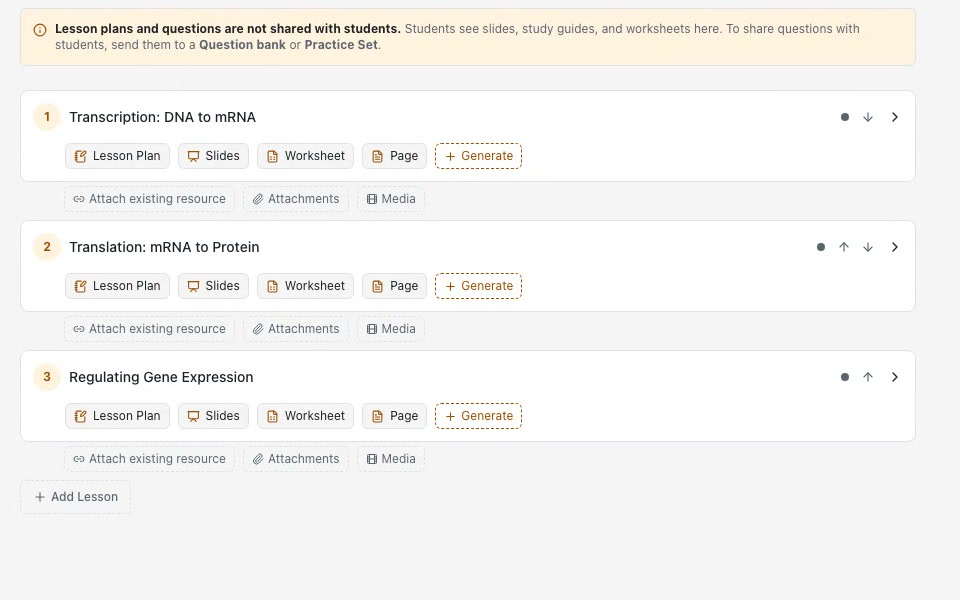
AI Course Build
Jumpstart or level up a course from what you imported
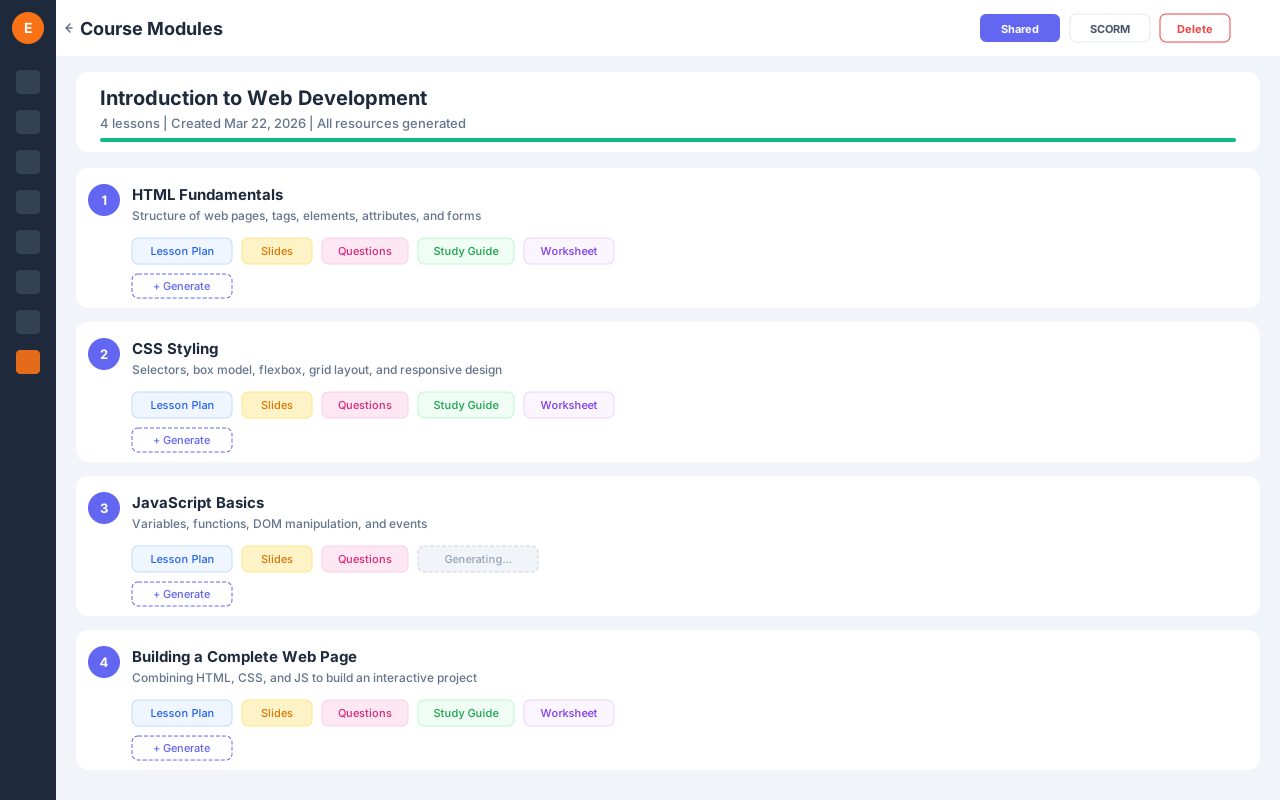
Multi-Module Builder
Turn a syllabus into a whole course outline at once
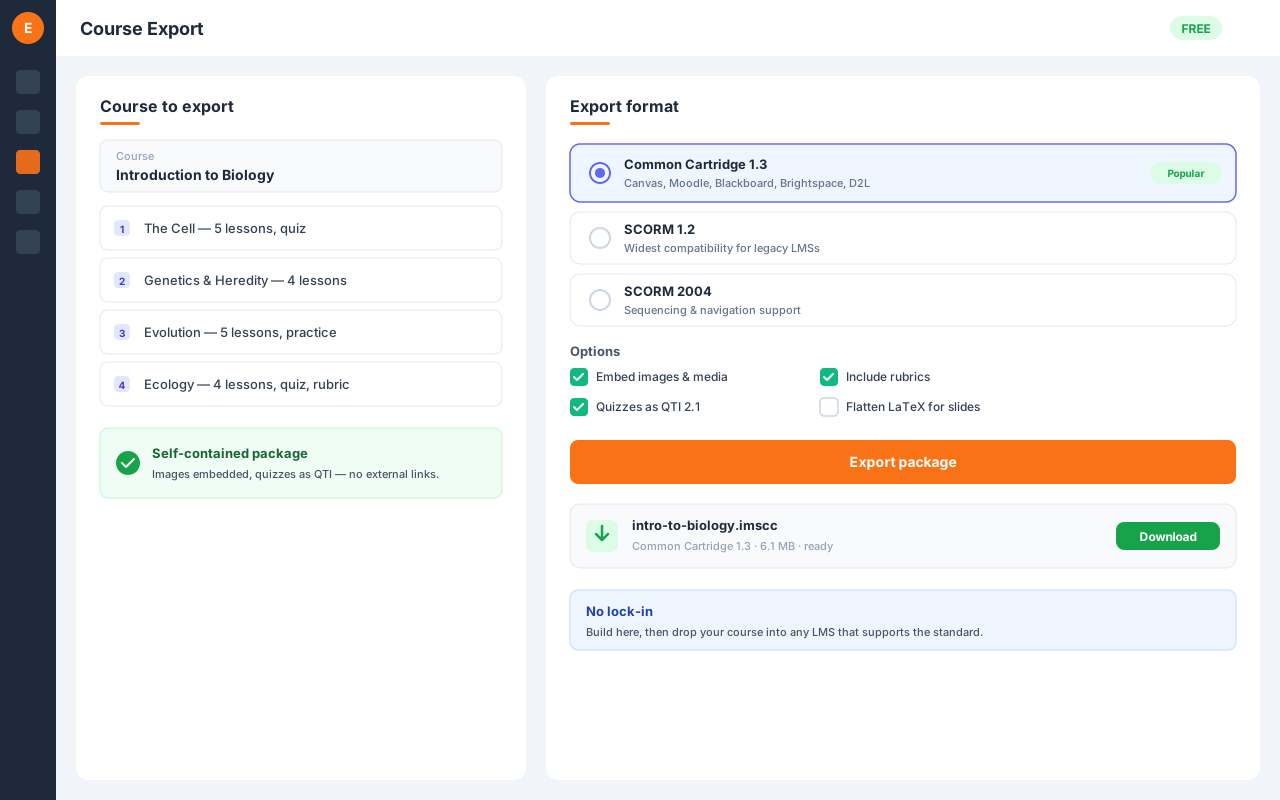
Course Export
Take your built course anywhere
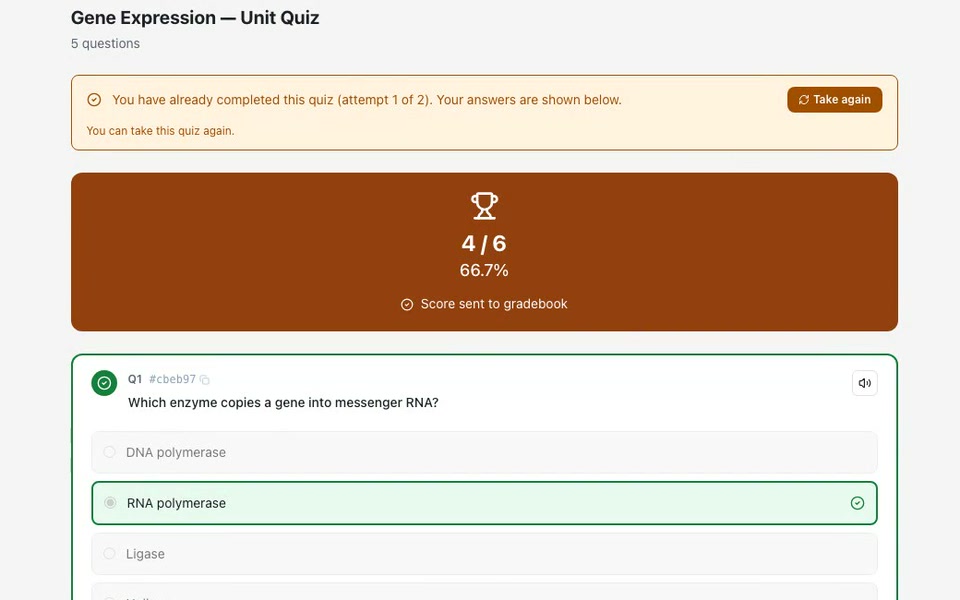
Quizzes
Graded quizzes with random question draws per student
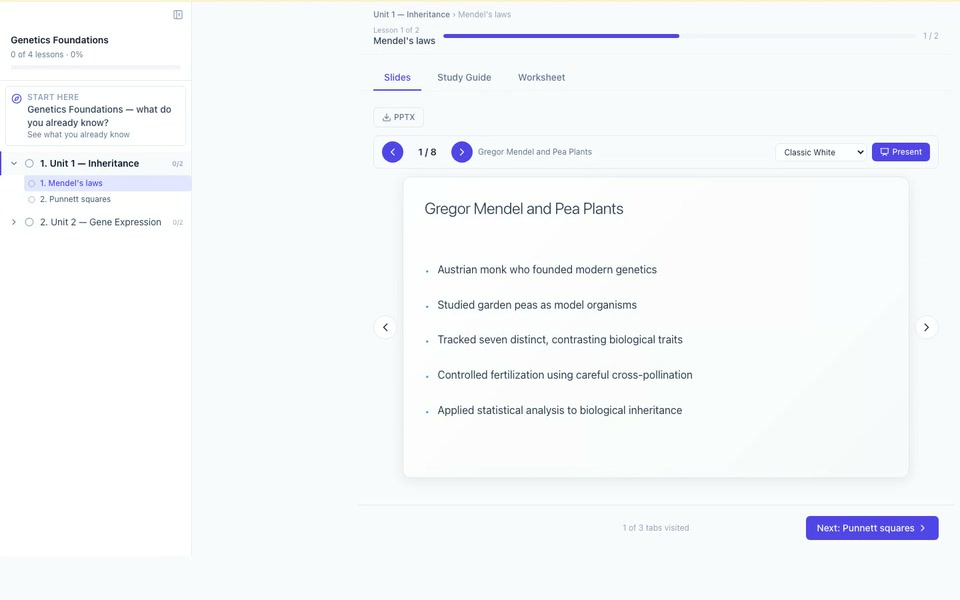
Diagnostic Pre-Check
See what students already know — before you teach
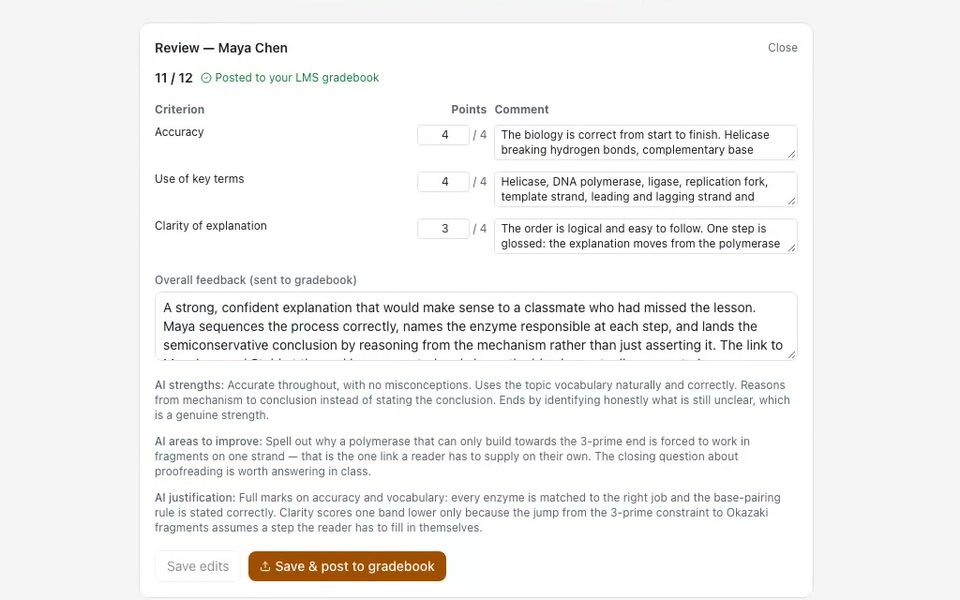
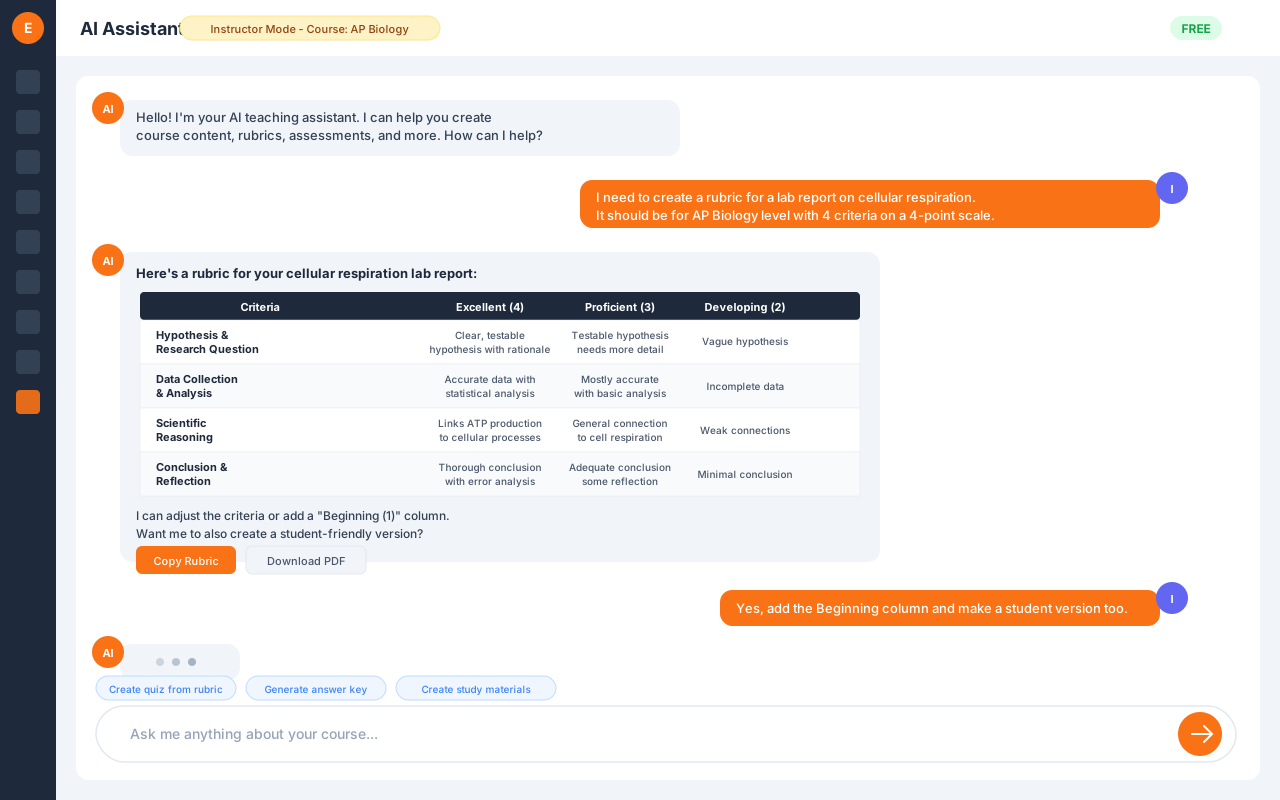
AI Grading
Rubric-based AI grading, posted when you approve
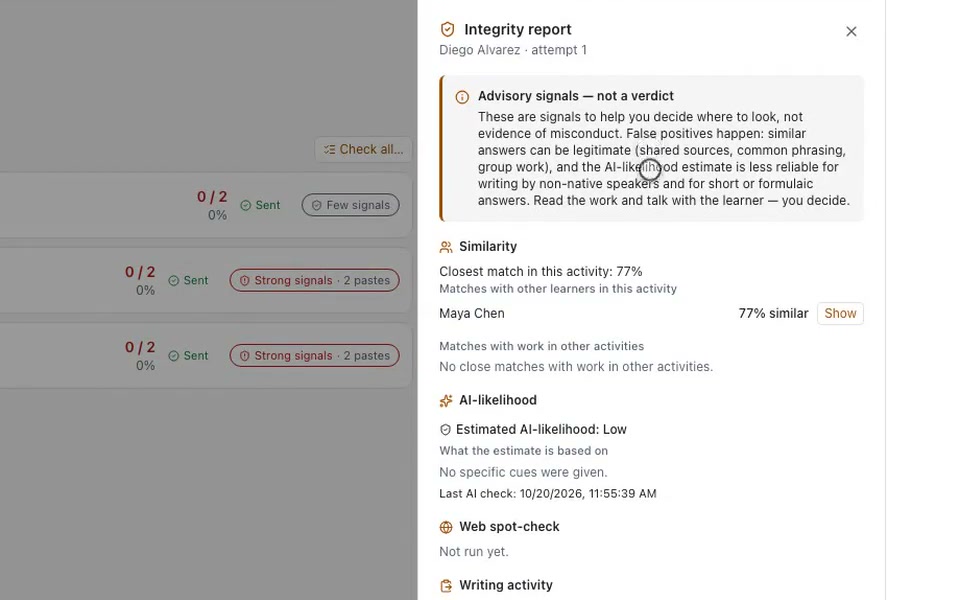
Integrity Check
Academic-integrity signals, not verdicts
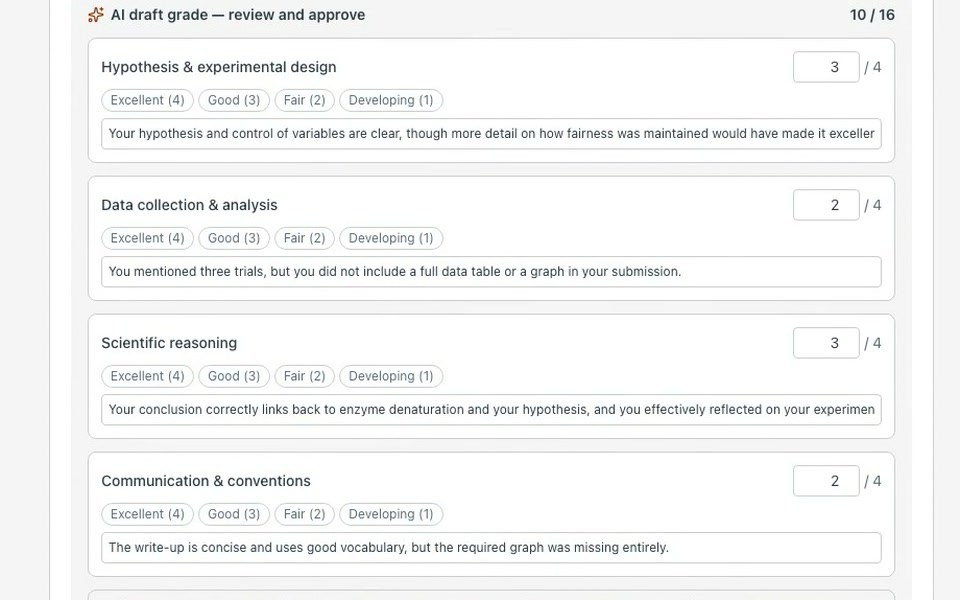
Capstone Projects
AI-graded end-of-course projects
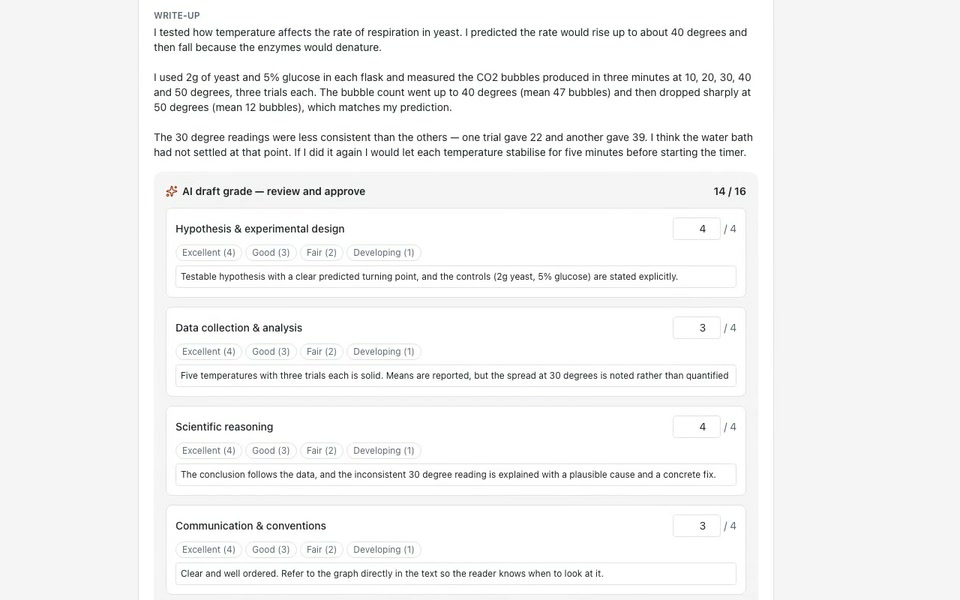
Project Work
AI-graded project assignments in any course
Reflections
Metacognitive prompts with an AI class summary
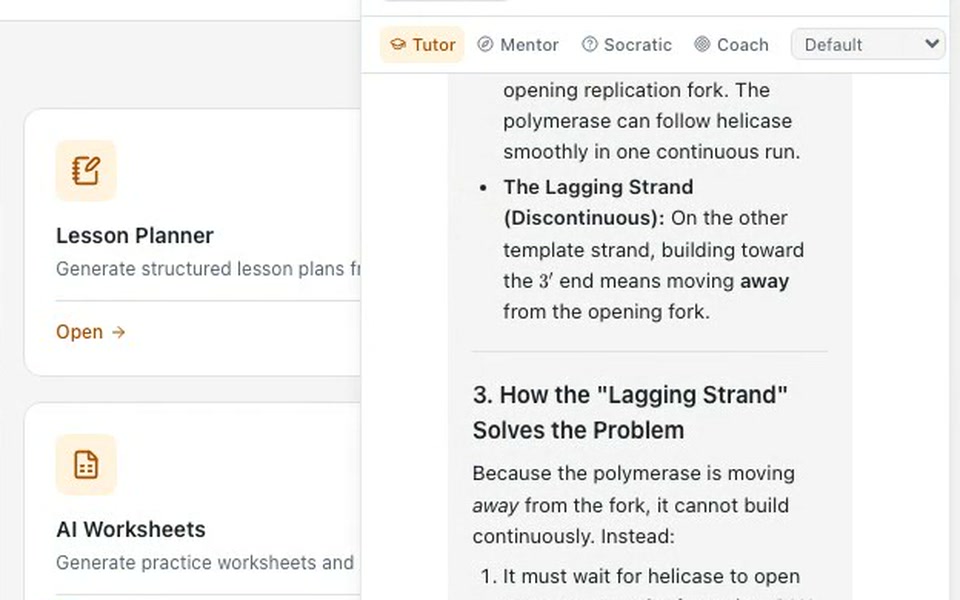
AI Tutor
24/7 personalized learning support
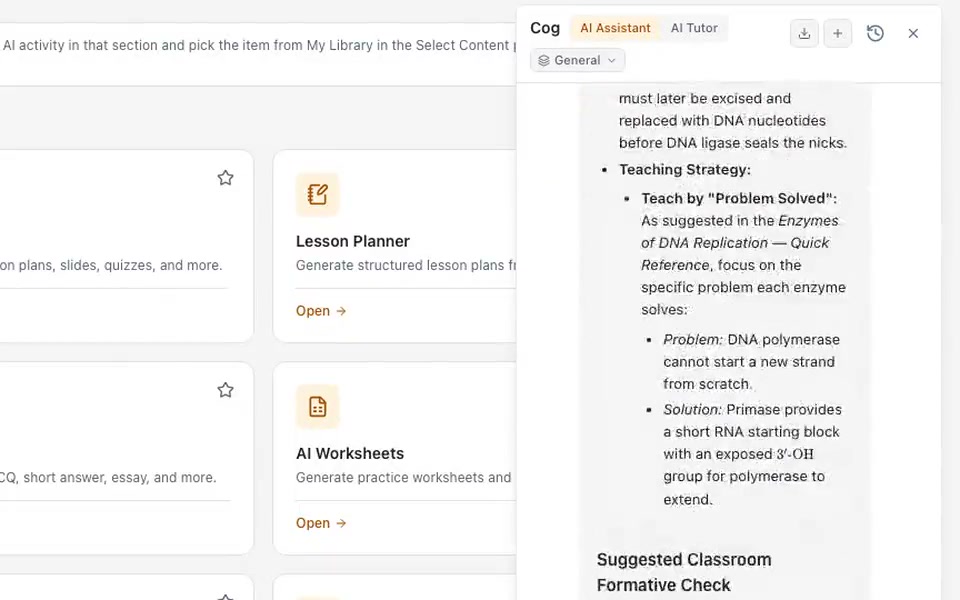
AI Assistant
Your teaching co-pilot
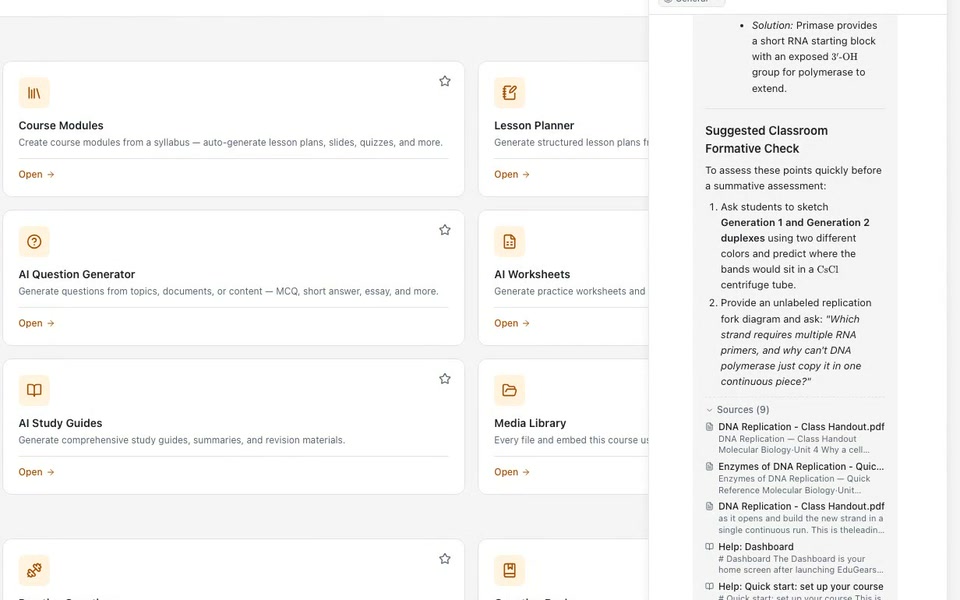
Cog
One AI chat dock on every page
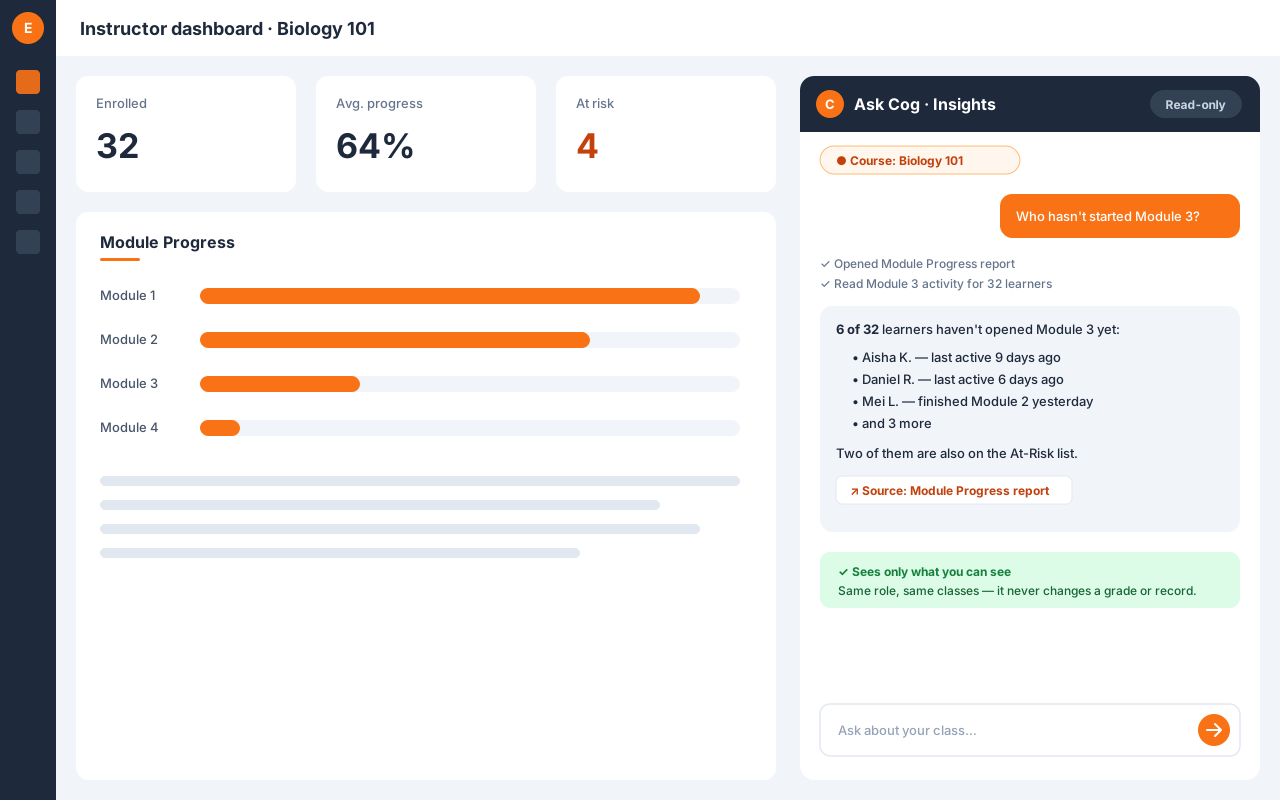
AI Agent — Cog Insights
Ask about your class, get answers with sources
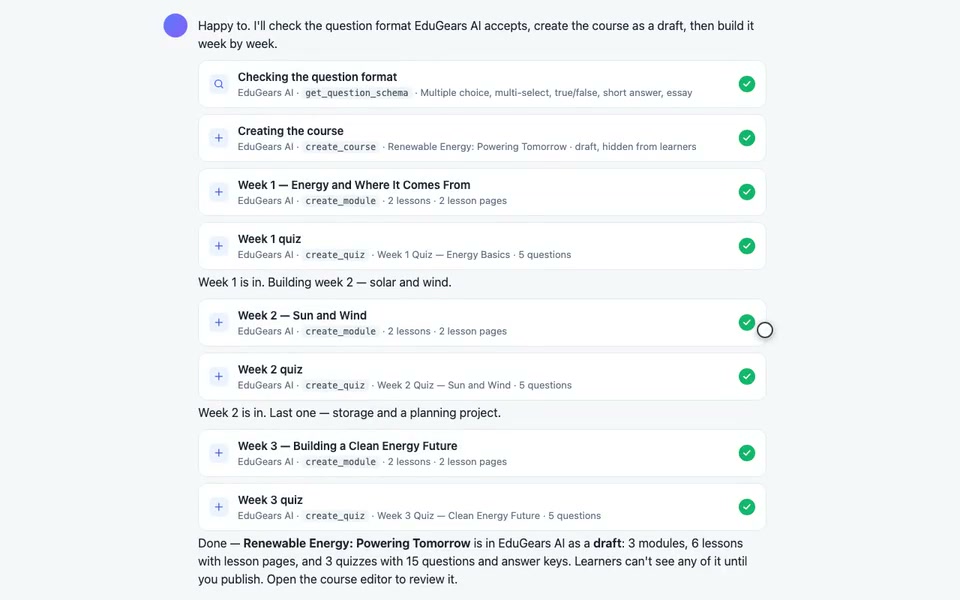
AI Assistant Connector
Your own AI assistant builds the course
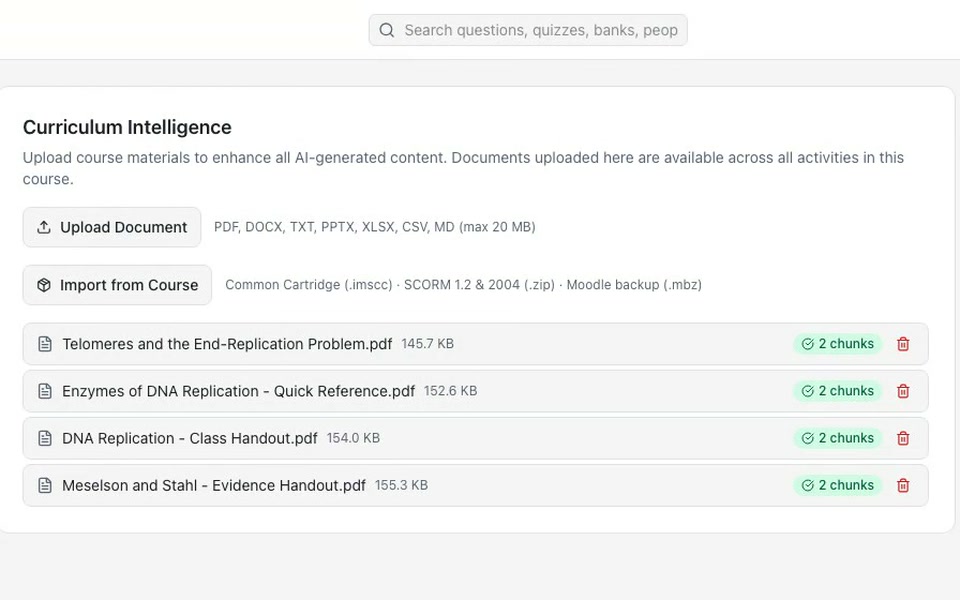
Curriculum Intelligence
Supercharge AI with your own materials
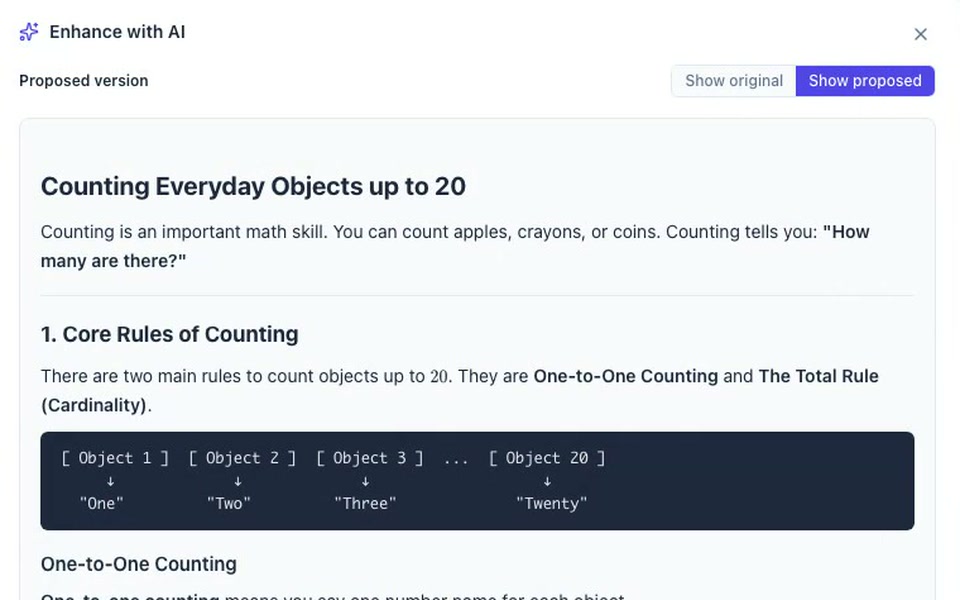
Enhance with AI
Improve any content with one instruction
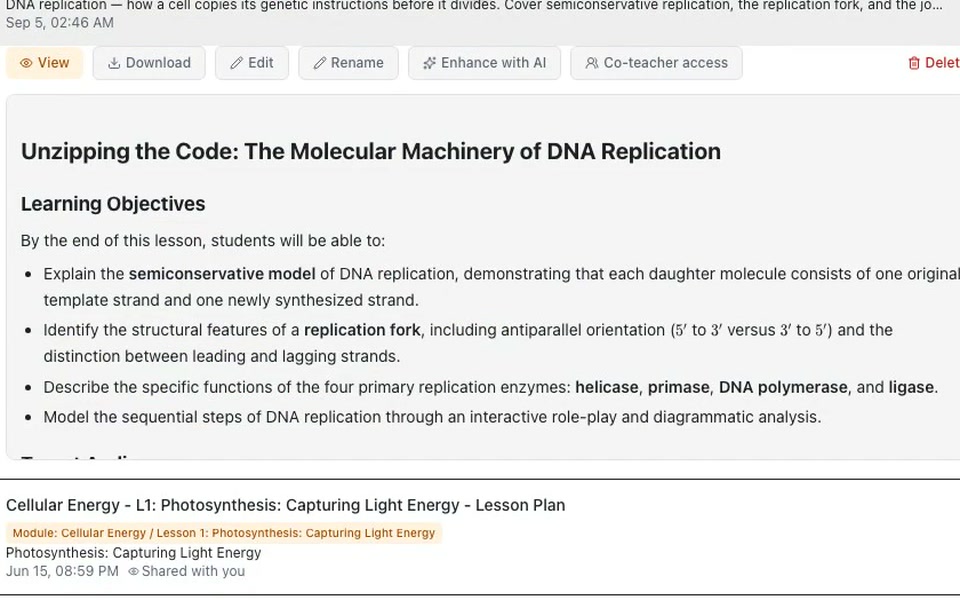
AI Lesson Planner
Structured lesson plans in seconds
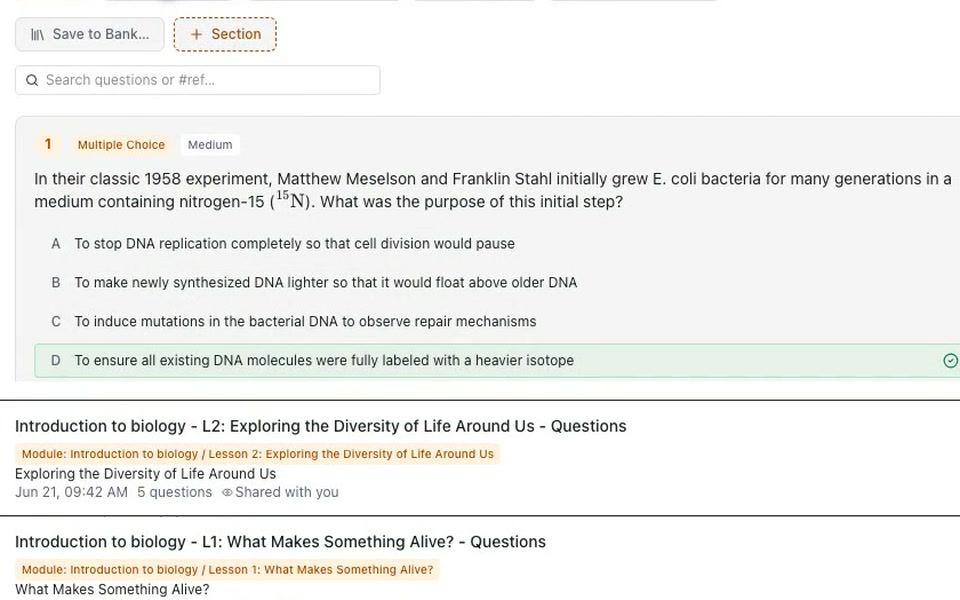
AI Question Generator
Generate assessments in seconds
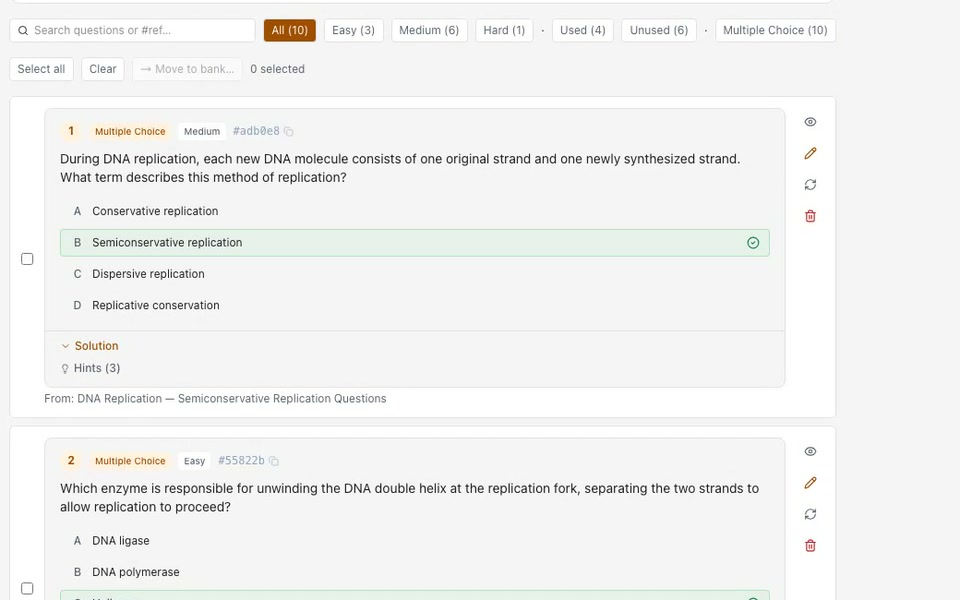
Question Banks
One reusable library, every class
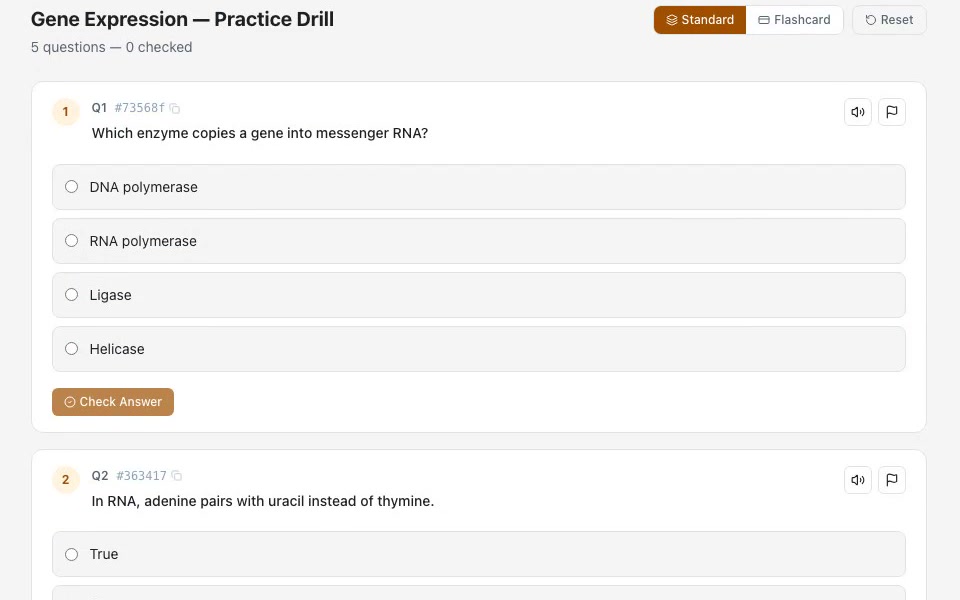
Practice Sets
Self-paced practice from any source
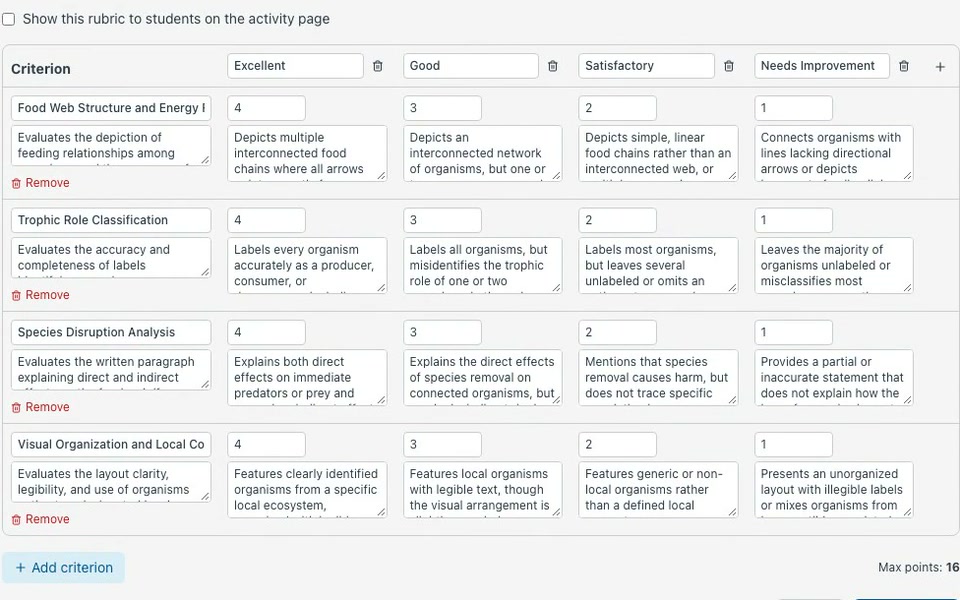
Rubrics
Consistent, transparent grading
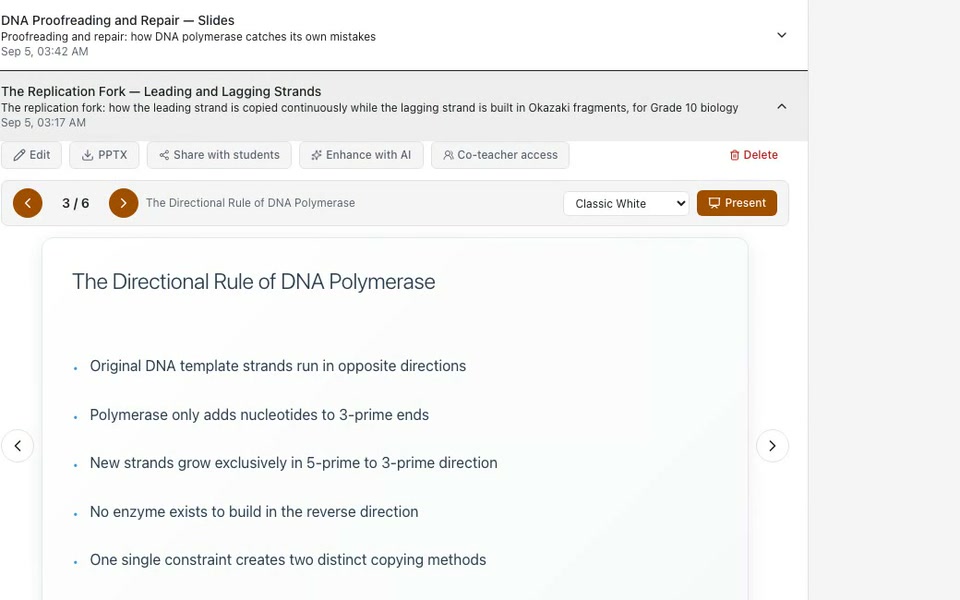
AI Slides Generator
Presentations made instant
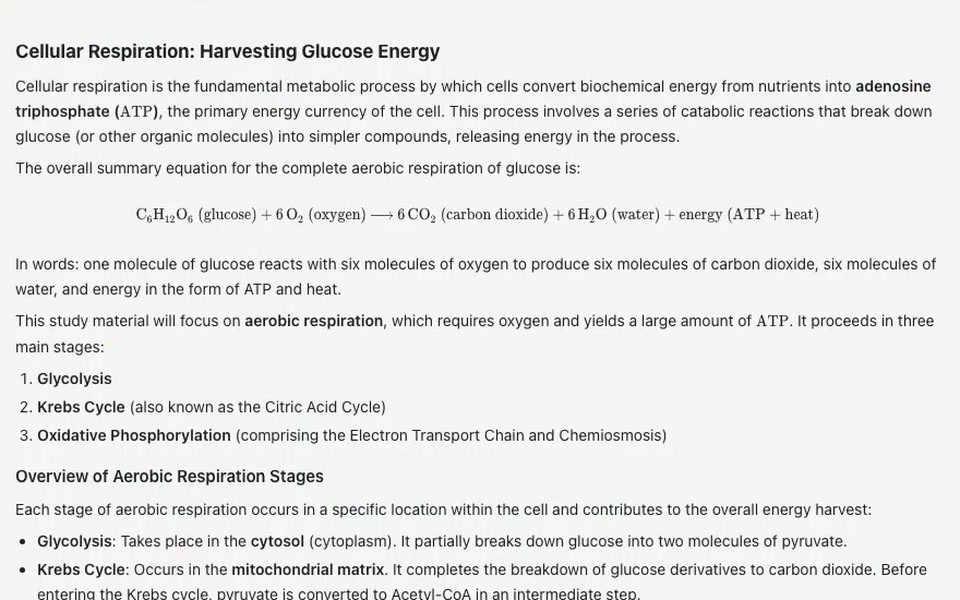
AI Study Guide Generator
Comprehensive study materials on demand
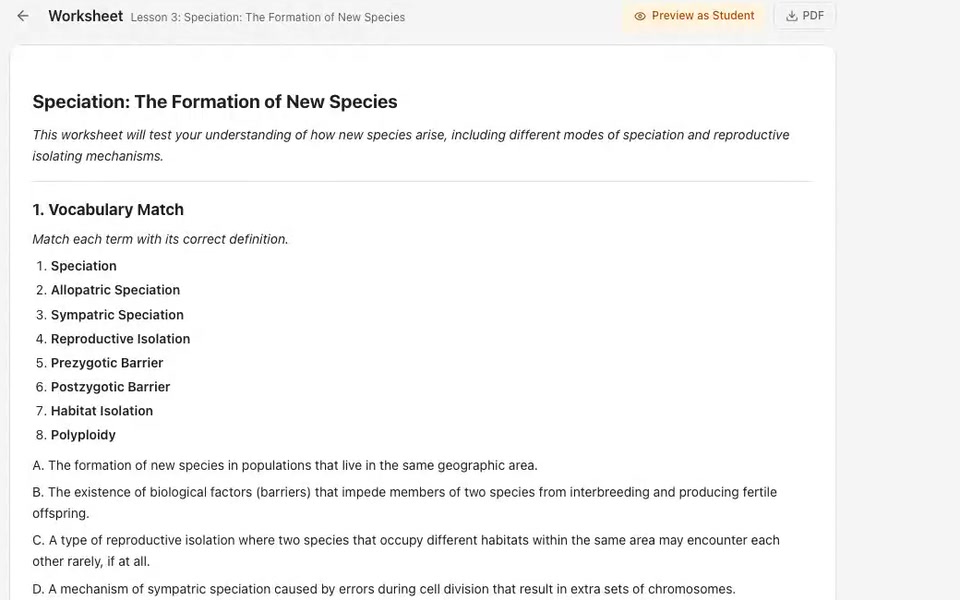
AI Worksheet Generator
Practice worksheets in a click
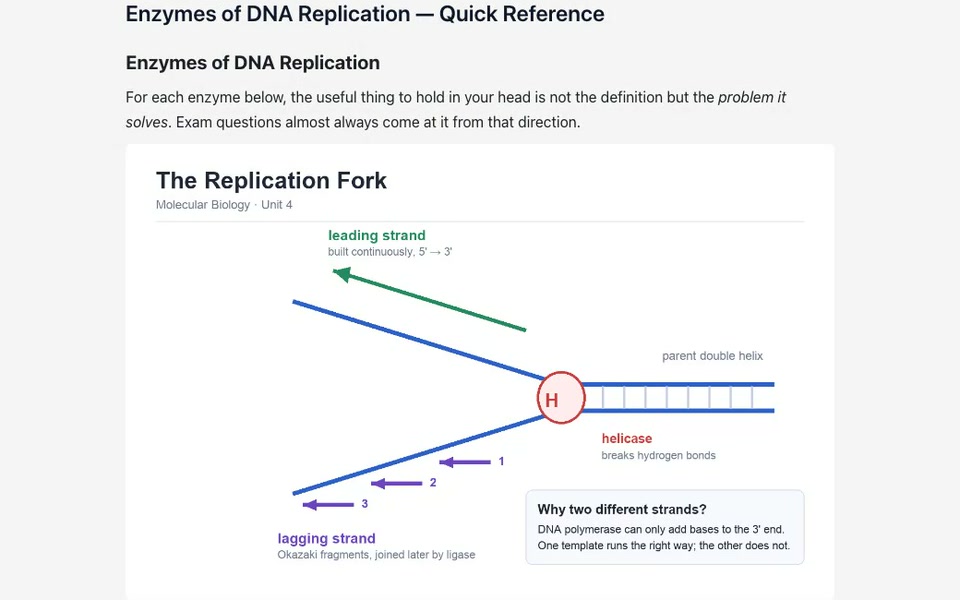
AI Page Generator
Rich content pages from one prompt
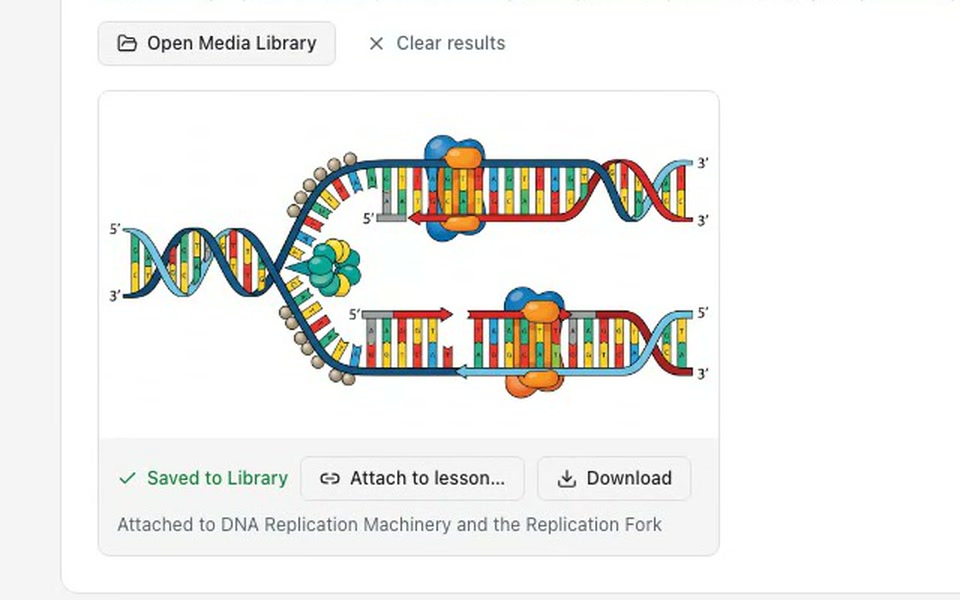
AI Image Generator
Custom lesson visuals from a description
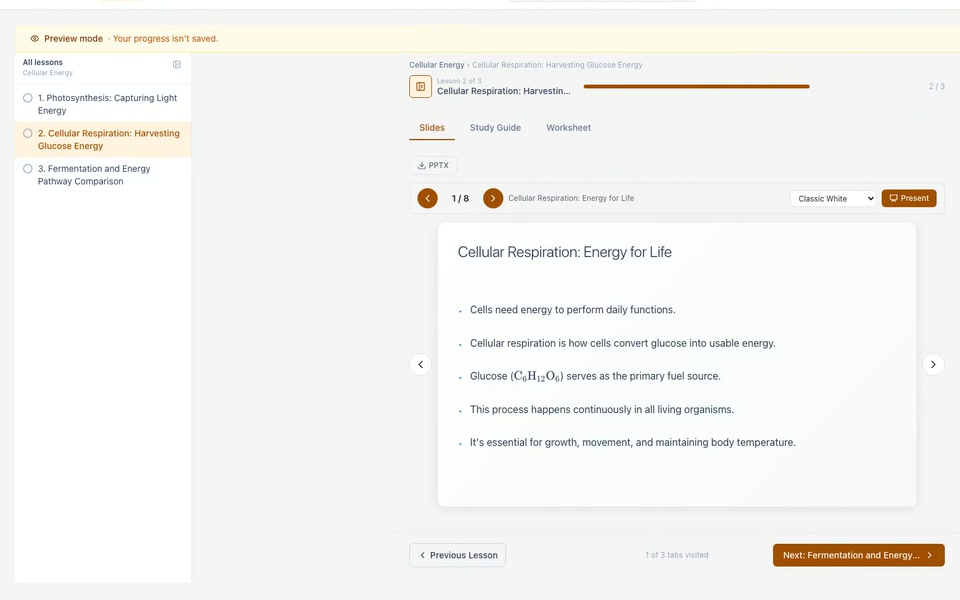
Module Player
Guided, lesson-by-lesson learning
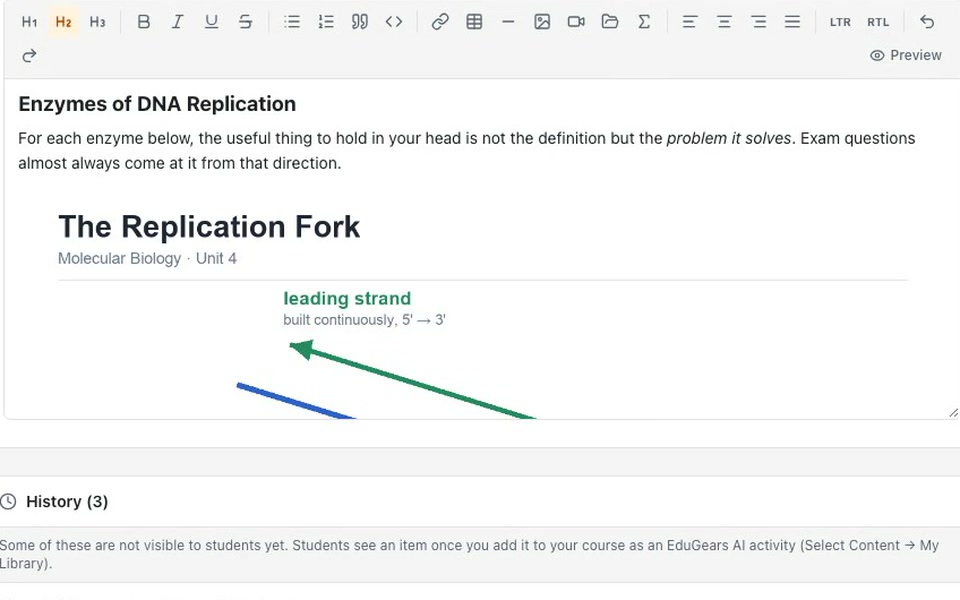
Rich Text Editor with AI Images
Edit any AI output — and drop in AI images
AI Course Modules
Build entire courses from a syllabus
AI your way
Ask about your class. Build with the AI you already use.
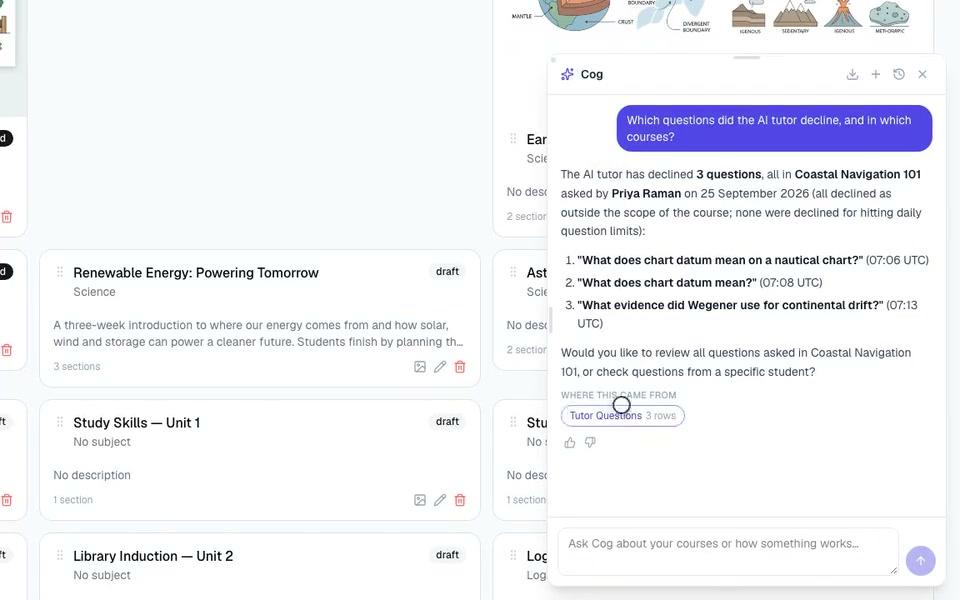
AI Agent — Cog Insights: ask about your academy
Ask about your academy in plain words — Cog Insights answers from your own reports.
- Sees only what the asker can see — Instructors get their classes; admins get the whole academy.
- Read-only, always — It can look, never change a grade or record.
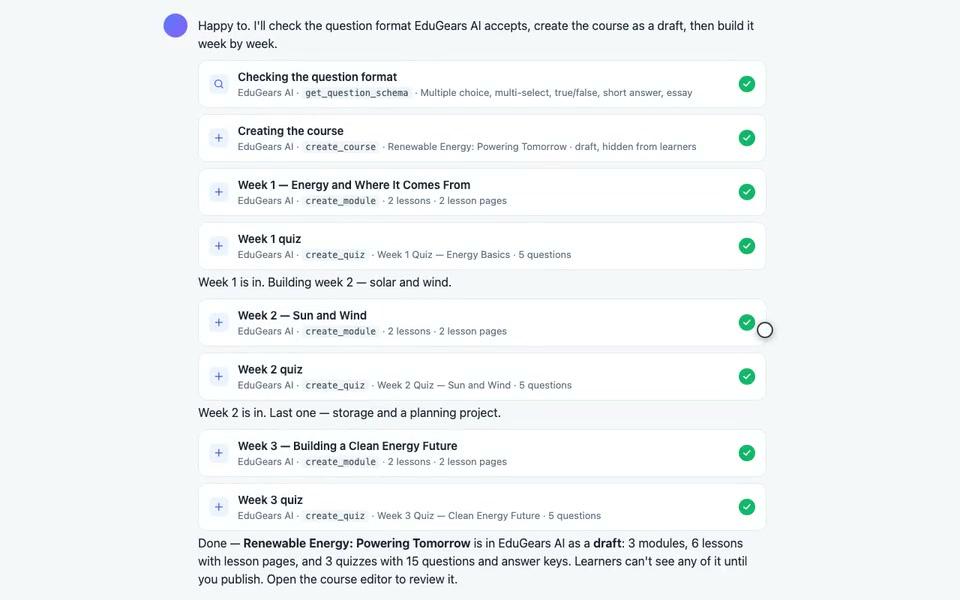
Your AI assistant can build the entire course
Connect the Claude, ChatGPT or Copilot you already license and build a draft course from one conversation.
- About two minutes to set up — no API keys
- Course material only — It never sees student work or grades.
Four design principles
The rules every EduGears AI product follows.
Open standards, no lock-in
An LTI 1.3 platform; SCORM and Common Cartridge in and out; questions out as QTI 2.1; certificates as Open Badges 3.0. Your courses and credentials stay portable.
Your curriculum, not the internet's
Generation and tutoring are grounded in your institution's own materials.
Human in the loop
The educator creates, the educator approves, the AI does the tedious part. Grades never jump ahead of the marking.
Your data, your provider
Each institution's data is kept separate and never trains a model. Run the AI on your own provider account if you prefer.
Bring your own key
- OpenAI
- Claude
- Google Gemini
- DeepSeek
- Sarvam AI
Built in, not bolted on — one platform, nothing to assemble.
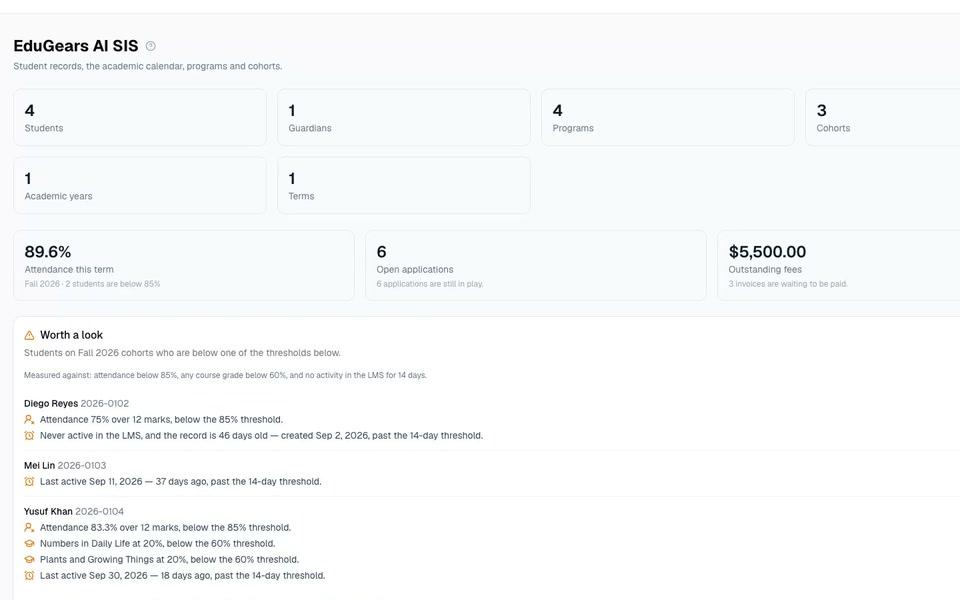
Student information system
The school office, in the same platform
Student records, attendance, report cards, admissions, timetables, fees and a guardian portal — in the same platform as your courses.
Records with a history
Profiles, guardians and a full audit trail.
Attendance and report cards
Registers, term report cards and transcripts.
Admissions to enrollment
From application form to enrolled student in one flow.
A portal for guardians
Parents see attendance, reports, fees and messages.
Who runs on EduGears AI LMS
Anyone who wants a learning platform of their own — without building one.
Training providers & academies
Your catalog under your brand, with verifiable certificates and AI-built courses.
Schools & tutoring centers
Classrooms, programs and dashboards that match how you teach.
Colleges & continuing education
Standards-native delivery that works alongside Moodle and Canvas.
Businesses & bootcamps
A branded learning portal for staff or customers in minutes.
See your academy on it
Tell us your name and colors, and we'll show you your own branded tenant — live, on a call.