The platform
Everything your academy needs, under your brand
Everything a branded learning platform needs — AI course building, teaching, analytics and open standards.
White-label & multi-tenancy
A platform that's visibly yours
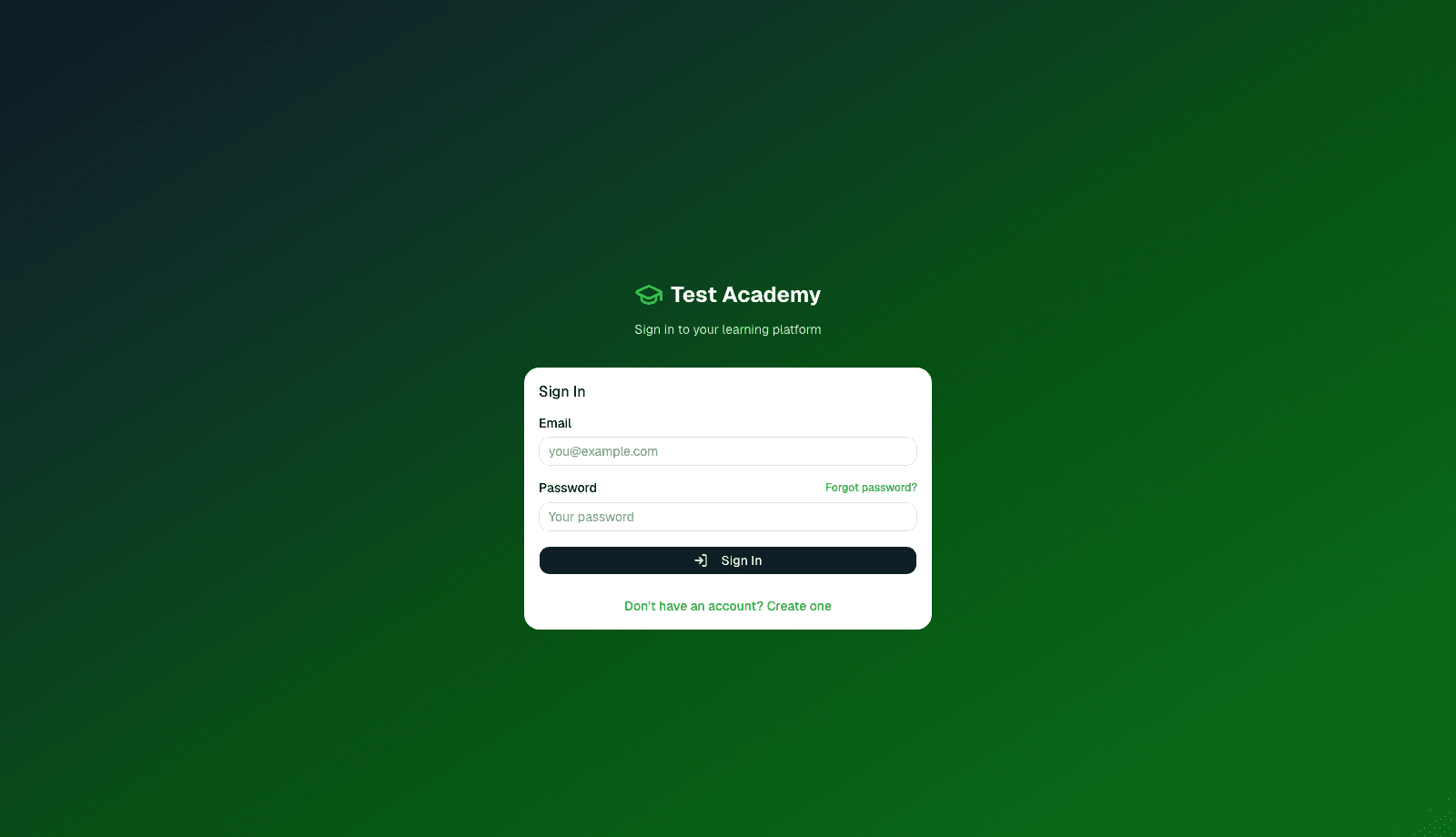
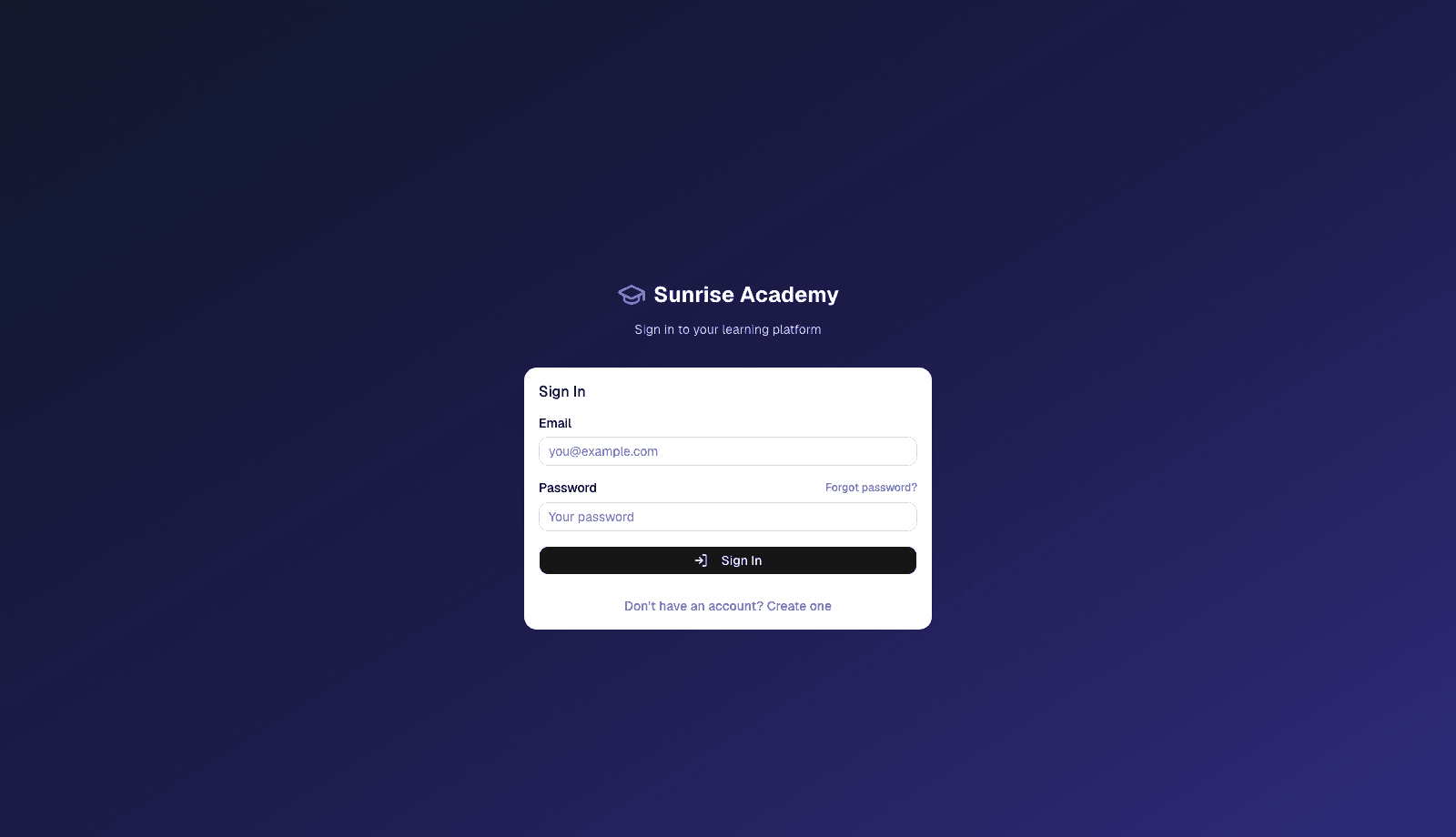
Your brand on every screen, from the sign-in page onward.
Pre-login branding
Your logo and colors on the sign-in page itself.
Subdomain & custom domains
Instant subdomain, or connect your own domain.
Theme presets
Familiar themes, then your own brand colors.
Branded emails & certificates
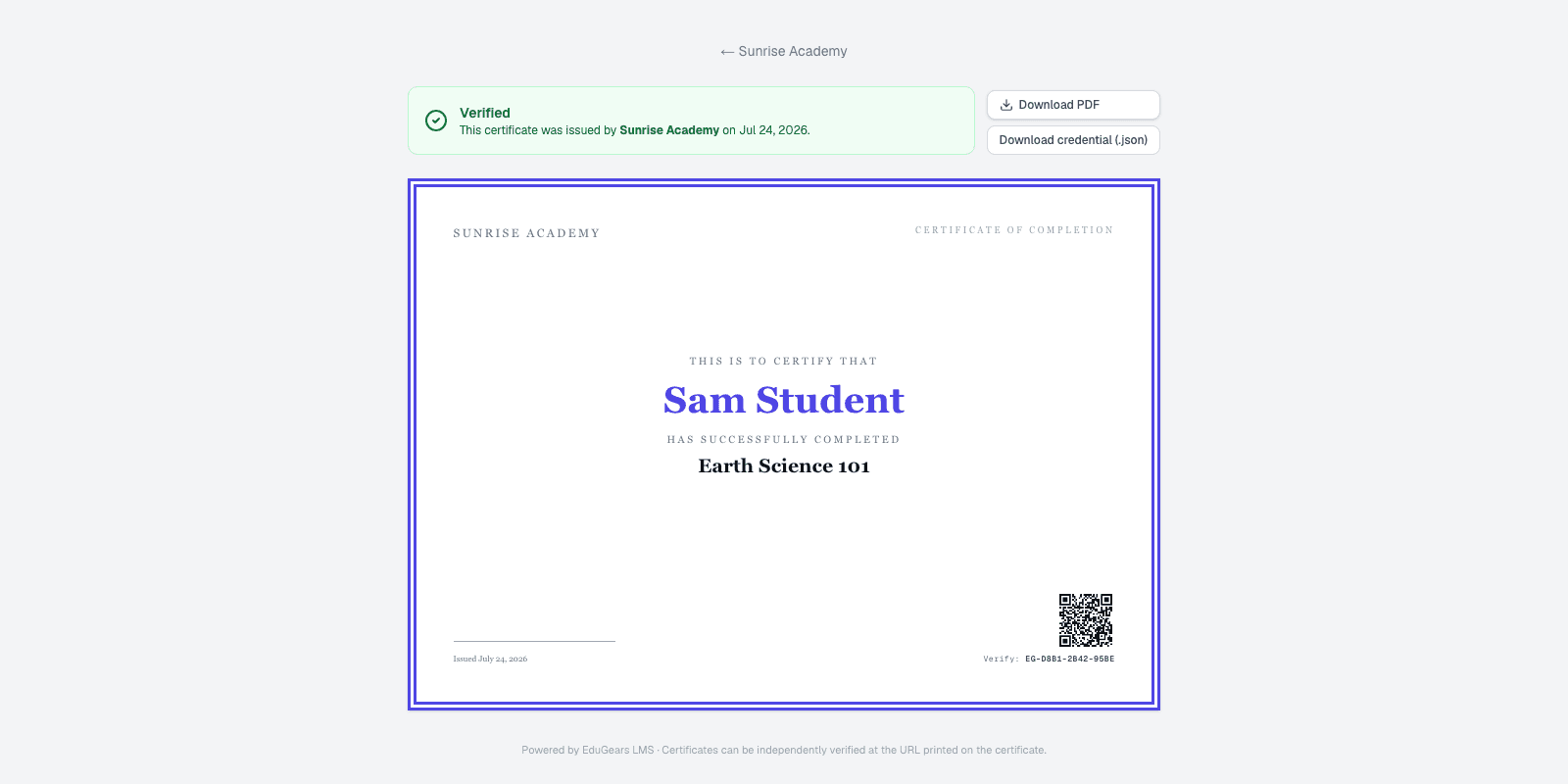
Your logo on emails and certificate verification.
Tenant hierarchy
Run standalone or as an organization with campuses.
Row-level security
Each academy's data is isolated in the database.
AI course building
From syllabus to course in one pass
Build courses from your documents, grounded in your own materials.
Course from any document
Upload a syllabus or document and get a full course.
Curriculum Intelligence
Every AI tool works from your own materials.
32 AI Tools
The complete EduGears AI suite, built in.
AI you govern
One AI budget you control, with per-student limits — or bring your own key.
AI & Tutor, on the course itself
Every AI setting for a course, in one place.
Organization AI context
One note about your region and learners that all AI content follows.
Teaching & delivery
Built for how academies actually run
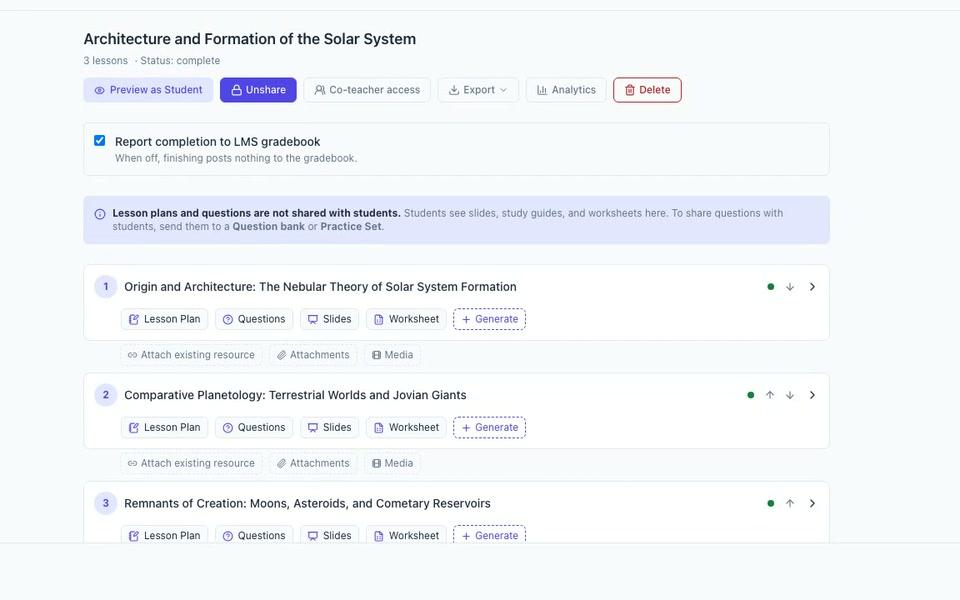
Courses, classrooms and programs — delivered through a guided player.
Courses → sections → activities
10+ activity types for content, assessment and student work.
Classrooms & programs
Rosters, messaging and program enrollment.
Sequential learner player
Lesson-by-lesson learning, with progress and resume.
Cog, on every page
One AI chat on every page — tutor for learners, assistant for staff.
Grading & gradebook
AI-assisted and manual grading with rubrics and a weighted gradebook.
Integrity Check
Advisory similarity, writing-activity and AI-likelihood signals on written quiz answers — the teacher decides.
Availability windows & due dates
Opens, due and closes dates on any activity.
Calendar & notifications
Upcoming work, broadcasts and a daily summary email.
Live video sessions
Live classes in the browser — no extra accounts or video subscription.
Verifiable certificates
Certificates with a QR code and a branded verification page.
Program certificates
Program-level certificates with rules you choose.
Expiry & recertification
Certificates that expire and recertify on schedule.
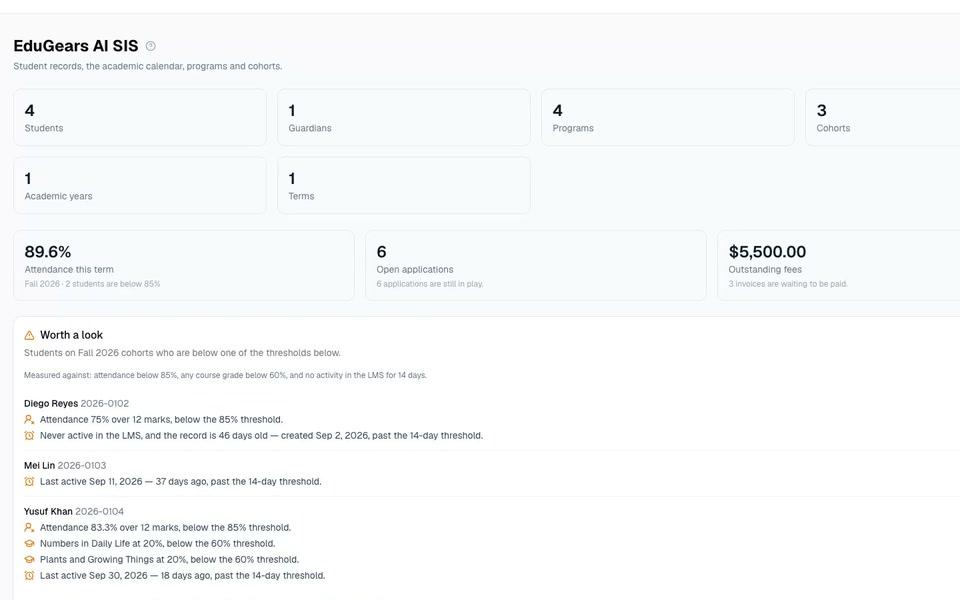
Student information system
The school office, in the same platform
The school office — admissions to report cards — in the same platform as your courses.
Student records
Profiles, guardians, status history and a full audit trail.
Academic structure
Years, terms, programs and cohorts that keep classrooms enrolled.
Attendance
Session registers with summaries and at-risk signals.
Report cards & transcripts
Term report cards and transcripts, locked at sign-off.
Admissions, timetabling & fees
Applications, timetables and fee records.
Guardian portal
Parents see each child's attendance, reports, fees and messages.
Analytics & reporting
Every role sees what it needs
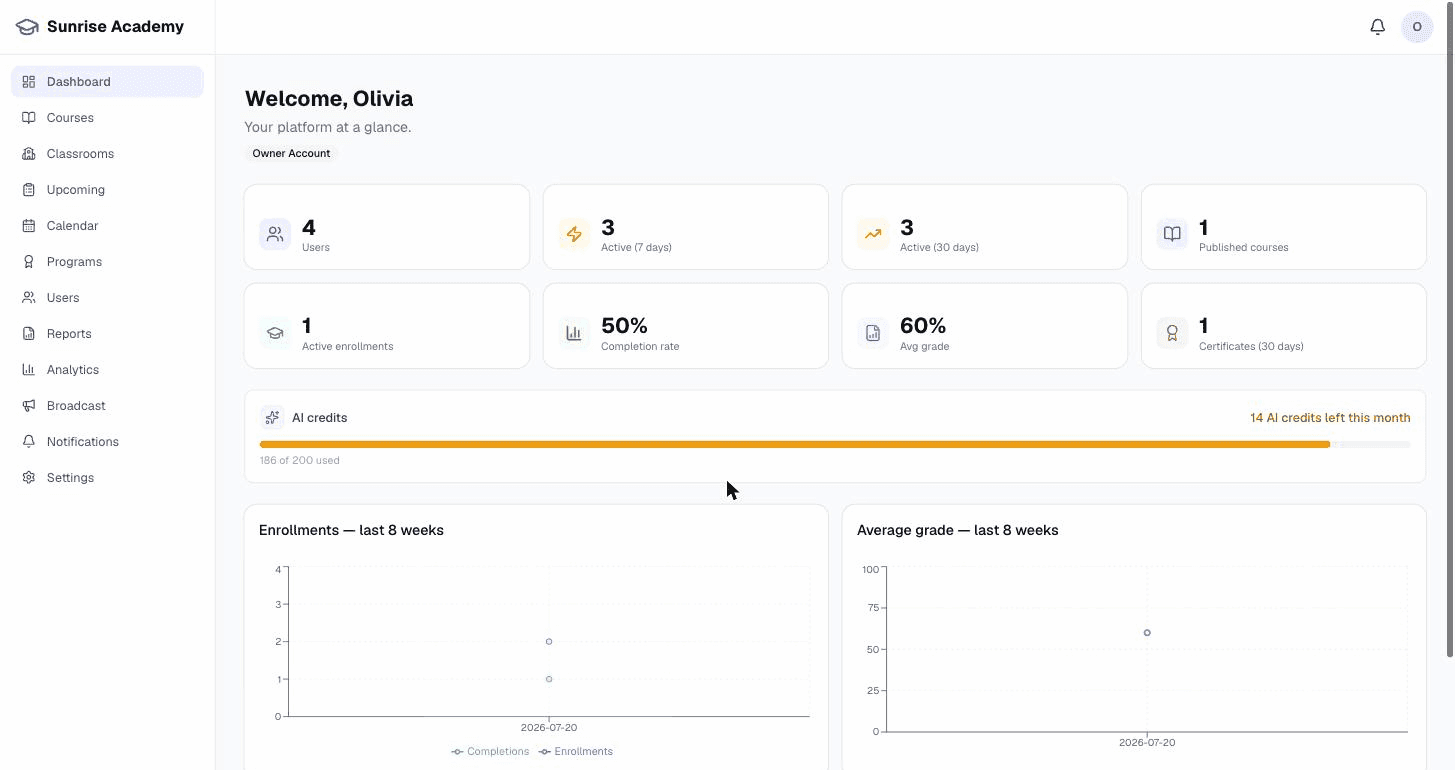
Dashboards and reports for every role — no spreadsheets needed.
Role-based dashboards
The right numbers for owners, instructors and students.
Report registry
Eight built-in reports, from student progress to marking and certificates, plus an AI-usage report.
Exports
CSV and branded PDF exports.
Student 360
One learner's whole record on a single page.
Learner transcripts
A branded PDF transcript per learner.
Org rollups
Analytics rolled up across campuses.
Standards & interoperability
Plays well with Moodle, Canvas, and everything LTI
Open standards in and out — nothing you build here is locked in.
LTI 1.3 platform
Host external tools with grade passback and roster sync.
SCORM import & player
Play existing SCORM packages inside your courses.
Common Cartridge in & out
Import and export Common Cartridge.
Moodle .mbz export
Hand a course back to Moodle as a backup file.
QTI question export
Export quizzes and question banks to Moodle and Canvas.
Webhooks
Send platform events to your own systems.
Public API keys
Scoped API keys for each integration.
Organizations & campuses
One organization, many campuses
Run branches, client portals or programmes as campuses under one organization.
Campuses, self-service
Add a campus and invite its admin yourself.
One shared catalog
Every campus teaches from the same catalog.
Rosters stay local
Each campus sees only its own learners.
Isolation in the database
Campus separation is enforced in the database.
Org-wide rollups
Organization dashboards across every campus.
Delegated administration
Campus admins run their people; you keep the catalog and brand.
Enterprise
Ready for IT review
The essentials that turn a pilot into a rollout.
SSO via SAML & OIDC
Single sign-on with SAML and OIDC.
Role-based access
Owner, admin, instructor and student roles.
Your language, RTL included
Fully localized, including right-to-left languages.
Records that survive
Grades and certificates are never silently lost.