AI-native
All 26 AI Tools, built in
Not add-ons, not integrations you assemble — the complete EduGears AI suite ships inside every tenant, grounded in your own course materials.
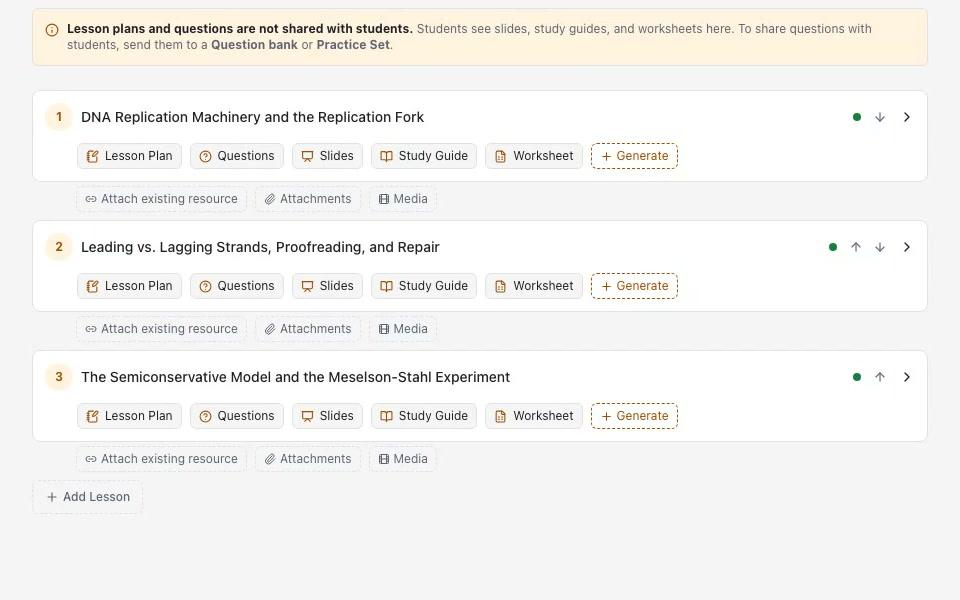
AI Course Modules
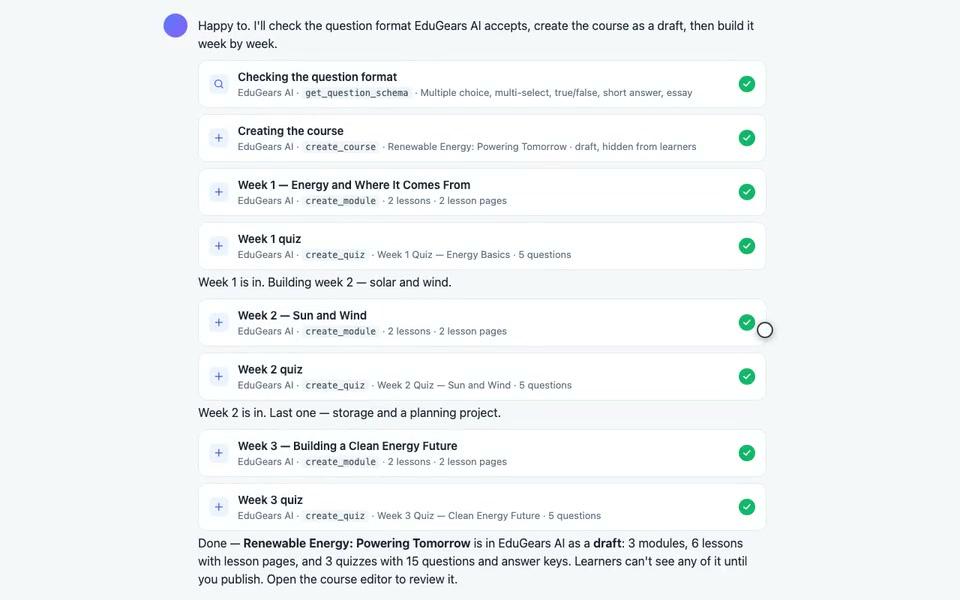
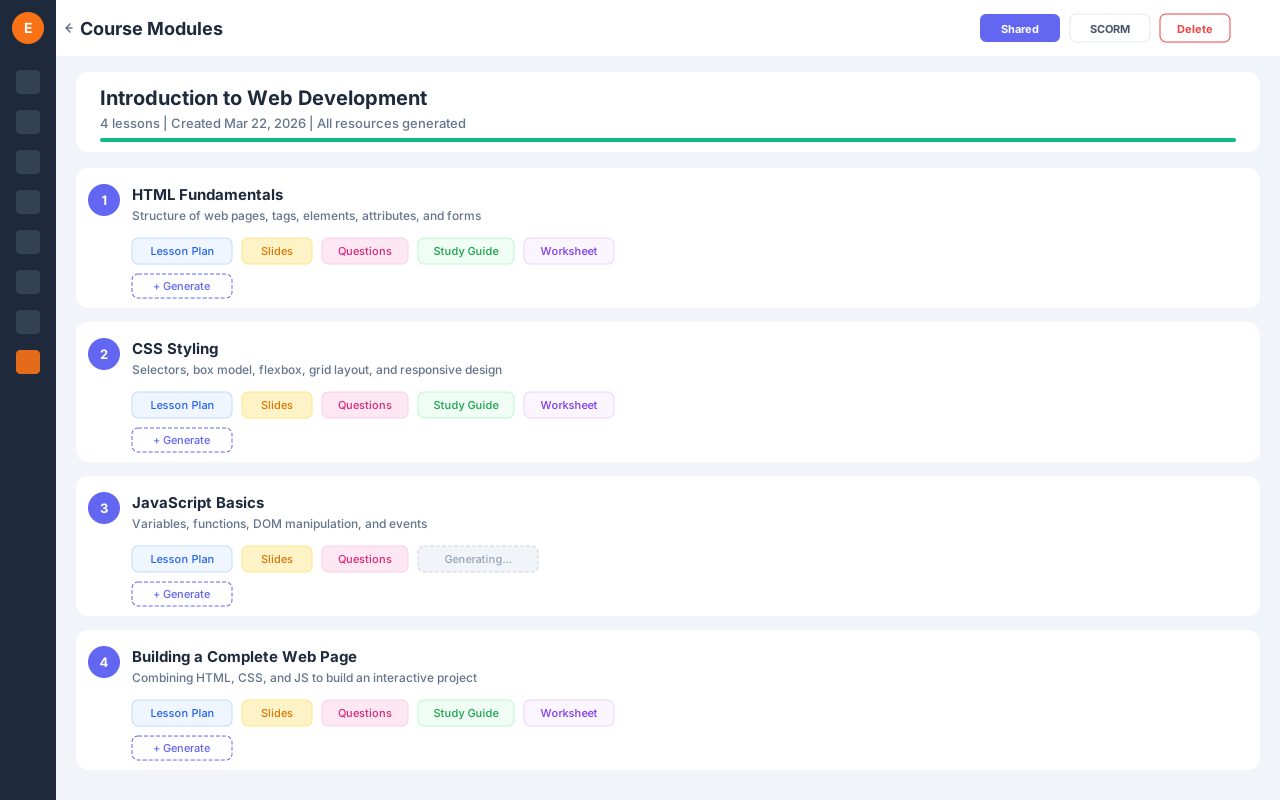
Build entire courses from a syllabus
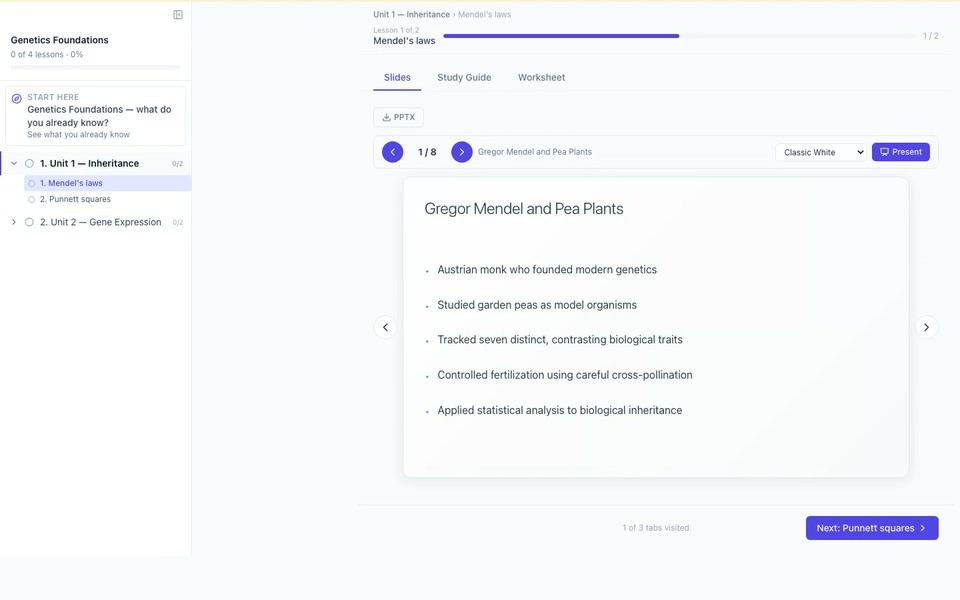
Upload a syllabus and AI decomposes it into structured lessons, then generates all resources — lesson plans, slides, quizzes, study guides, and worksheets. Export as SCORM anytime.
Curriculum Import
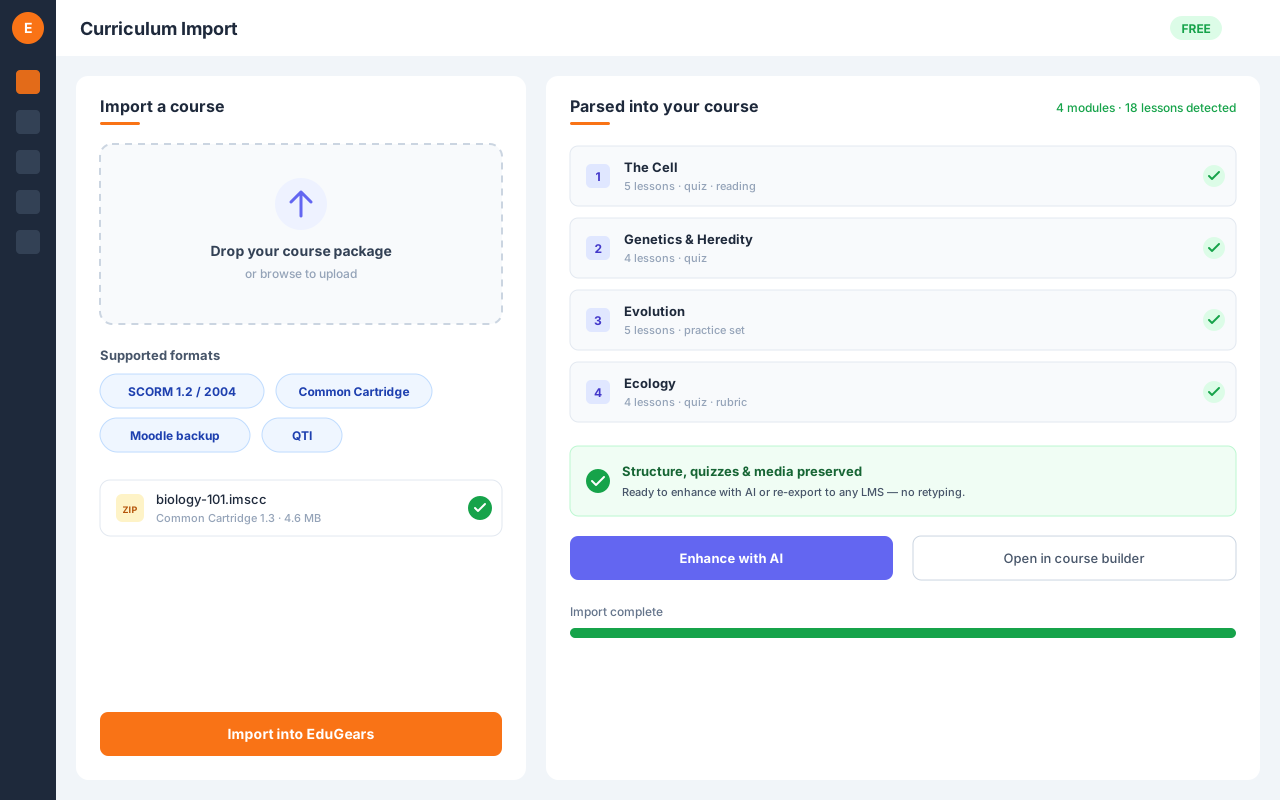
Bring any existing course in — SCORM, Moodle, or Canvas
Upload a SCORM package, a Moodle course backup, or a Canvas Common Cartridge and EduGears AI rebuilds the structure for you — modules, lessons, and pages land as native, editable activities. The import matches what students actually saw: activities the original course hid are left out, the notes written between activities merge into one readable page per section, and everything it skipped is named — on the preview for a standard import, in the completion email for a background one. Each quiz arrives as authoring material only — nothing reaches learners until you review the questions and publish them yourself: save them to a question bank with “Save to Bank…” and share that bank as a practice set, or send them straight into a graded quiz. PowerPoint becomes slides and Word becomes pages, study guides, or worksheets. Packages up to 2 GB are accepted; anything over 100 MB imports in the background and emails you when the course is ready. Grounding is a question the import asks rather than something it assumes — answer yes and the material feeds that course's knowledge base, so the AI Tutor and Assistant work from your own content from day one.
AI Course Build
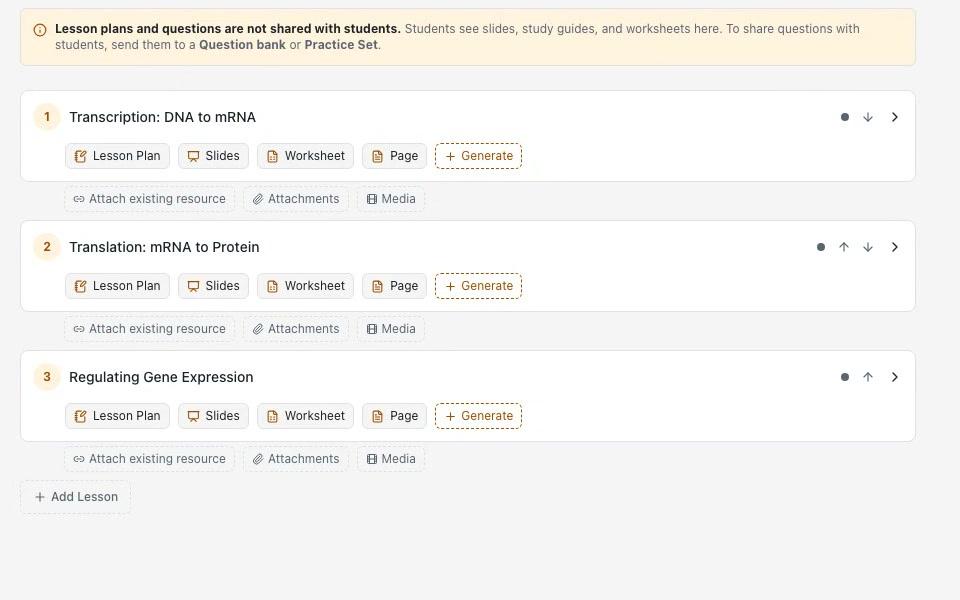
Jumpstart or level up a course from what you imported
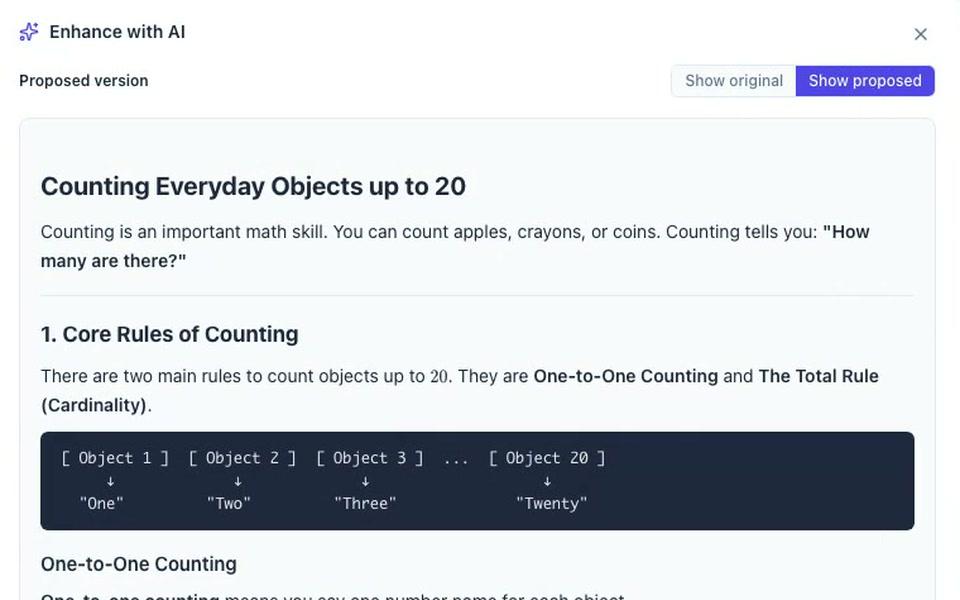
Don't start from a blank page. Build a full course straight from an import, then use Enhance with AI to lift any piece of content — make a lesson simpler, add worked examples, tighten a worksheet, or deepen a study guide. You write the instruction, the AI proposes a revision, and nothing changes until you accept it.
Multi-Module Builder
Turn a syllabus into a whole course outline at once
Paste a syllabus or upload your source documents, choose how many modules you want, and AI decomposes it into a full set of modules in one pass — a complete course skeleton instead of building each unit by hand.
Course Export
Take your built course anywhere
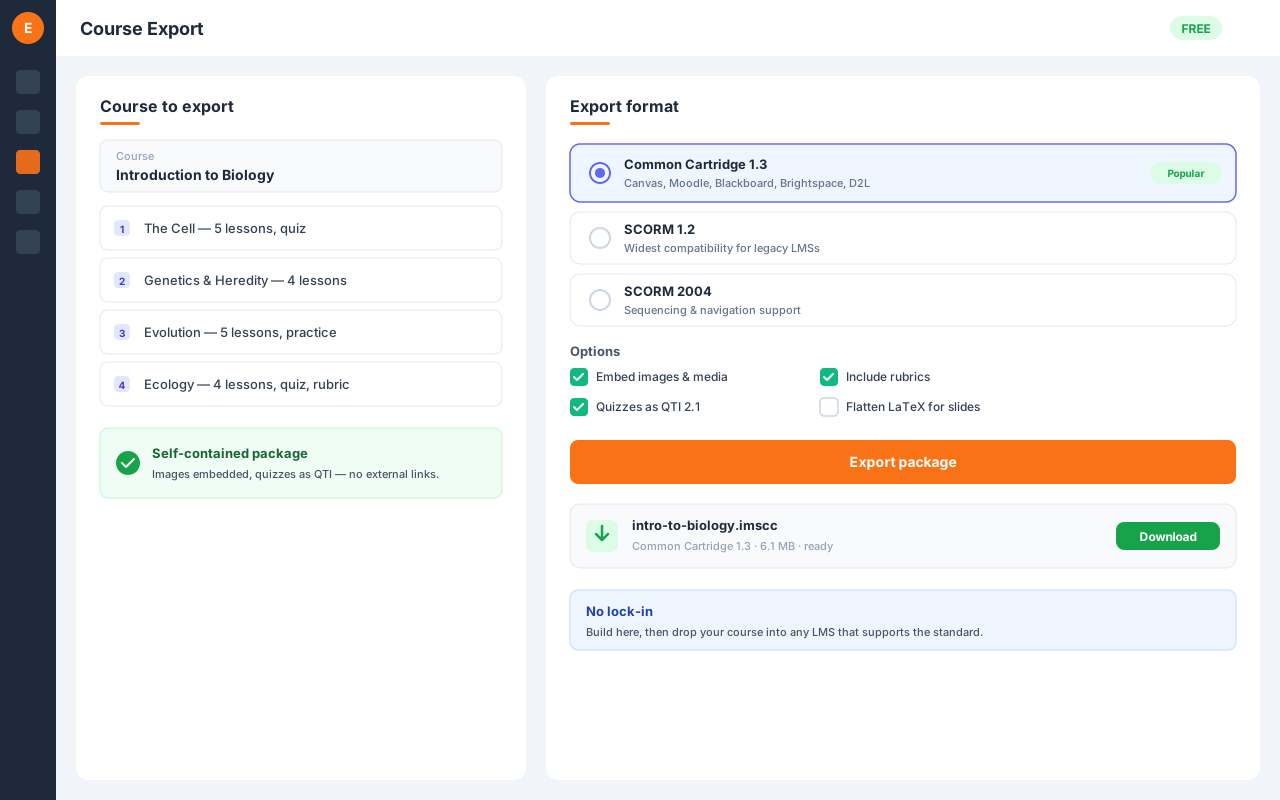
Export a whole module or course as SCORM 1.2, SCORM 2004, or Common Cartridge 1.3 — ready to load into any compliant LMS. Export question sets to QTI 2.1 or Moodle XML. Packages are self-contained: images are embedded, math renders properly, and empty lessons are dropped automatically.

Quizzes
Graded assessments with unique exams
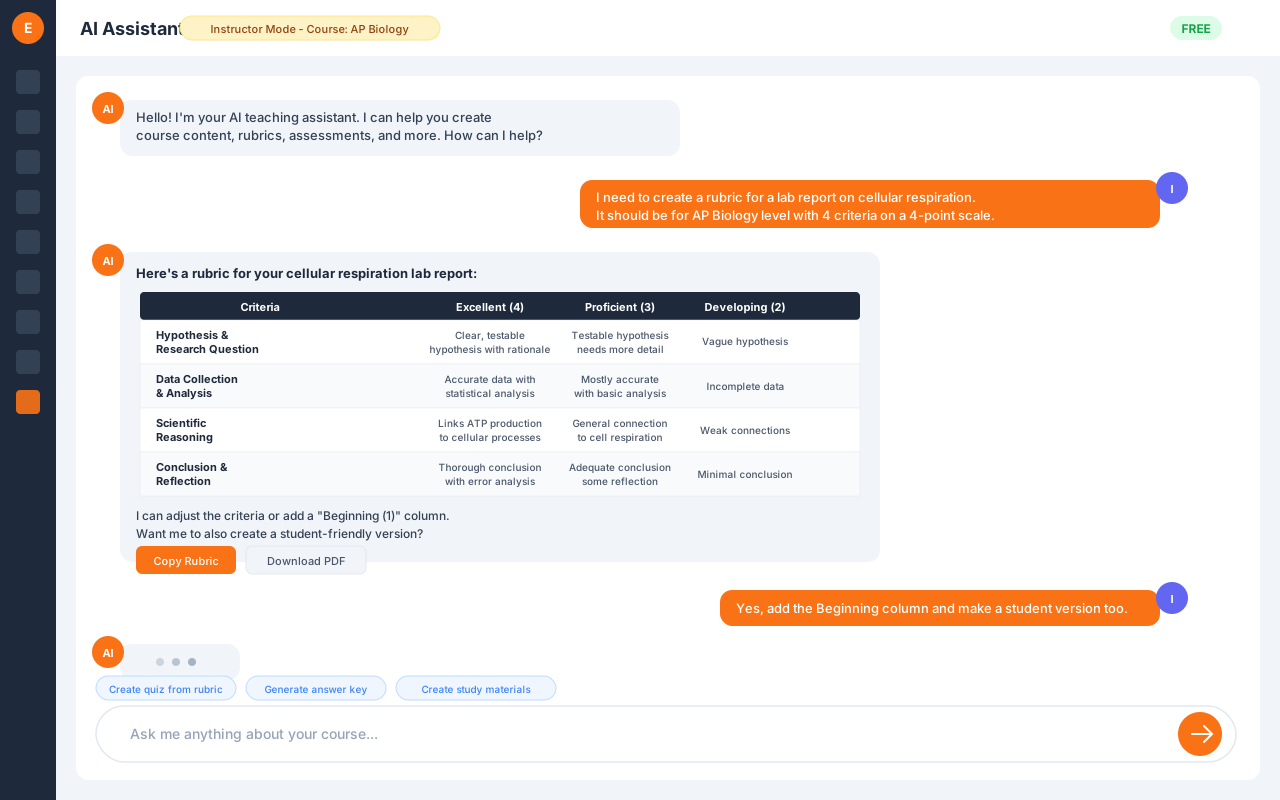
Build graded quizzes and finals with scores flowing straight into the gradebook. Question groups draw N random items per group so every student gets a unique exam.

Diagnostic Pre-Check
See what students already know — before you teach
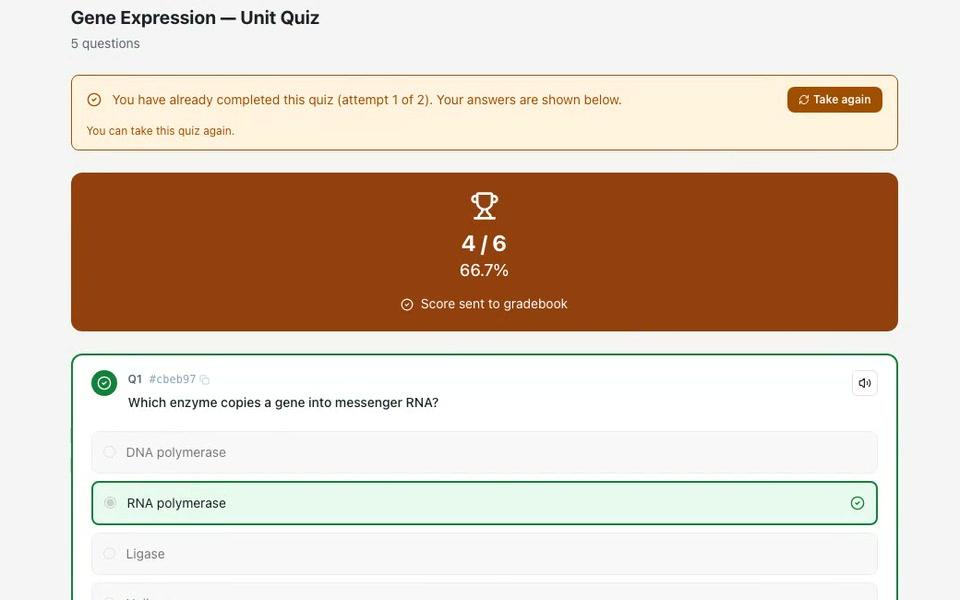
Drop a "start here" diagnostic at the top of a course or unit so students and you can see where they stand going in. It never gates progress and never touches the gradebook — but you get the full per-question analytics behind it.

AI Grading
Intelligent assessment, straight to the gradebook
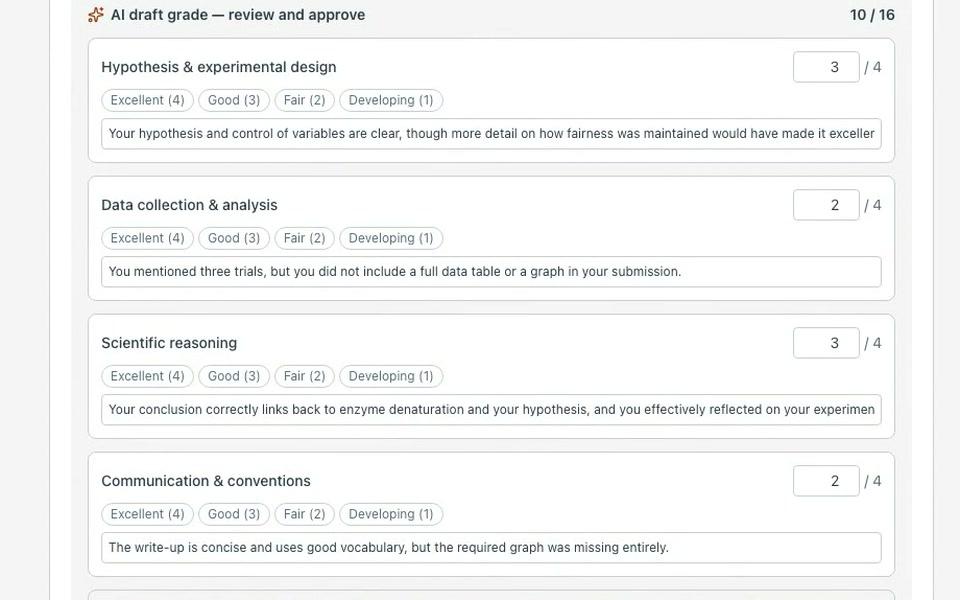
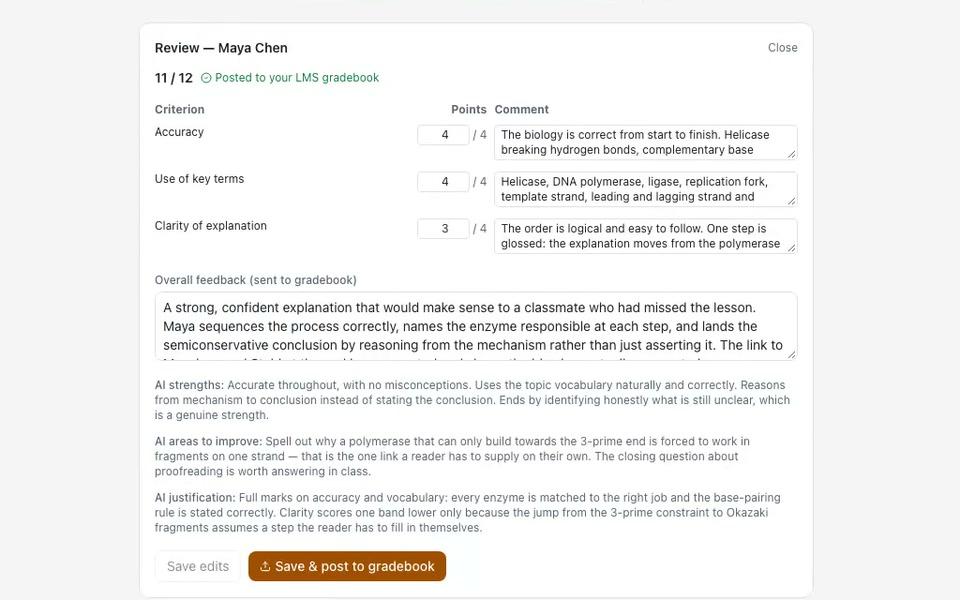
AI-assisted grading with detailed rubric-based feedback. Grades post straight to the gradebook, with you in control of what's released.
Capstone Projects
AI-graded end-of-course projects
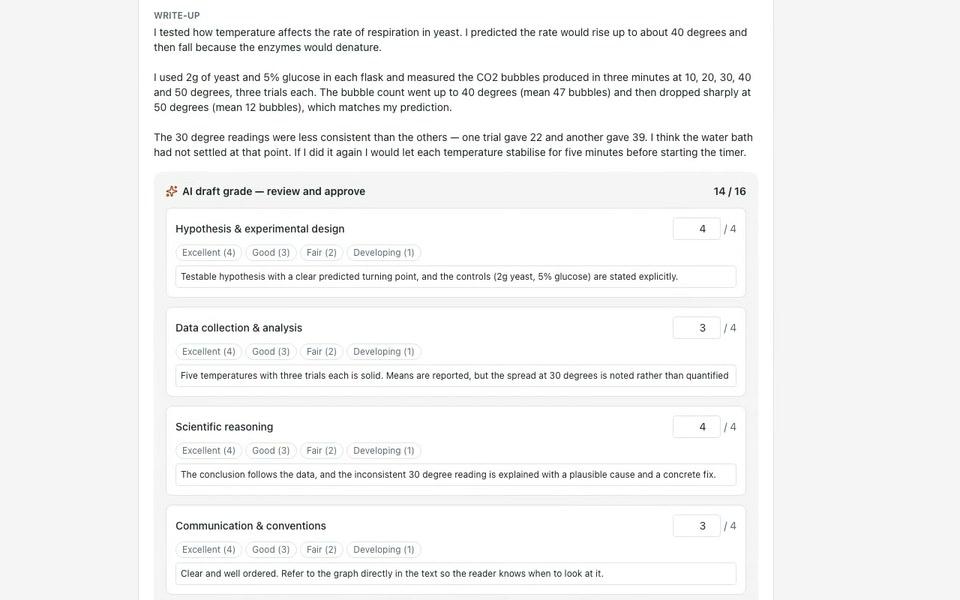
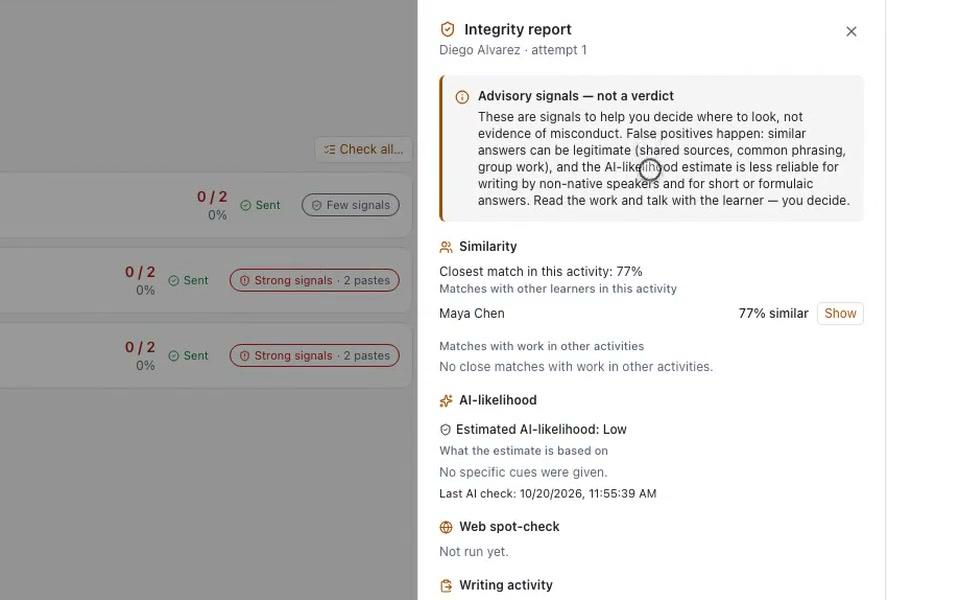
Set an end-of-course capstone: learners submit files and a written write-up against your brief, deliverable checklist, and rubric. AI grades every criterion and you approve before anything posts to the gradebook.
Project Work
AI-graded project assignments in any course
Set an open-ended project in any course: students submit files plus a written write-up against your brief, deliverable checklist, and rubric. AI grades every criterion from the actual work submitted — you approve before anything posts, or let it grade automatically.
Reflections
Metacognitive prompts with an AI class summary
Give students an open, ungraded prompt to think through their learning in their own words. There's no score and no gate — submitting the response is the completion. AI writes a short, supportive note back to each learner, and on demand summarizes the whole class for you.

AI Tutor
24/7 personalized learning support
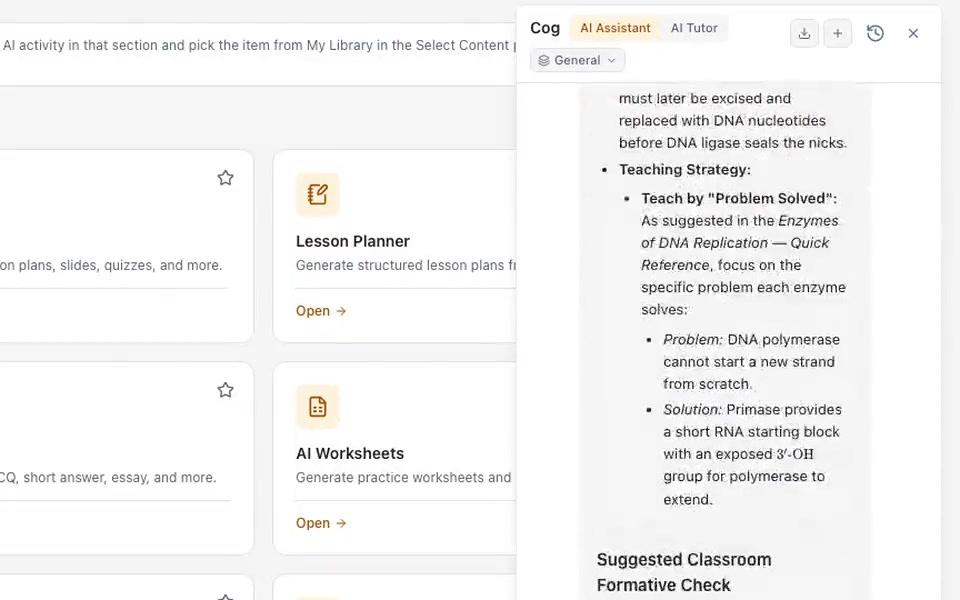
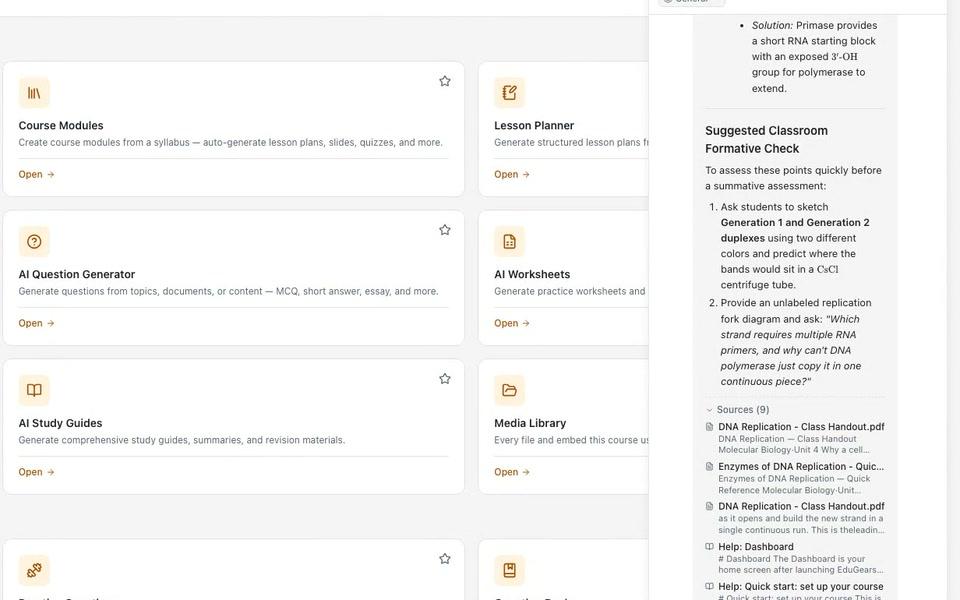
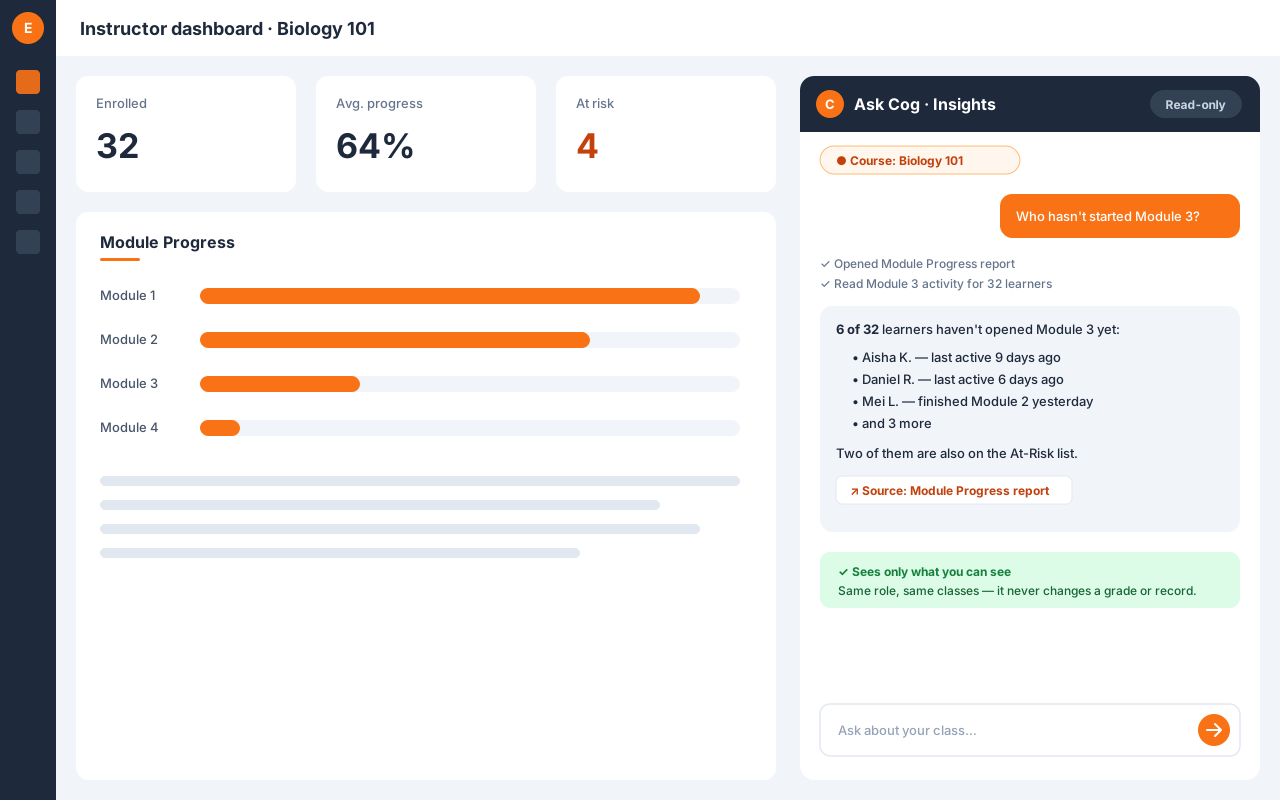
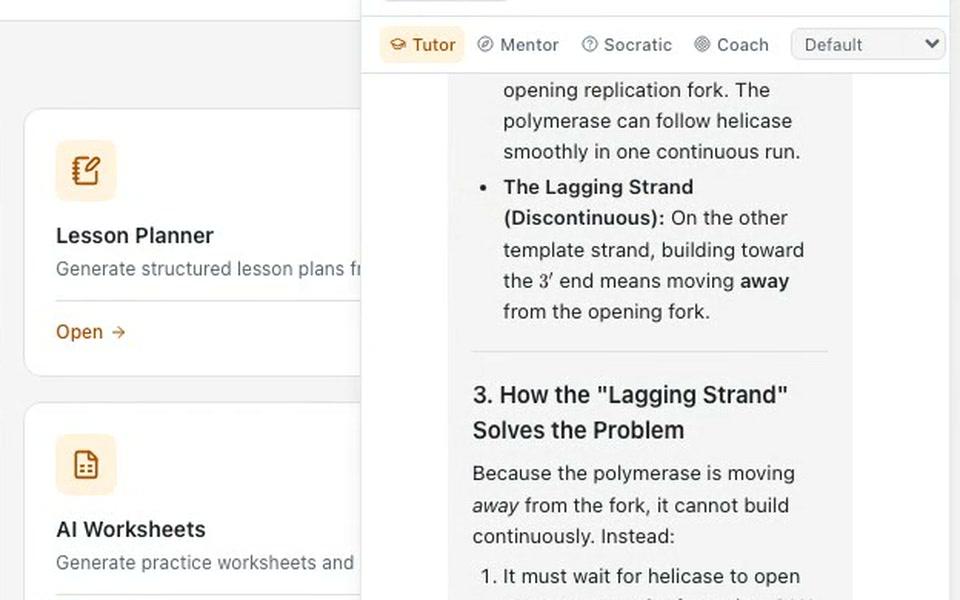
Multi-role AI tutor with step-by-step explanations, Socratic questioning, and mentoring — grounded in the exact resource on screen and your course's own materials. Learners meet it in Cog, the Ask Cog dock on every page, which keeps a thread per course they can leave and come back to, and never surfaces quiz or answer-key material.

AI Assistant
Your teaching co-pilot
AI assistant for instructors — help with lesson planning, content strategy, and teaching methods, plus in-context authoring suggestions grounded in the resource you're editing and your own course content. It answers from the platform's own help documentation too, citing the article it drew on, and lives in the same Cog dock, where one toggle shows you the learner's Tutor exactly as they would get it.
Curriculum Intelligence
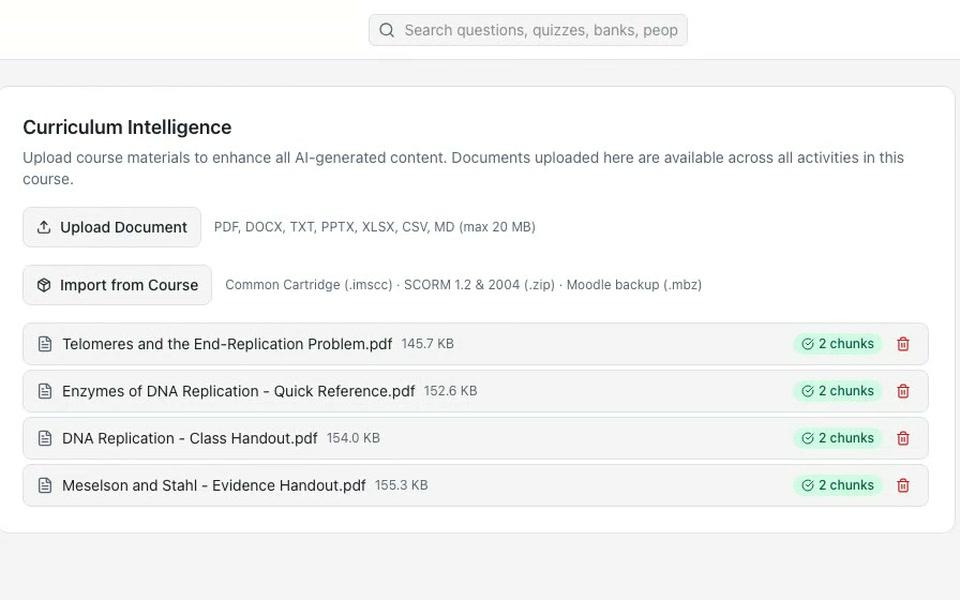
Supercharge AI with your own materials
Upload course documents — syllabi, textbooks, lecture notes — or ground a whole imported SCORM, Moodle, or Canvas course in one answer, and every AI tool draws from your materials to generate more relevant, course-aligned content. Nothing is added to a course's knowledge base unless you put it there.
Enhance with AI
Improve any content with one instruction
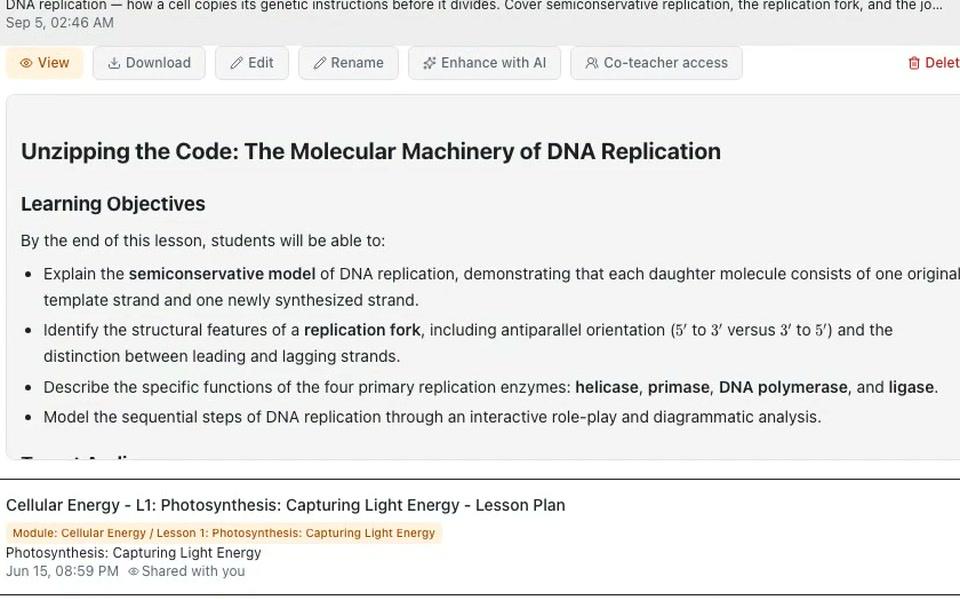
On any piece of content — generated or imported — click Enhance, type what you want changed, and get an AI-proposed revision you can preview and accept or reject. Works across slides, questions, pages, study guides, worksheets, and lesson plans, and every enhancement is tracked in your generation history.

AI Lesson Planner
Structured lesson plans in seconds
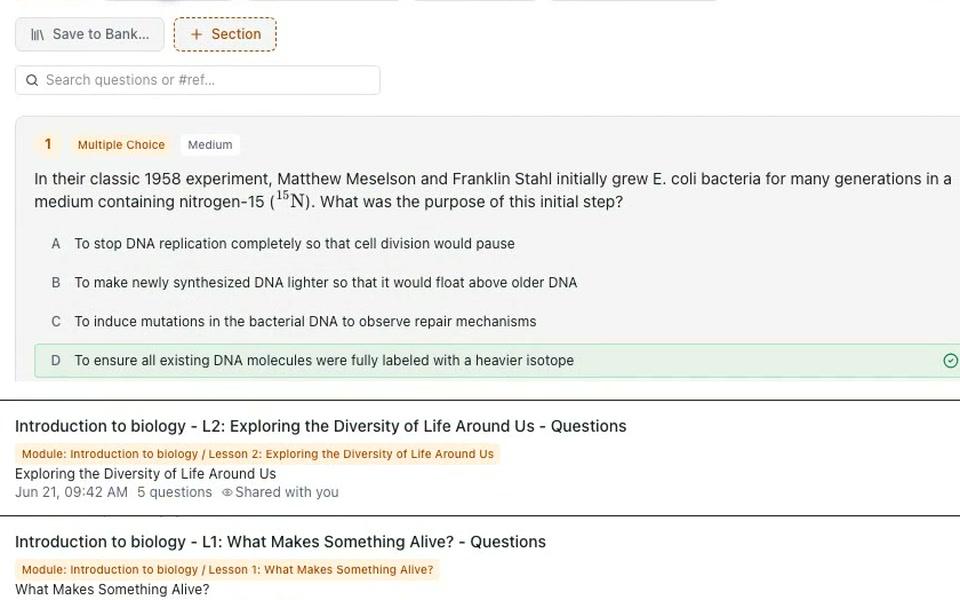
Generate complete lesson plans with objectives, activities, assessments, and timing from any topic.

AI Question Generator
Generate assessments in seconds
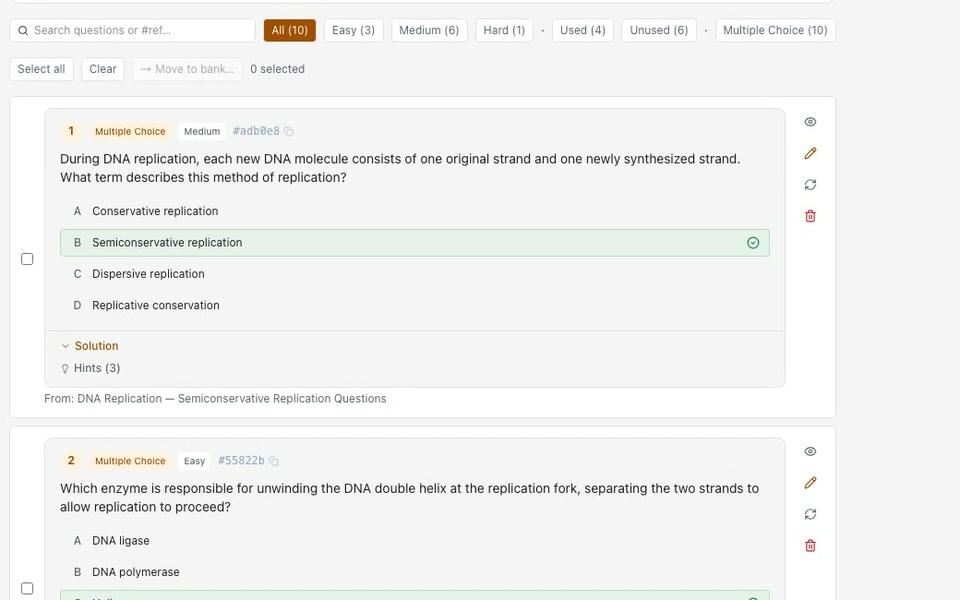
Create 9 question types with customizable difficulty levels, ready to use in quizzes, practice sets, and banks — or export to QTI 2.1.

Question Banks
One reusable library, every class
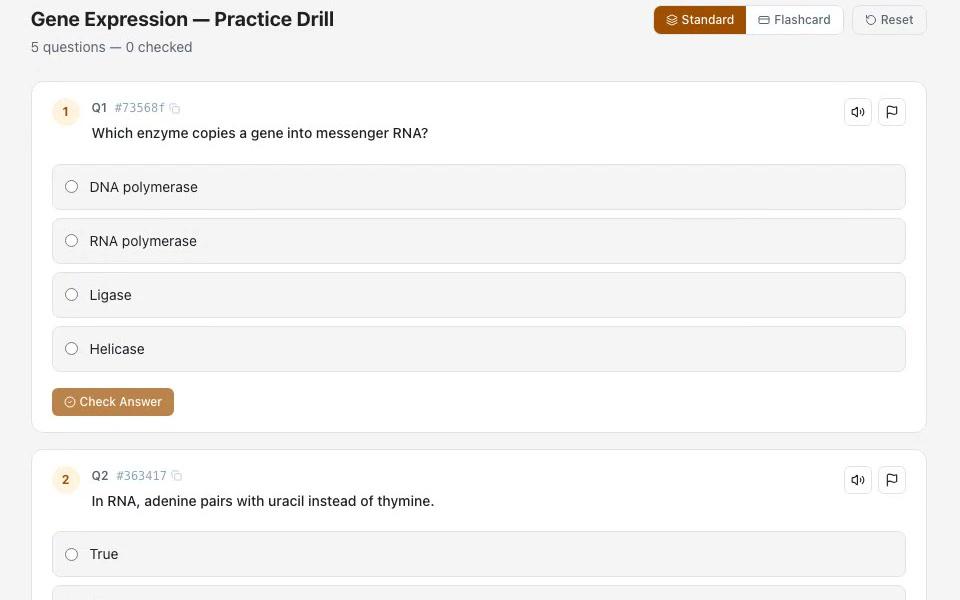
Build reusable question pools that feed practice sets, quizzes, and assessments. Save AI-generated questions into a bank, author manually, or import existing banks as QTI.

Practice Sets
Self-paced practice from any source
Give students structured practice tied to specific lessons or modules. Pull from question banks with one click, or from generators, course modules, history, or manual entry.

Rubrics
Consistent, transparent grading
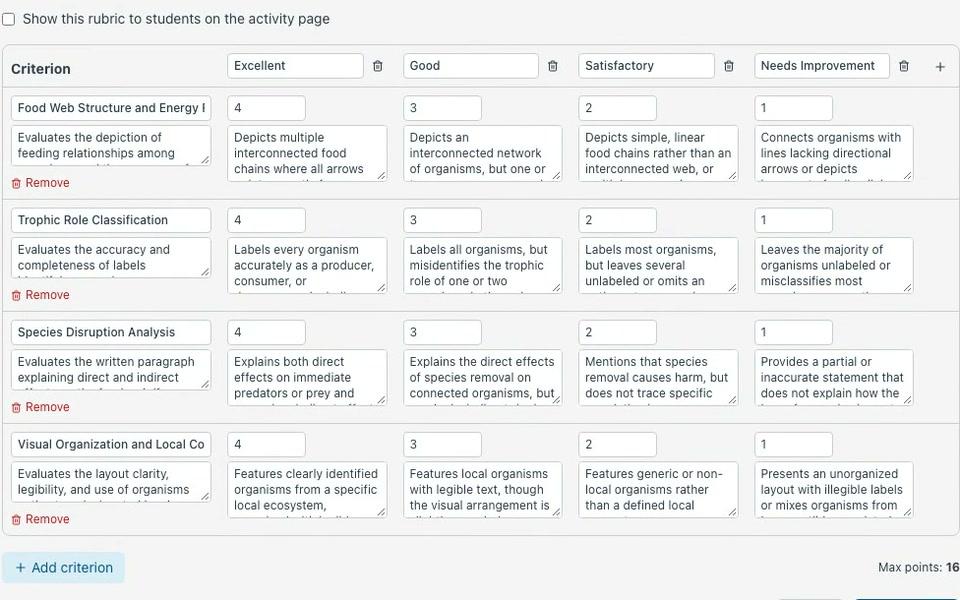
Build reusable grading rubrics with custom criteria and performance levels, then attach to quizzes or essays. Draft with AI from your assignment brief, then edit and save — AI drafts the rubric; you own the standard. AI grades against the rubric in one pass with per-criterion breakdown — or override manually.

AI Slides Generator
Presentations made instant
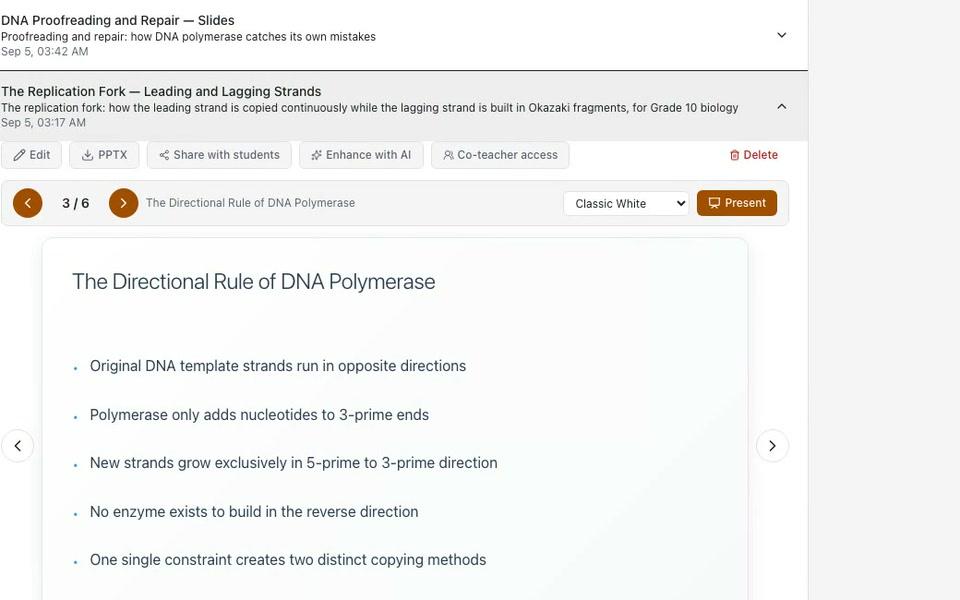
Auto-generate polished presentation slides from topics or uploaded documents. Export as PDF.

AI Study Guide Generator
Comprehensive study materials on demand
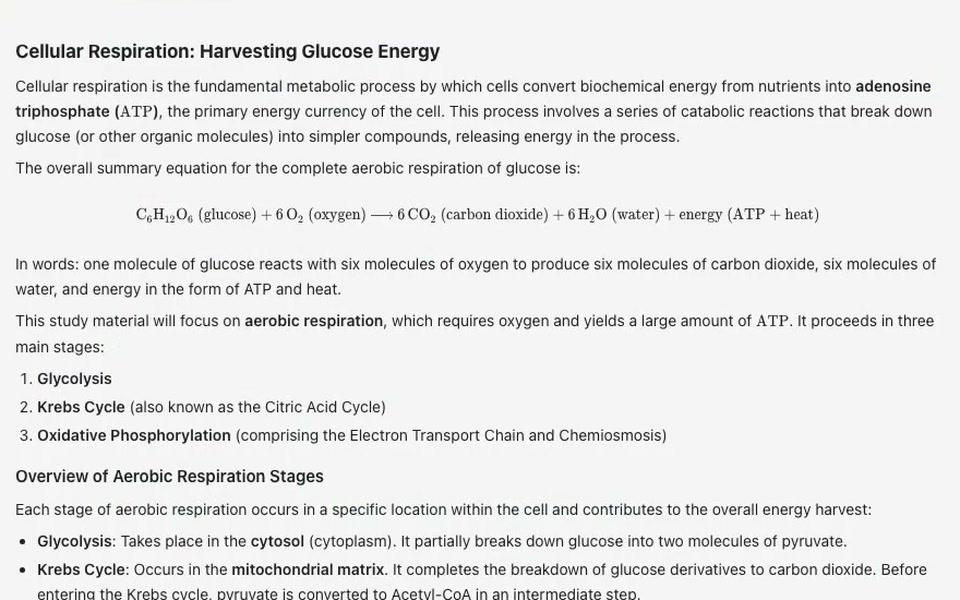
Creates structured study guides, summaries, and revision materials from any topic or document.

AI Worksheet Generator
Practice worksheets in a click
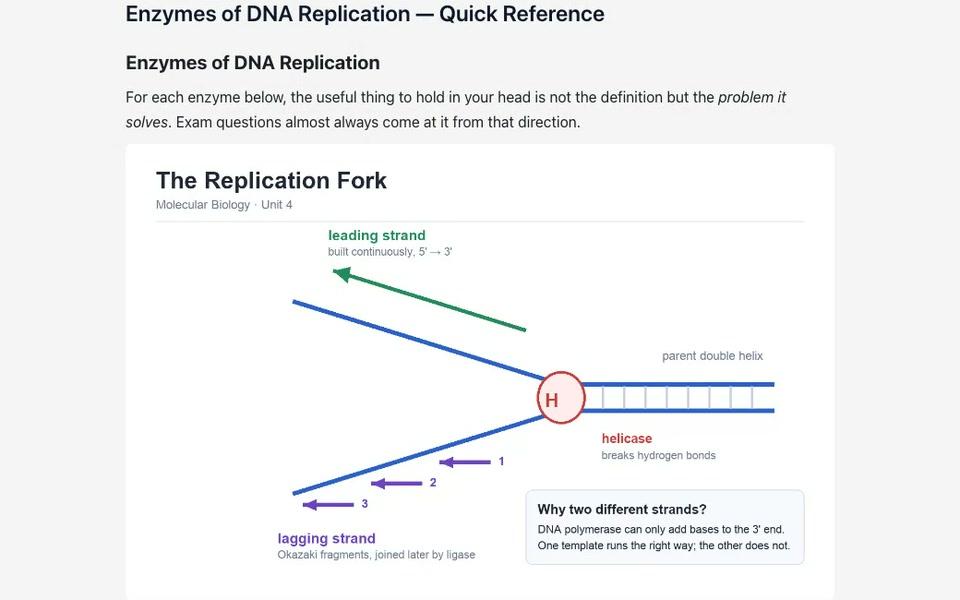
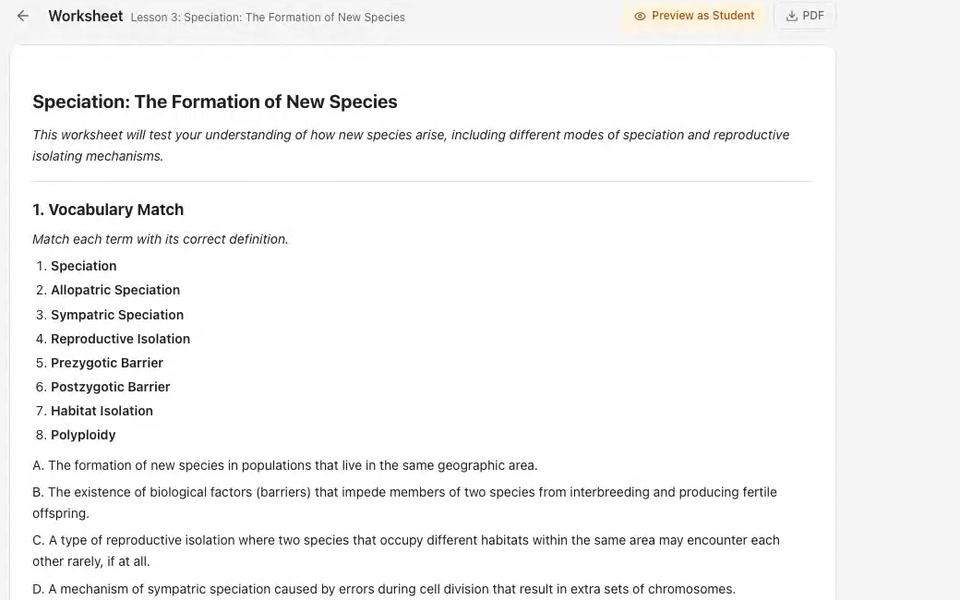
Generate practice worksheets and activities tailored to any topic, grade level, or learning objective.
AI Page Generator
Rich content pages from one prompt
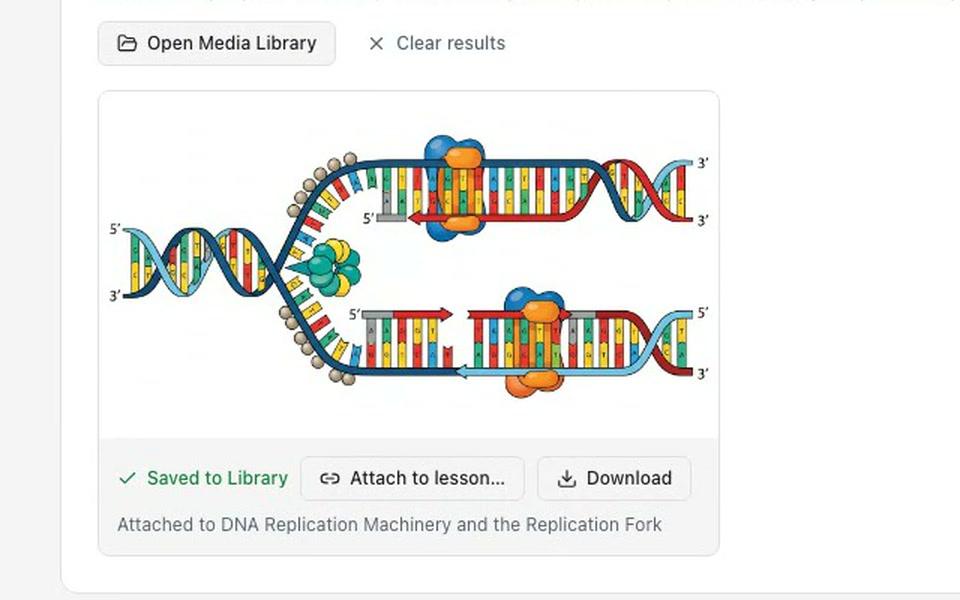
Describe the page you want and AI writes a complete, formatted content page — ready to refine in a rich WYSIWYG editor, share read-only with students, or export to PDF. Math and chemistry notation included.
Module Player
Guided, lesson-by-lesson learning
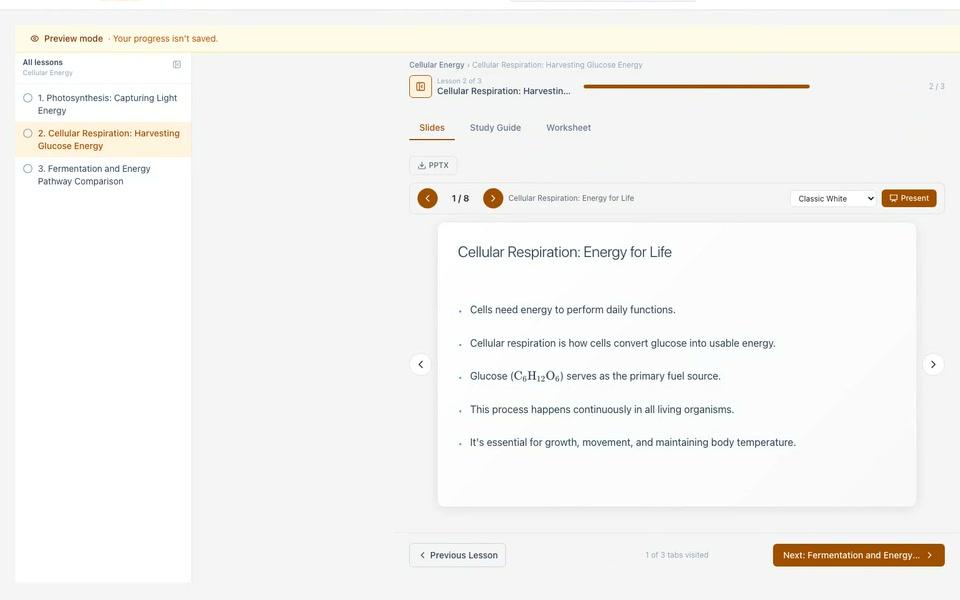
A student-facing player that walks learners through a course module lesson by lesson — slides, study guides, and worksheets in sequence — with progress tracking, resume, and a built-in contextual tutor.

Rich Text Editor with AI Images
Edit any AI output — and drop in AI images
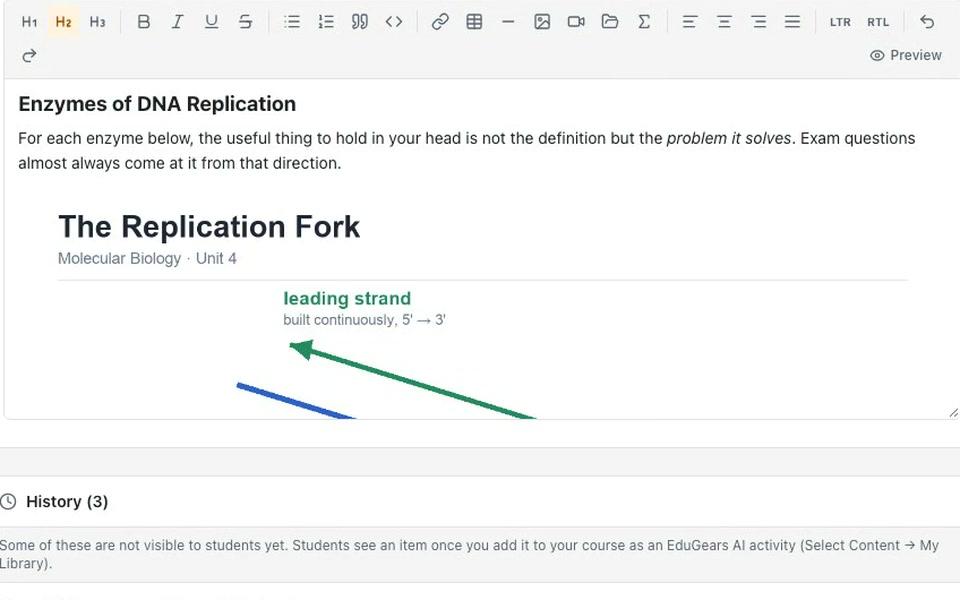
A full WYSIWYG editor used across every AI tool — refine slides, study guides, lesson plans, worksheets, and questions. Insert AI-generated images inline by prompt, plus tables, LaTeX math, code, and YouTube embeds.
See them on your own content
The fastest way to judge AI tools is on your real curriculum. Bring a syllabus to the demo and watch it become a course.