Expanding Your Course Catalog With a Lean Team
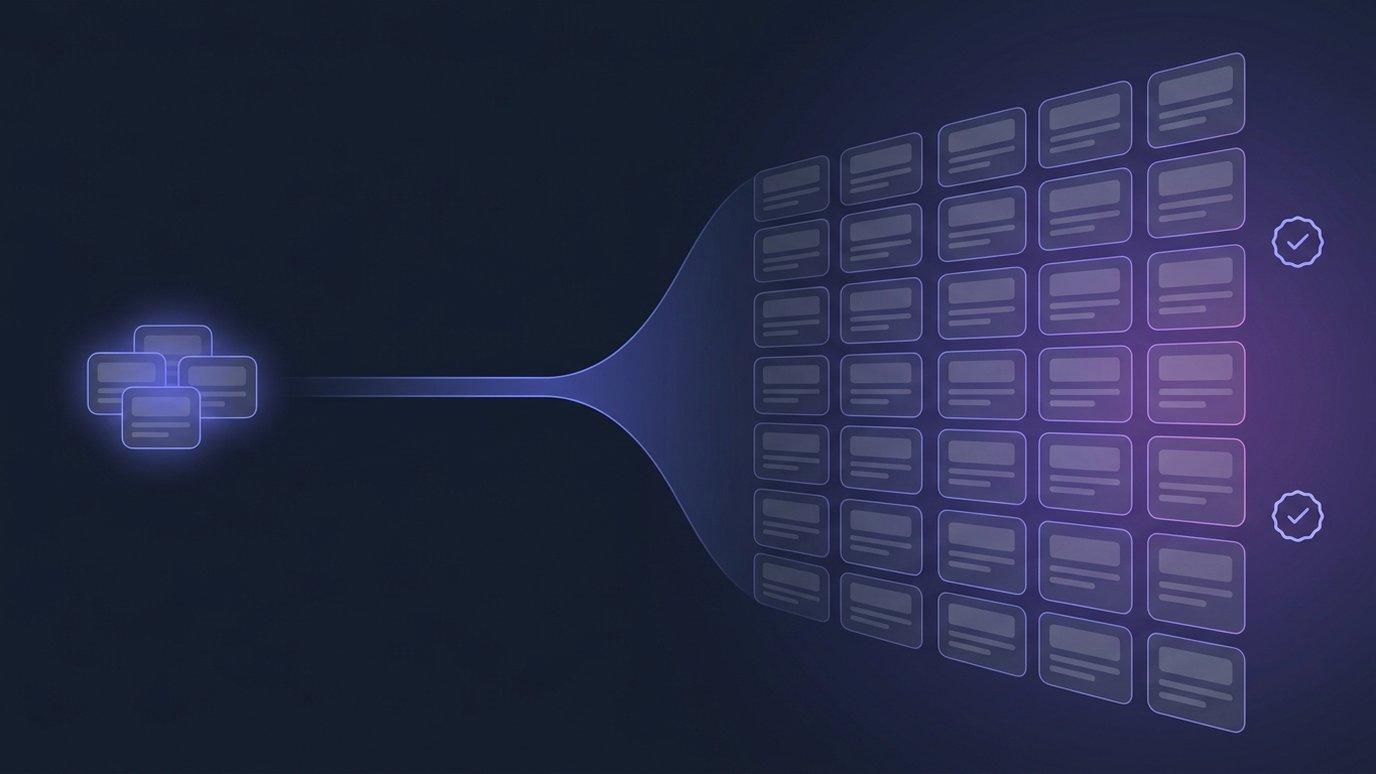
Ask a growing academy why the catalog is not bigger and you almost never hear that they ran out of subjects. You hear something more circular: the people who would build the next course are the people currently teaching the last one. Growth is capped by production capacity, and production capacity is three people who are already busy.
Hiring your way out of that is the obvious answer, and for most institutions it is not an available one. The teaching workforce is tight everywhere — UNESCO's Global Report on Teachers puts the worldwide gap at 44 million primary and secondary teachers needed by 2030 — and the money is tighter still. The World Bank and UNESCO's Education Finance Watch 2024 reports that annual expenditure per child in low-income countries was no more than $55 as of 2022, with spending per child largely flat even as total spending rose.
This post is about the other lever. Not more people producing courses at the same rate, but the same people producing at a different one — and being honest about which parts of the job that does not touch.
What actually caps your catalog
It is worth separating the work, because the parts have very different costs. Adding a course to a catalog is roughly five jobs:
- Deciding what to teach and in what order. Expertise. Nobody can do this for you and no tool should try.
- Drafting the materials. Lesson plans, slides, worksheets, question sets. Slow, repetitive, and the largest single block of hours.
- Bringing across what you already have. The version of the course that lives in a folder of documents, or in the platform you are leaving.
- Running it. Enrolment, delivery, marking, keeping track of who is where.
- Proving it happened. Certificates, transcripts, and someone external being able to check them.
Job one is irreducible. Jobs two, three and five are where a small team loses most of its capacity, and they are the three that a platform can genuinely take a large bite out of. What follows is what that looks like concretely in EduGears AI LMS, with the limits stated as clearly as the capabilities.
Start from the syllabus you already wrote
The course builder runs in three steps — Basics, Syllabus, Structure. In the syllabus step you paste the syllabus you already wrote, or upload it as a PDF, DOCX, TXT or PPTX file of up to 10 MB. Pasting a YouTube URL uses that video's transcript as the source instead, which is useful when the real curriculum currently exists as a recorded lecture series.
From there, per lesson, the platform drafts lesson plans, slide decks, questions and worksheets. The output lands as native, editable course content — sections and activities you can reorder, rewrite or delete — not a sealed generated blob.
The instruction in our own help documentation is "treat the output as a first draft," and we mean it as written. A subject expert reading and correcting a draft is a fundamentally faster job than a subject expert starting from an empty page. It is not the same job as no job.
There is also a Skip AI — start with an empty course option, which matters more than it sounds. Some courses should be built by hand, and a platform that only works one way is a platform your team will fight.
Bring across what you already built
Most academies expanding their catalog are not starting from zero. There is a course in an older platform, a SCORM package from a vendor, a Moodle backup from the year you ran it in-house. Rebuilding those by hand is the tax that quietly stops institutions from consolidating.
Import a course package reads a Moodle backup (.mbz), a Common Cartridge (.imscc) or a SCORM package (.zip) and rebuilds it as native, editable content. Two paths, and the difference is worth knowing before the day you need it:
- Up to 100 MB, you watch it happen. You see the sections that would be created and confirm before anything is written to your courses.
- Up to 2 GB, it runs in the background. There is no on-screen preview — the reading happens after you have closed the tab — and you are emailed when the course is ready. Media-heavy exports are the usual reason for this path, and 2 GB is the size that stops you having to trim a course full of video first.
- Over 2 GB is refused immediately, as soon as you pick the file, rather than after a long upload.
- Background imports are rate-limited — two per day on the free plan, ten per day on paid plans, counted over the last 24 hours. A bulk migration weekend needs planning around that.
One fidelity detail we would rather you read here than discover mid-migration: quizzes arrive as authoring material only. Learners never see imported questions, and no question bank, practice set or graded quiz is created automatically. Somebody on your team reviews the questions and publishes them deliberately. That is a deliberate design choice about assessment integrity, and it costs you a review pass.
Grounding is likewise a question rather than an assumption. On import you are asked whether to ground that content in the course's knowledge base, and you have to answer it — nothing is fed to the AI tools because you did not notice a checkbox.
The same doors open outward. Courses export as SCORM 1.2, SCORM 2004, Common Cartridge or a Moodle .mbz backup, so the catalog you build here is portable out of here.
See exactly what survives a migration, format by format.
Read the migration guideA student body that shares no one language
Expanding a catalog often means expanding who it is for, and for a lot of institutions that means learners who do not all work comfortably in the same language as the administration.
The platform interface ships in thirteen languages: English, Spanish, French, German, Italian, Portuguese (Brazil), Russian, Ukrainian, Arabic, Indonesian, Hindi, Simplified Chinese and Traditional Chinese. Arabic runs right-to-left throughout, rather than being bolted into a left-to-right layout. Each tenant sets its own default locale, and individual users can pick their own.
Stated precisely, because the distinction matters: that is the language of the interface — navigation, labels, buttons, help. It is a separate question from the language your instructors write their courses in, and we are not claiming the platform translates your curriculum.
The learner's question at ten at night
A lean team's other capacity problem is inbound: the same handful of questions, arriving one at a time, in the evening, from students who are stuck and cannot wait for Monday.
Cog is a round Ask Cog button in the bottom-right corner of every page. Learners get the AI Tutor persona and only that one — a learner cannot reach the teaching-side assistant by any route. Cog answers about one course at a time, working from that course's material rather than the open internet.
What that buys a small team is not "support cover." It is that a student who would have lost an evening does not, and the questions your instructors do get on Monday are the ones that actually needed an instructor.
Credentials someone else can check
A growing academy's credibility problem is usually not the teaching. It is that a certificate with your logo on it means nothing to an employer who has no way to check it, and answering verification calls by hand does not scale past a few dozen graduates.
- Every certificate has a public verification page and a verification code. Anyone holding the PDF can confirm it independently by entering that code — no call to your office.
- A QR code is optional and configurable in the certificate design settings, which is the difference between a code someone could type and a code someone will actually check.
- Revocation resolves honestly. A revoked certificate is not deleted. Its verification page keeps resolving and reads as revoked, with the reason, so an employer holding an old link is told the award was withdrawn rather than shown a missing page.
- Recertification windows are built in. Certificate valid for sets an expiry in months, which is what compliance and licensure-adjacent programs need.
Alongside that, a learner's transcript is their complete record as a branded PDF — every course they were enrolled in, the grade they reached, the programs in progress, and the certificates they hold. Courses a learner was removed from stay on the transcript, and deactivating a user does not remove theirs. Records that quietly disappear are worse than no records.
Your name on it, on your own hostname
For an institution building a reputation, the learning platform is a public surface. Students, parents and employers see it, and "powered by somebody else" is a weaker signal than it looks.
- Serve it from your own hostname — something like
lms.yourschool.edu— with HTTPS handled for you. You never buy, upload or renew a certificate yourself. Note the constraint honestly: this is a subdomain, and root domains are rejected. - Your logo carries through the sidebar, the login page, the browser tab and the certificates themselves.
- Themes and a primary color let the platform sit alongside whatever your students already use, including Moodle-style and Canvas-style presets.
- Nobody lands on our marketing page. Your learners arrive at your platform.
If you grow into multiple locations, campuses share one organization's catalog — courses, programs, departments and the question bank — while keeping their own students, classes, grades and certificates, each on its own subdomain. There is no separate migration step to get there, though the change is one-way, so it is worth deciding rather than drifting into.
What a lean team still has to do
The uncomfortable half. If you are sizing this against a hiring decision, size it against this list too.
- Somebody who knows the subject reads every draft. Generation is a first pass, and an unreviewed generated course is not a course you should be charging for.
- Imported quizzes need a review pass before any learner sees them. By design, nothing published itself.
- You still set the standard. Rubrics, pass marks, and what counts as competent remain your academic judgement.
- Teaching is still teaching. Nothing here delivers a class, notices a struggling learner, or holds a cohort together.
- Accreditation is unaffected. Whatever your regulator requires of your programs and your staff, it still requires.
- A migration weekend is still a project. Background import limits, a skip list to read, and someone accountable for checking what landed.
What is genuinely removed is the drafting, the rebuilding, and the credential administration. In our experience of what people write to us about, that is the majority of the hours — but it is not the majority of the judgement, and we would rather say so.
How this actually starts
We should be plain about the commercial shape, because "sign up and go" would be an overstatement of how we are working right now.
You can create an account and get your own branded tenant to look around in. But we are onboarding academies directly at this stage rather than leaving you to it: a conversation, your tenant set up with you, help getting your existing content across, and pricing agreed against the size and shape of your institution rather than picked off a table. Plans differ by AI allowance and support level; learners are unlimited on every one of them, and we do not charge per head.
If you would rather run the AI tools on your own provider account, you can connect your own API key per tenant and pay your provider directly.
Tell us the size of your academy and what you are trying to add. We will scope it with you.
Talk to usFAQ
How do we expand our course offerings without hiring more staff?
By removing drafting and rebuilding from the critical path rather than by removing teachers. In EduGears AI LMS a syllabus you already wrote becomes a structured course with lesson plans, slides, questions and worksheets that your subject expert reviews and edits, and courses you already built elsewhere import from Moodle backups, Common Cartridges or SCORM packages instead of being rebuilt by hand. The judgement, the review and the teaching still need your people.
What can we import, and how big can it be?
Moodle .mbz backups, Common Cartridge .imscc files and SCORM .zip packages. Up to 100 MB the import is previewed and confirmed while you watch. Up to 2 GB it runs in the background and emails you when the course is ready. Anything over 2 GB is refused before the upload starts. Background imports are limited to two per day on the free plan and ten per day on paid plans.
Do imported quizzes go straight to learners?
No. Imported quizzes arrive as authoring material only. Learners never see the questions, and no question bank, practice set or graded quiz is created automatically — someone on your team reviews them and publishes them deliberately.
Can employers verify a certificate we issue?
Yes. Every certificate has a public verification page and a verification code printed alongside it, with an optional QR code, so anyone holding the PDF can confirm it without contacting you. Revoked certificates keep resolving and read as revoked with the reason, and certificates can carry a recertification window set in months.
Can we run it on our own domain?
Yes — your own subdomain, such as lms.yourschool.edu, with HTTPS handled automatically and no certificate for you to buy or renew. Root domains are not supported, and the setting is owner-only. Your logo carries through the sidebar, login page, browser tab and the certificates themselves.
What languages does the platform interface support?
Thirteen: English, Spanish, French, German, Italian, Portuguese (Brazil), Russian, Ukrainian, Arabic, Indonesian, Hindi, Simplified Chinese and Traditional Chinese, with right-to-left layout for Arabic. Each tenant sets its own default and individual users can choose their own. That covers the interface, not translation of the courses your instructors write.
Can we sign up ourselves, or do we have to talk to you?
You can create an account and get a branded tenant to explore. For anything beyond evaluation we would rather talk: we are onboarding academies directly at this stage, which means setting up your tenant with you, helping migrate your existing content, and agreeing pricing against your size instead of a fixed table.
See your academy on EduGears AI LMS
Book a demo and we'll show you a live tenant branded as your academy — your name, your colors, your domain.
Book a demo →