The Plugin Tax: What Assembling Your LMS from Add-Ons Really Costs
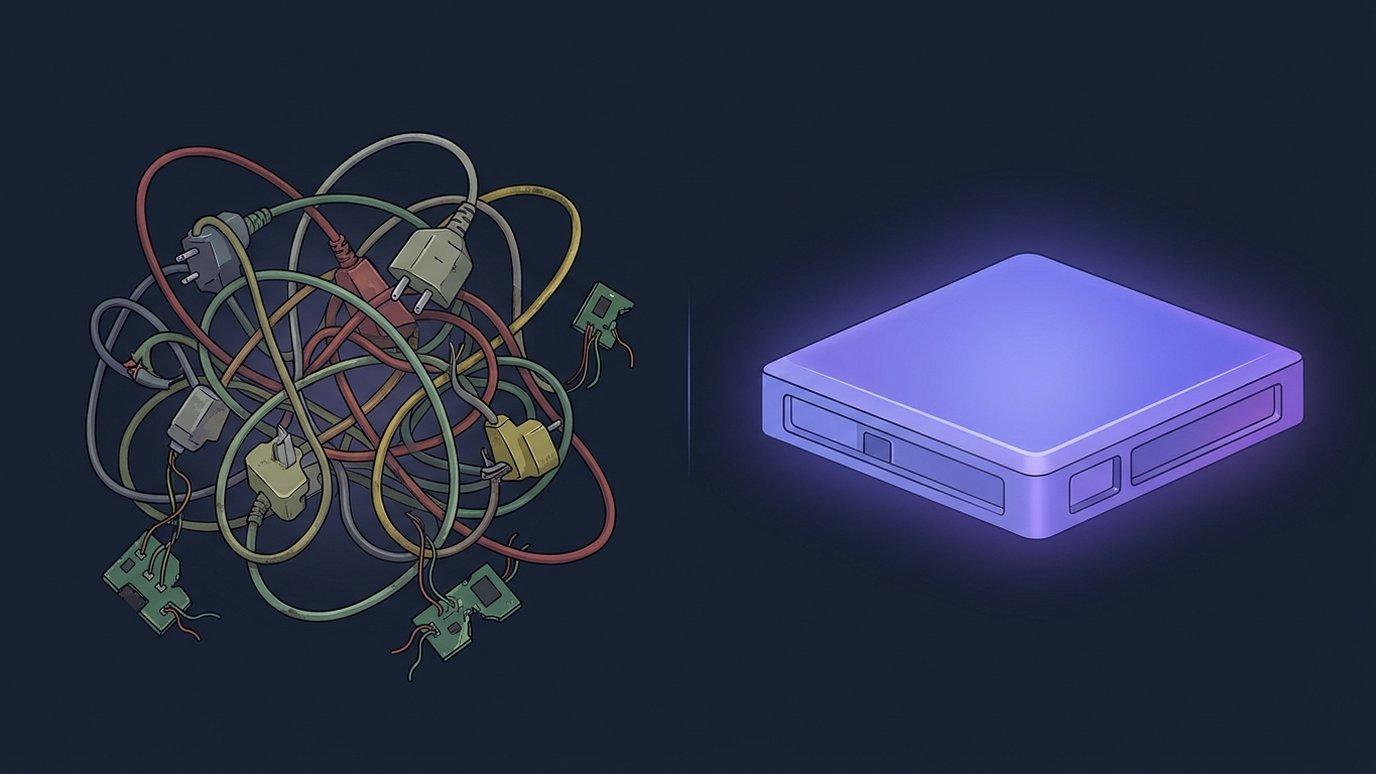
Nobody sets out to build an LMS out of parts. It happens one reasonable decision at a time: the platform covers courses and enrolment, and every capability teachers ask for after that — a quiz generator, a certificate tool, a reporting dashboard, an AI tutor — arrives as an add-on. Each one solves a real problem. Together they become a second job.
We call the cost of that second job the plugin tax. It never appears as one line on one invoice, which is exactly why it is easy to underestimate. This post itemizes it: the five line items most academies already pay, the sixth one AI has quietly added, and the questions worth asking any LMS vendor before you sign up to pay it again.
The assembly pattern
The pattern looks the same whichever platform you start from, and it is not a criticism of any one product or community. Extensible platforms are extensible on purpose, and the people who write add-ons for them do good work. The trouble is what happens at scale, when a single academy depends on a dozen of them at once:
- The core does the basics. Courses, enrolments, a gradebook.
- Every capability after that is a separate decision. Each one needs evaluating, licensing, installing and configuring — usually by someone whose real job is teaching or running programs.
- Each add-on has its own owner. Its own maintainer, its own release rhythm, its own support channel, and its own view of which platform versions it supports.
- Nobody owns the whole. The platform vendor supports the platform; each add-on vendor supports its add-on. The seams between them are yours.
None of that is visible on the day you install an add-on. It shows up later, one line item at a time.
The five line items of the plugin tax
1. License creep
Add-ons are priced one at a time — per seat, per course, per feature tier — and each price looks small next to the platform. Nobody adds them up until renewal season, when the AI add-on, the certificates add-on and the reporting add-on arrive as separate quotes, on separate dates, from separate vendors with separate terms.
2. Admin hours
Every add-on is a small project: evaluate it, check it against your version, install it, configure it, train staff on it, then track its renewal. Those hours rarely land on an IT team. They land on the program coordinator who is also meant to be building next term's courses. Multiply by a dozen and it is a real fraction of someone's year.
3. Upgrade-day breakage
This is the line item people feel most. A platform upgrade is no longer one change — it is one change multiplied by every add-on that has to survive it. Someone has to keep a compatibility matrix: which add-ons support the new version, which lag a release behind, which have gone quiet. Upgrades get postponed, and the platform drifts behind on fixes because moving forward means re-testing everything.
4. Security and update surface
Every add-on is code from a maintainer you are trusting with your learners' data. That trust is often well placed, but it has to be re-earned with every update, and each add-on brings its own patch cadence to watch. The more parts you run, the more places a fix can arrive late.
5. Support ping-pong
When something breaks at the seam between two parts, you hear the sentence everyone running an assembled LMS knows: “that's the other plugin's bug.” The platform vendor points to the add-on, the add-on vendor points to the platform, and the learner who cannot see their certificate waits while you mediate.
| Line item | Where it shows up | What changes when it is built in |
|---|---|---|
| License creep | Separate quotes and renewal dates for each add-on | One subscription covers the platform and its AI |
| Admin hours | Evaluating, installing, configuring and renewing each part | Capabilities are switched on, not shopped for |
| Upgrade-day breakage | A compatibility matrix to re-check every release | One codebase, tested and released together |
| Security and update surface | One more maintainer and patch cadence per add-on | One vendor accountable for every update |
| Support ping-pong | “That's the other plugin's bug” | One team owns the whole stack |
The sixth line item: AI arrived as more add-ons
AI should have simplified all this. In most assembled stacks it multiplied it instead. Every capability now has an AI version, and each tends to arrive as its own bolt-on: an AI quiz generator from one vendor, an AI tutor from another, an AI grading assistant from a third. Each brings the familiar costs — its own license, its own settings, its own release cycle — plus a few new ones:
- Its own AI key and its own bill. Each bolt-on is metered separately, often against a different AI provider, so nobody can say what the institution spends on AI in total.
- Its own data path. Course material and learner work leave the platform separately for each tool, and each path needs its own review before anyone can sign off on it.
- No shared context. The quiz add-on doesn't know what the tutor add-on told a learner yesterday. The grading tool has never seen the syllabus the course generator was given. Every tool starts from zero, so every tool is a little less useful than it could be.
That last one is the real loss. The value of AI in a course comes from knowing the course — its materials, its outcomes, the lesson a learner is on. Bolt-ons each see a slice. Context is the one thing you cannot buy as a separate add-on.
Built-in AI shares one course context. Upload the syllabus and notes once, and every tool — the question generator, the tutor, the grading assistant, the study-guide builder — works from the same material.
What built-in looks like
We built EduGears AI LMS so there is nothing to assemble. The platform ships with 32 AI tools — course generation from a syllabus, question generation and question banks, rubric-based AI grading, the context-aware AI Tutor, lesson plans, slides, study guides, worksheets and more — alongside the parts academies usually buy separately: certificates with public verification, analytics and reporting, live video sessions, and white-label branding.
- One context. Curriculum Intelligence holds a course's syllabi and notes once, and every AI tool works from them. Cog, the AI chat on every page, already knows the course, lesson or question in front of you.
- One release. The platform and its AI are one codebase, tested and released together. An upgrade cannot break an add-on, because there are no add-ons to break.
- One vendor. One login, one bill, and one team to call — for the course player, the certificate, the report and the AI.
- AI included. All 32 tools come with every plan rather than as separate AI licenses, and if your institution prefers, they can run on your own AI provider key.
Built in doesn't mean closed. EduGears AI LMS is an LTI 1.3 platform in its own right, so the specialist tools your instructors genuinely depend on — a lab simulator, a publisher's content — still launch inside courses, with grades passed back. The difference is that the everyday capabilities are no longer a shopping list. And if your current platform serves you well and the only gap is AI, EduGears AI for Moodle and Canvas brings the same 32 AI tools over one LTI 1.3 connection — one integration, not one add-on per capability.
Questions to ask any LMS vendor
Whether or not you choose us, these questions surface the plugin tax before you commit to paying it:
- What is built in, and what comes from a marketplace? Ask for the capabilities your teachers will use in the first year, and mark each one platform or add-on.
- What happens to add-ons on upgrade day? Who tests them against a new release, and what happens if one isn't ready?
- Who do we call when something breaks between two parts? One support team, or one per vendor?
- What does “AI included” actually mean? Which AI tools come with the plan, which are separate licenses, and whose AI key and bill they run on.
- Do the AI tools share the course's context? Does the tutor know what the quiz covered? Does the grading assistant know the syllabus?
If the answers involve a spreadsheet of add-on versions, you are looking at the plugin tax.
Bring us the list of add-ons you run today, and we'll walk through which ones EduGears AI LMS replaces with something built in — and which you'd still keep.
Book a demoFAQ
What is an all-in-one LMS?
An all-in-one LMS ships the capabilities teachers and administrators use every day — course building, assessment, grading, tutoring, certificates, analytics — as part of the platform, rather than as separately licensed and installed add-ons. EduGears AI LMS is built that way, with 32 AI tools included.
What is the plugin tax?
It is the combined cost of running an LMS assembled from add-ons: license creep, admin hours, upgrade-day breakage, a wider security and update surface, and support ping-pong between vendors — plus, now, separate AI bolt-ons that each bring their own key, bill and data path.
Why does it matter that the AI tools share the course's context?
Because AI in a course is only as good as what it knows about the course. Built-in tools draw on the same syllabus and course materials, so the tutor, the question generator and the grading assistant work from one picture of the course instead of each starting from zero.
What does “AI included” mean on EduGears AI LMS?
All 32 AI tools are part of every plan — there is no separate AI license per tool and no extra AI vendor to contract with. Plans differ in how much AI generation they include and in support, and you can run the AI tools on your own AI provider key if you prefer.
See your academy on EduGears AI LMS
Book a demo and we'll show you a live tenant branded as your academy — your name, your colors, your domain.
Book a demo →