An AI Tutor That Sticks to the Course: Grounded by Default, Set Per Course
A learner is stuck on the third exercise of a unit at eleven at night. The instructor is asleep, the forum is quiet, and the nearest answer is a search box. What comes back is confident and fluent and, very often, wrong for this course: a different notation, a method the syllabus deliberately avoids, a definition from another country's curriculum. The learner has no way to tell. The instructor finds out at marking time.
That is the problem an AI tutor inside a course is supposed to solve, and it only solves it if the tutor answers from the course rather than from everywhere. The AI tutor your learners meet inside EduGears AI LMS courses now does exactly that by default — and each instructor decides how strictly, course by course.
The question that goes to the open internet
Learners do not go to the open internet because they prefer it. They go because it is there. A tutor that is equally willing to answer anything becomes a slightly more convenient version of the same search box — and inherits every one of its problems: answers pitched at the wrong level, examples from the wrong context, and a subtle drift away from what will actually be assessed.
For an academy the cost is not only accuracy. It is trust. An instructor who has once watched a tutor contradict their own lesson notes tends to switch it off, and a tutor that is switched off helps nobody at eleven at night.
Grounded in the course, by default
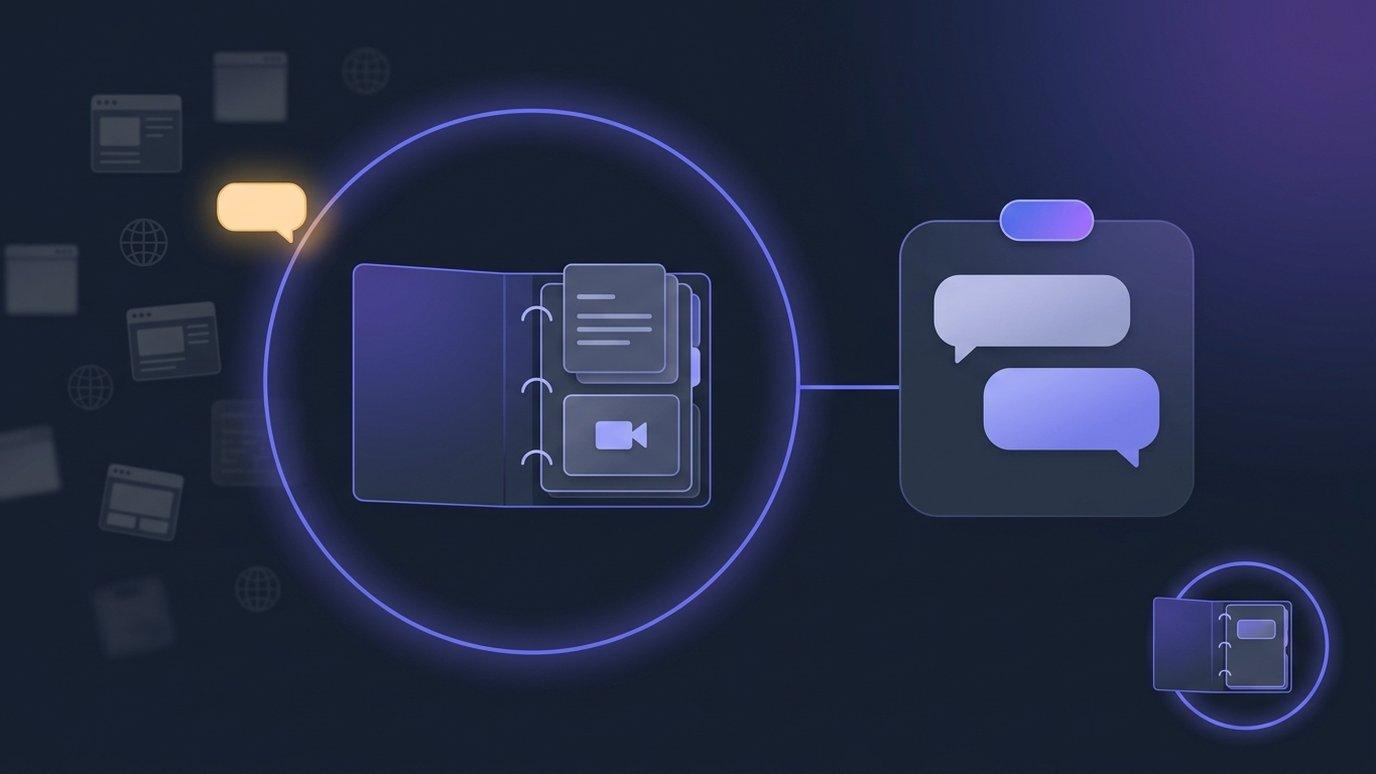
Every course carries its own Curriculum Intelligence: the syllabi, notes and documents an instructor uploads, alongside the course's lessons and resources. The AI tutor now answers from those materials by default. A question about this week's topic gets an answer in this course's terminology, following this course's method, at this course's level — because that is the only place it is drawing from.
Nothing about how learners reach the tutor changes. It is still one click away in the course, it still knows the lesson on screen, and it still never surfaces quiz or answer-key material, so it is safe to leave on during assessment. What changed is where its answers are allowed to come from.
A polite decline, and a badge that stays put
A tutor that sticks to the course has to be honest about the questions it will not answer. When a learner asks something outside the course's materials, the tutor does not improvise. It says so, in plain words:
“That's outside this course's materials — ask your instructor if you think it should be covered.”
That last clause is deliberate. A question the tutor cannot answer from the course is often a sign that the course is missing something, and the right person to decide is the instructor, not the model. The learner is pointed back to a human rather than to a guess.
Every tutor surface also carries an always-visible badge — “AI tutor — answers are AI-generated” — so no learner mistakes the tutor for their instructor, however helpful the conversation gets. It does not scroll away and it does not hide in a menu.
Instructors set it per course
Different subjects want different tutors. A compliance course may want nothing outside the approved material; an introductory writing course may happily let the tutor draw on general knowledge when the course notes run out. So the choice sits with the instructor, per course, on the Curriculum Intelligence page of the AI tools inside that course:
- Grounding strictness. Strict keeps the tutor to the course's own materials and declines everything else. Relaxed lets it prefer the course's materials while still answering from general knowledge where they have nothing to say.
- Guidance style. How the tutor guides — Socratic questioning, scaffolded steps or direct explanation — or leave it as the learner's choice, so each student picks the style that suits them.
The setting belongs to the course, not to the academy, so one strict course does not make every course strict. And because the tutor answers from the course's own documents, the most useful thing an instructor can do for a strict tutor is the thing they already do: put the course's materials into Curriculum Intelligence.
What changed for existing courses
This is a change in behaviour, and it reaches courses that already exist. With this release, existing courses switched to strict. For most courses that is the point — the tutor starts answering from the material the instructor chose rather than from everywhere.
If you prefer the previous behaviour for a particular course, set that course to Relaxed on its Curriculum Intelligence page. It is a per-course switch, and you can change it back at any time.
One practical note: a strict tutor in a course with very little uploaded material will decline a lot. That is the tutor being honest rather than broken, and the fix is either to add the course's materials or to set that course to Relaxed.
A new term from the last one
Most academies do not build a new course every term. They copy last term's and adjust it. Until now, the copy came across with its modules and quizzes but started life without the tutor setup the original had built up — so the new cohort met an ungrounded tutor on day one, precisely when questions are most frequent.
Copying a course now brings the whole setup. Along with modules, quizzes and question banks come the course's Curriculum Intelligence documents, with their search index, and its AI tutor settings. The copy's tutor is grounded from its first minute: same materials, same strictness, same guidance style. The new term starts where the last one left off, and the only work left is the work that is genuinely new.
Marking the AI can't check waits for you
The same release touches the other side of the course: marking. For quizzes built with the AI tools inside your courses, instructors now choose per course how strictly the AI marks short free-text answers — Lenient, the default and exactly the marking you had before, or Strict, for terminology-heavy subjects, which may mark more answers wrong than you would. Either way, the AI drafts the mark and the instructor owns it: any question's mark can be overridden on the tool's Submissions page, and a corrected mark is sent to the gradebook again.
And a short answer the AI couldn't check is no longer marked incorrect. It waits for an instructor instead. The learner sees “Awaiting teacher review”, the waiting answers are highlighted on the Submissions page, and the instructor marks them with the same Override. A student is never marked down because a check did not happen.
Seeing who is slipping
A tutor that declines out-of-scope questions produces a useful signal as a side effect. The Dashboard of the AI tools inside your courses gains an At-risk students card, flagging learners who are:
- inactive for longer than the course expects;
- scoring low;
- behind pace;
- having most of their tutor questions declined — often a learner looking for help the course does not yet give them.
Each course can set its own thresholds on the At-Risk Learners report, so a self-paced course and a tightly scheduled one are not held to the same idea of “behind”. The card is a prompt to look, not a verdict — the conversation with the learner is still the instructor's.
Bring a course and a question it shouldn't answer. We'll open the tutor on it, show the decline, switch it to Relaxed and back, and copy the course so you can watch the new term start grounded.
Book a demoFAQ
What does the AI tutor answer from now?
By default, from the course's own materials: the documents in its Curriculum Intelligence and the course's lessons and resources. A question outside them gets a polite decline that points the learner to their instructor.
Can an instructor let the tutor answer more broadly?
Yes. Grounding is set per course on the Curriculum Intelligence page of the AI tools inside that course. Relaxed lets the tutor prefer the course's materials while still answering from general knowledge; the instructor can also choose the tutor's guidance style there.
Did this change courses we already run?
Yes. Existing courses switched to strict with this release. If you prefer the previous behaviour for a course, set it to Relaxed on its Curriculum Intelligence page.
How do learners know they are talking to an AI?
Every tutor surface carries an always-visible “AI tutor — answers are AI-generated” badge.
If we copy a course for a new term, is the tutor set up?
Yes. Copying a course brings its modules, quizzes and question banks, its Curriculum Intelligence documents with their search index, and its AI tutor settings — so the copy's tutor is grounded from its first minute.
What happens to a short answer the AI couldn't check?
It waits for an instructor rather than being marked incorrect. The learner sees “Awaiting teacher review”, and the instructor marks it with Override on the Submissions page; the mark then goes to the gradebook.
See your academy on EduGears AI LMS
Book a demo and we'll show you a live tenant branded as your academy — your name, your colors, your domain.
Book a demo →