Ask Your LMS Anything: How Cog Answers Questions About Your School
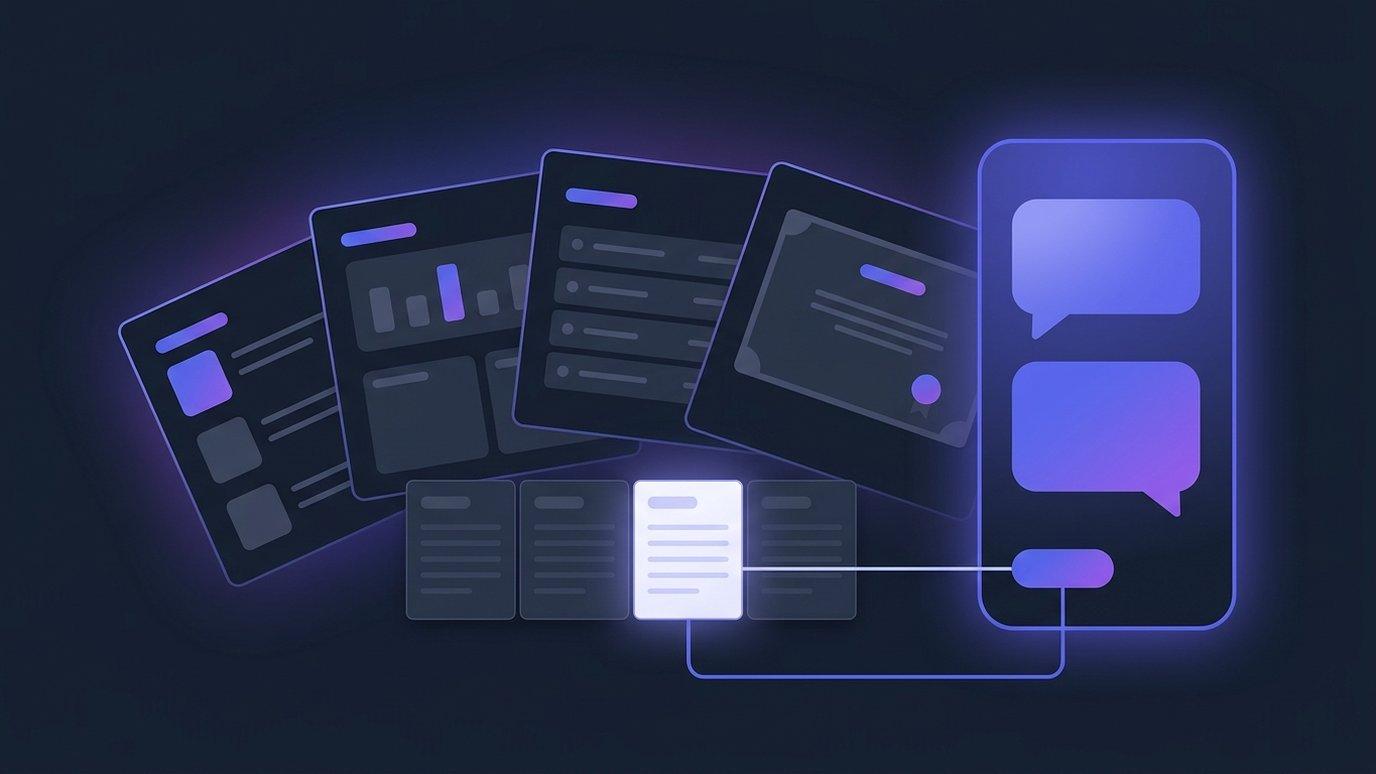
Every academy has a small pile of questions nobody quite gets round to asking. How is enrolment tracking this month? Which classes are drifting behind? Did anyone finish the induction course we launched in August? None of them are hard to answer — the reports are right there in the platform. They just cost three clicks and a filter each, and the week is already full, so the questions wait until somebody builds a board pack, by which point the term is over.
Cog, the assistant that already sits on every page of EduGears AI LMS, now answers those questions in plain words. Not by guessing, and not by summarising something it half-remembers: by opening the same reports your staff can open, applying the filters, reading the rows that are genuinely there, and naming the report it used. This is what people mean when they call an assistant an agent — it looks it up before it answers.
The questions nobody gets round to asking
The interesting thing is almost never the report. It is the question the report happens to answer. Nobody actually wants to look at an enrolment table; they want to know whether the three courses that were quiet last term are still quiet. That is one thought, and in the normal run of things it becomes a report, a filter, a second report and a mental join between the two — so it does not happen.
Lowering the cost of asking is the whole point. When a question costs one sentence, it gets asked on a Tuesday afternoon instead of in a post-mortem. Nothing about the underlying data changes; what changes is how often anybody looks at it.
A real question, and the answer it gets
An academy owner opens the assistant panel from the corner of whatever page they happen to be on and types: how is enrolment across our courses this month?
“Across your 18 published courses, 214 learners enrolled this month — 27% more than last month. Business English leads with 46. Three courses took no new enrolments at all: Food Safety Level 2, Workplace First Aid and Retail Operations. Shall I show you how those three did last term?” — Enrolment report · 18 courses
The last line is the part that matters. Under the answer sits a source naming the report Cog used and what it read. Follow it and that report opens with the same filters already applied, so the figure in the sentence and the figure on the page are provably the same figure. And because the follow-up — how did those three do last term? — needs a different view, Cog offers to go and read that one too.
The same panel answers the other half of a staff member's questions. Ask it how to publish a course, set up a grade category or issue a certificate and it walks through it from EduGears AI's own product manual, naming the help article it drew on. One panel, two kinds of question, no context switch.
What happens under the hood
In plain words, and without a diagram, four things happen between the question and the answer.
- It picks a report. Cog has a short, fixed list of reports it is allowed to open — the same ones your platform already produces. It works out which one answers the question, and which course, class or period to point it at.
- It reads the rows. The report runs with those filters, as the person asking, and Cog reads what comes back. Nothing is recalled from a model's memory and nothing is estimated; where there are no rows, there is no answer, and it says so.
- It writes the answer. The figures in the sentence are counted from the rows it just read, in the language the reader is using and under your own branding.
- It shows its source. The answer names the report it came from and links to it with the filters applied, so anything that looks odd can be checked in one click.
If a question needs two reports, Cog opens two. If a question cannot be answered by anything on its list — and plenty cannot — it says what it does not have rather than producing something plausible. An assistant that admits a gap is worth a great deal more than one that never admits anything.
What it can read
The list is short on purpose. These are reports your academy already produces; what the agent gained is the ability to open them on a staff member's behalf — not a new pool of data about your learners.
| What it reads | Ask it something like |
|---|---|
| Enrolment across your courses | How is enrolment tracking this month? |
| Course and module progress | Which classes are behind this term? |
| Gradebook and category results | How did the last assessment go? |
| Certificates issued | Who has completed the compliance course? |
| The product manual | How do I set up a grade category? |
| Student records, where EduGears AI SIS is switched on | Which cohort has the most absences this month? |
That last row is conditional on purpose. Student records, attendance and report cards live in EduGears AI SIS, built into the same platform rather than bolted onto it. Switch it on and the questions your office asks about students have data behind them; leave it off and those questions simply have nothing to read, which Cog will tell you rather than guess at. Everything else on the list works either way.
The guardrails it runs under
- Read-only, always. Cog can look; it cannot change anything. No grade touched, no record edited, no enrolment altered, no message sent on anyone's behalf. That is true because none of its tools can write — not because it has been asked politely in its instructions — and the connections behind them are read-only as a backstop. Every change stays a human action in the normal screens.
- It sees only what the person asking can see. The agent works as the person in front of it: their role, their classes, their organization. An instructor asking about a class gets their class; an administrator gets the academy. A report that is not open to that person is not open to Cog while they are the one asking.
- One academy, never another. Tenant isolation is enforced in the database itself, so no question — however it is phrased — reaches another organization's data.
- Traceable, or silent. Every figure names the report it came from and links to it with the filters applied. Where the data isn't there, the answer says so instead of filling the gap.
Who switches it on
The academy does. Data questions are a capability the owner or an administrator turns on or off for the whole organization in the platform's own settings — on for the office, off while you take a look at it, changed again at any time. What each person can then ask about is decided by their own role and permissions, so switching it on does not hand anybody a wider view than they already had.
The rest of Cog carries on either way: coursework help for learners, product walkthroughs for staff. And your courses, submissions and grades are not used to train AI models — an academy that would rather run the AI on its own provider account can bring its own key. For the plain-English background on what an agent is, and why the limits are the design rather than a promise, our AI agents page covers it with a worked example.
See it answer a question about your own academy — we will open the assistant on a real course and follow the source back to the report the figures came from.
Book a demoFAQ
What can staff ask Cog about the academy?
Questions your reports can answer: how enrolment is tracking, which classes are behind, how the last assessment went, who has completed a course and been issued a certificate. The same panel also answers how-do-I questions from the product manual, naming the help article it used.
Where do the figures come from?
From the platform's own reports and dashboards — the same ones the person asking can open themselves. Each answer names the report it drew on and links to it with the same filters applied, so the figure in the answer and the figure on the report page are the same figure.
Can it change grades, enrolments or student records?
No. Cog is read-only by design and by construction: it has no tool that writes, edits, sends or deletes anything, and the connections it reads through are read-only as a backstop. Changing a grade, an enrolment or a record stays a human action in the normal screens.
Can an instructor see another class, or another academy's data?
No. The agent answers as the person asking, with their role and their permissions, inside their own tenant. Instructors get the classes they teach; administrators get their own organization. Tenant isolation is enforced in the database itself, so one academy's data is never visible to another.
Do we need EduGears AI SIS for this?
Not for course and learning questions — enrolment, progress, gradebook results and certificates work on their own. Questions about student records, attendance and report cards need EduGears AI SIS switched on; where it isn't, those questions have no data behind them and Cog says so rather than guessing.
Who decides whether staff can ask data questions?
The owner or an administrator switches data questions on or off for the whole organization in the platform's own settings, at any time. The rest of Cog — coursework help for learners and product walkthroughs for staff — carries on either way.
See your academy on EduGears AI LMS
Book a demo and we'll show you a live tenant branded as your academy — your name, your colors, your domain.
Book a demo →